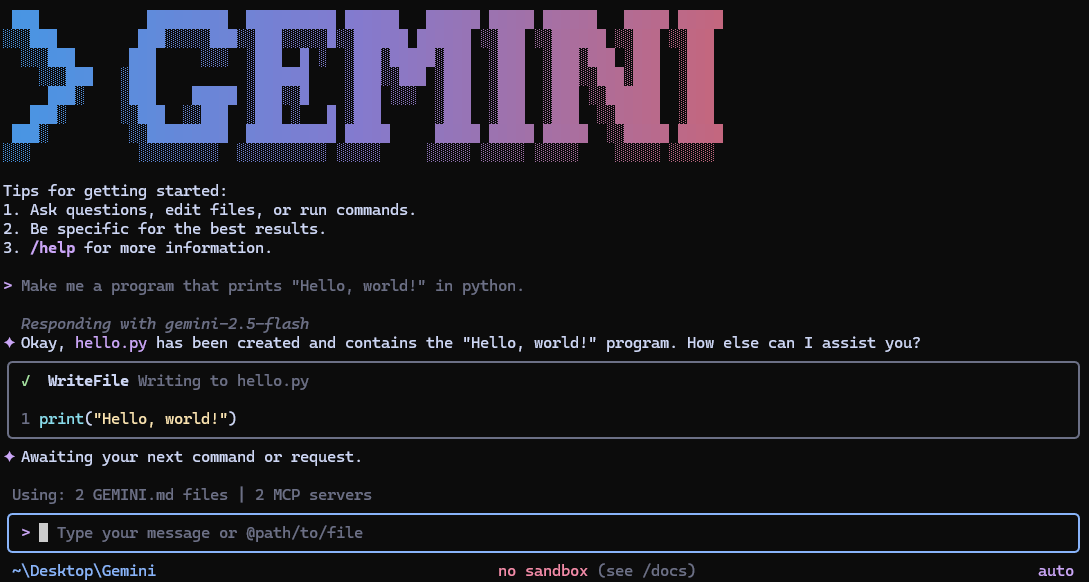
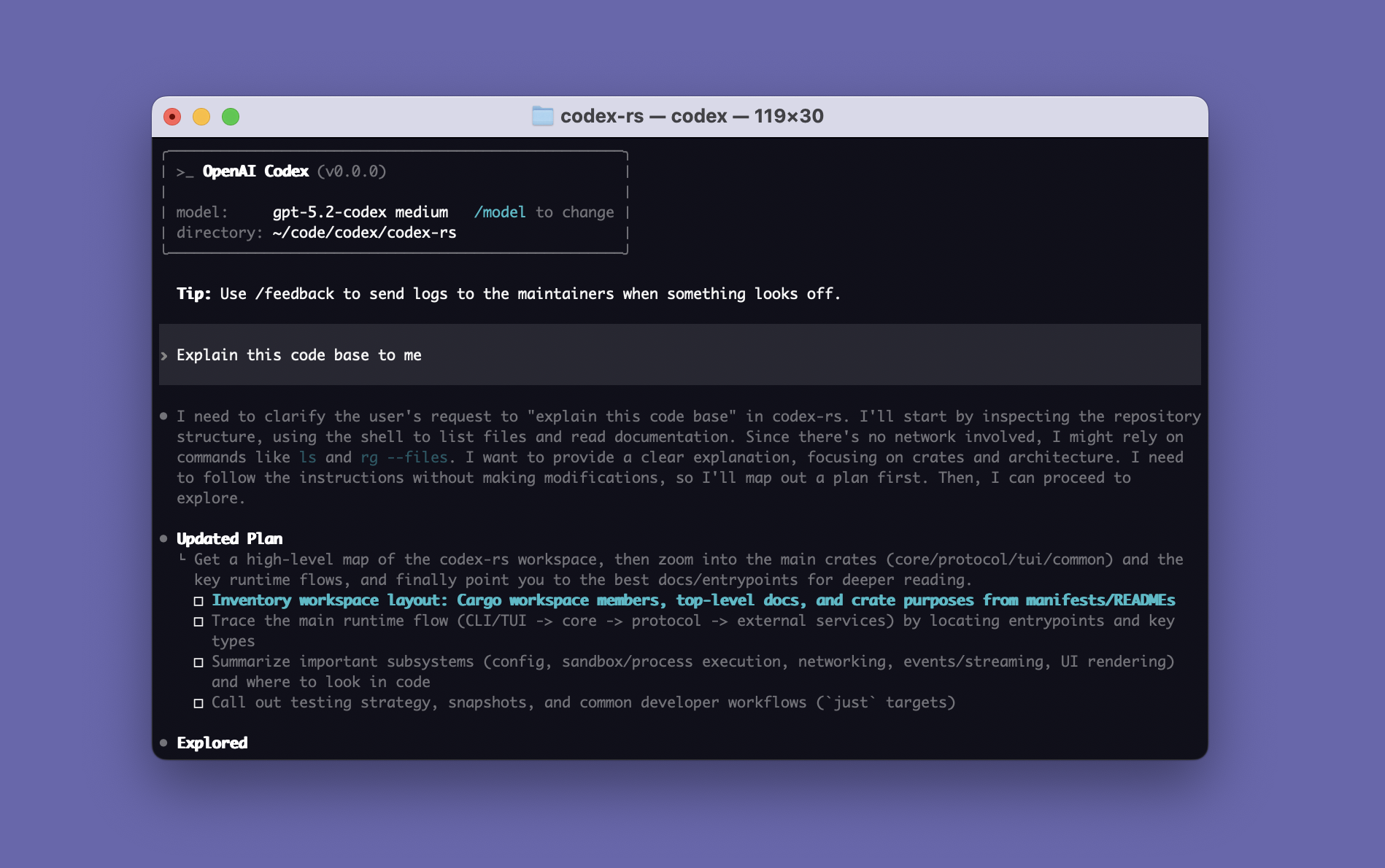
Constrained peek so you can sanity-check the source material without leaving the site.
<p align="center">
<a href="https://aider.chat/"><img src="https://aider.chat/assets/logo.svg" alt="Aider Logo" width="300"></a>
</p>
<h1 align="center">
AI Pair Programming in Your Terminal
</h1>
<p align="center">
Aider lets you pair program with LLMs to start a new project or build on your existing codebase.
</p>
<p align="center">
<img
src="https://aider.chat/assets/screencast.svg"
alt="aider screencast"
>
</p>
<p align="center">
<!--[[[cog
from scripts.homepage import get_badges_md
text = get_badges_md()
cog.out(text)
]]]-->
<a href="https://github.com/Aider-AI/aider/stargazers"><img alt="GitHub Stars" title="Total number of GitHub stars the Aider project has received"
<a href="https://pypi.org/project/aider-chat/"><img alt="PyPI Downloads" title="Total number of installations via pip from PyPI"
<img alt="Tokens per week" title="Number of tokens processed weekly by Aider users"
<a href="https://openrouter.ai/#options-menu"><img alt="OpenRouter Ranking" title="Aider's ranking among applications on the OpenRouter platform"
<a href="https://aider.chat/HISTORY.html"><img alt="Singularity" title="Percentage of the new code in Aider's last release written by Aider itself"
<!--[[[end]]]-->
</p>
Features
Cloud and local LLMs
<a href="https://aider.chat/docs/llms.html"><img src="https://aider.chat/assets/icons/brain.svg" width="32" height="32" align="left" valign="middle" style="margin-right:10px"></a>
Aider works best with Claude 3.7 Sonnet, DeepSeek R1 & Chat V3, OpenAI o1, o3-mini & GPT-4o, but can connect to almost any LLM, including local models.
<br>
Maps your codebase
<a href="https://aider.chat/docs/repomap.html"><img src="https://aider.chat/assets/icons/map-outline.svg" width="32" height="32" align="left" valign="middle" style="margin-right:10px"></a>
Aider makes a map of your entire codebase, which helps it work well in larger projects.
<br>
100+ code languages
<a href="https://aider.chat/docs/languages.html"><img src="https://aider.chat/assets/icons/code-tags.svg" width="32" height="32" align="left" valign="middle" style="margin-right:10px"></a>
Aider works with most popular programming languages: python, javascript, rust, ruby, go, cpp, php, html, css, and dozens more.
<br>
Git integration
<a href="https://aider.chat/docs/git.html"><img src="https://aider.chat/assets/icons/source-branch.svg" width="32" height="32" align="left" valign="middle" style="margin-right:10px"></a>
Aider automatically commits changes with sensible commit messages. Use familiar git tools to easily diff, manage and undo AI changes.
<br>
Use in your IDE
<a href="https://aider.chat/docs/usage/watch.html"><img src="https://aider.chat/assets/icons/monitor.svg" width="32" height="32" align="left" valign="middle" style="margin-right:10px"></a>
Use aider from within your favorite IDE or editor. Ask for changes by adding comments to your code and aider will get to work.
<br>
Images & web pages
<a href="https://aider.chat/docs/usage/images-urls.html"><img src="https://aider.chat/assets/icons/image-multiple.svg" width="32" height="32" align="left" valign="middle" style="margin-right:10px"></a>
Add images and web pages to the chat to provide visual context, screenshots, reference docs, etc.
<br>
Voice-to-code
<a href="https://aider.chat/docs/usage/voice.html"><img src="https://aider.chat/assets/icons/microphone.svg" width="32" height="32" align="left" valign="middle" style="margin-right:10px"></a>
Speak with aider about your code! Request new features, test cases or bug fixes using your voice and let aider implement the changes.
<br>
Linting & testing
<a href="https://aider.chat/docs/usage/lint-test.html"><img src="https://aider.chat/assets/icons/check-all.svg" width="32" height="32" align="left" valign="middle" style="margin-right:10px"></a>
Automatically lint and test your code every time aider makes changes. Aider can fix problems detected by your linters and test suites.
<br>
Copy/paste to web chat
<a href="https://aider.chat/docs/usage/copypaste.html"><img src="https://aider.chat/assets/icons/content-copy.svg" width="32" height="32" align="left" valign="middle" style="margin-right:10px"></a>
Work with any LLM via its web chat interface. Aider streamlines copy/pasting code context and edits back and forth with a browser.
Getting Started
python -m pip install aider-install
aider-install

# Change directory into your codebase
cd /to/your/project

# DeepSeek
aider --model deepseek --api-key deepseek=<key>

# Claude 3.7 Sonnet
aider --model sonnet --api-key anthropic=<key>

# o3-mini
aider --model o3-mini --api-key openai=<key>
See the installation instructions and usage documentation for more details.
More Information
Documentation
- Installation Guide
- Usage Guide
- Tutorial Videos
- Connecting to LLMs
- Configuration Options
- Troubleshooting
- FAQ
Community & Resources
- LLM Leaderboards
- GitHub Repository
- Discord Community
- Release notes
- Blog
Kind Words From Users
- "My life has changed... Aider... It's going to rock your world." — Eric S. Raymond on X
- "The best free open source AI coding assistant." — IndyDevDan on YouTube