moderate2026-03
427 stars, 2,476 npm/week — niche but real adoption2.5K npm/week for a single-platform community MCP shows genuine usage. Active development with recent pushes.
npm registry public metricsnpm (public metrics)
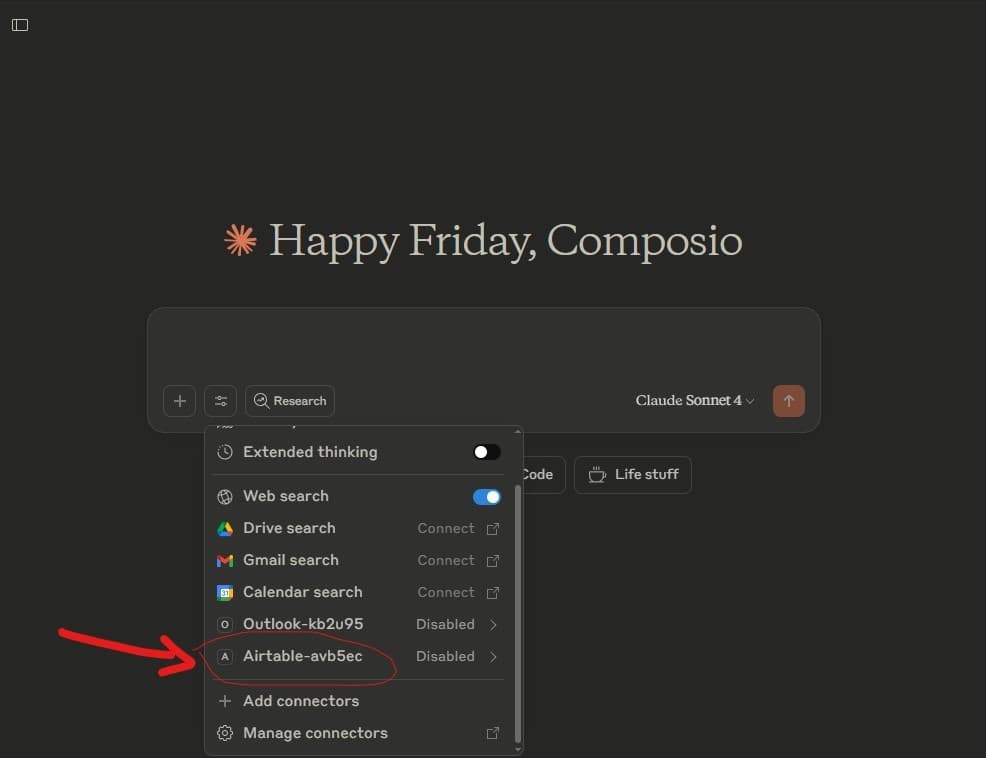
Community MCP server for Airtable — lightweight PM and database access for teams using Airtable as their project database.
42/100
Trust
428
Stars
1
Evidence
Product screenshot
Videos
Reviews, tutorials, and comparisons from the community.
AI built my Airtable base in minutes - Claude + MCP makes developers obsolete
Repo health
1w ago
Last push
6
Open issues
133
Forks
10
Contributors
Editorial verdict
#8 in product-business-development. Niche but real — 2.5K npm/week shows genuine adoption. Fills the gap between spreadsheets and databases.
Source
GitHub: domdomegg/airtable-mcp-server
Public evidence
2.5K npm/week for a single-platform community MCP shows genuine usage. Active development with recent pushes.
How does this compare?
See side-by-side metrics against other skills in the same category.
Where it wins
2,476 npm/week — real adoption for a narrower tool
Active development (last push 2026-03-07)
Fills lightweight PM niche between spreadsheets and databases
Where to be skeptical
427 stars — small community
Community-built, no official Airtable backing
Narrow scope compared to full operating-surface MCPs
Ranking in categories
Know a better alternative?
Submit evidence and we'll run the full pipeline.
Similar skills
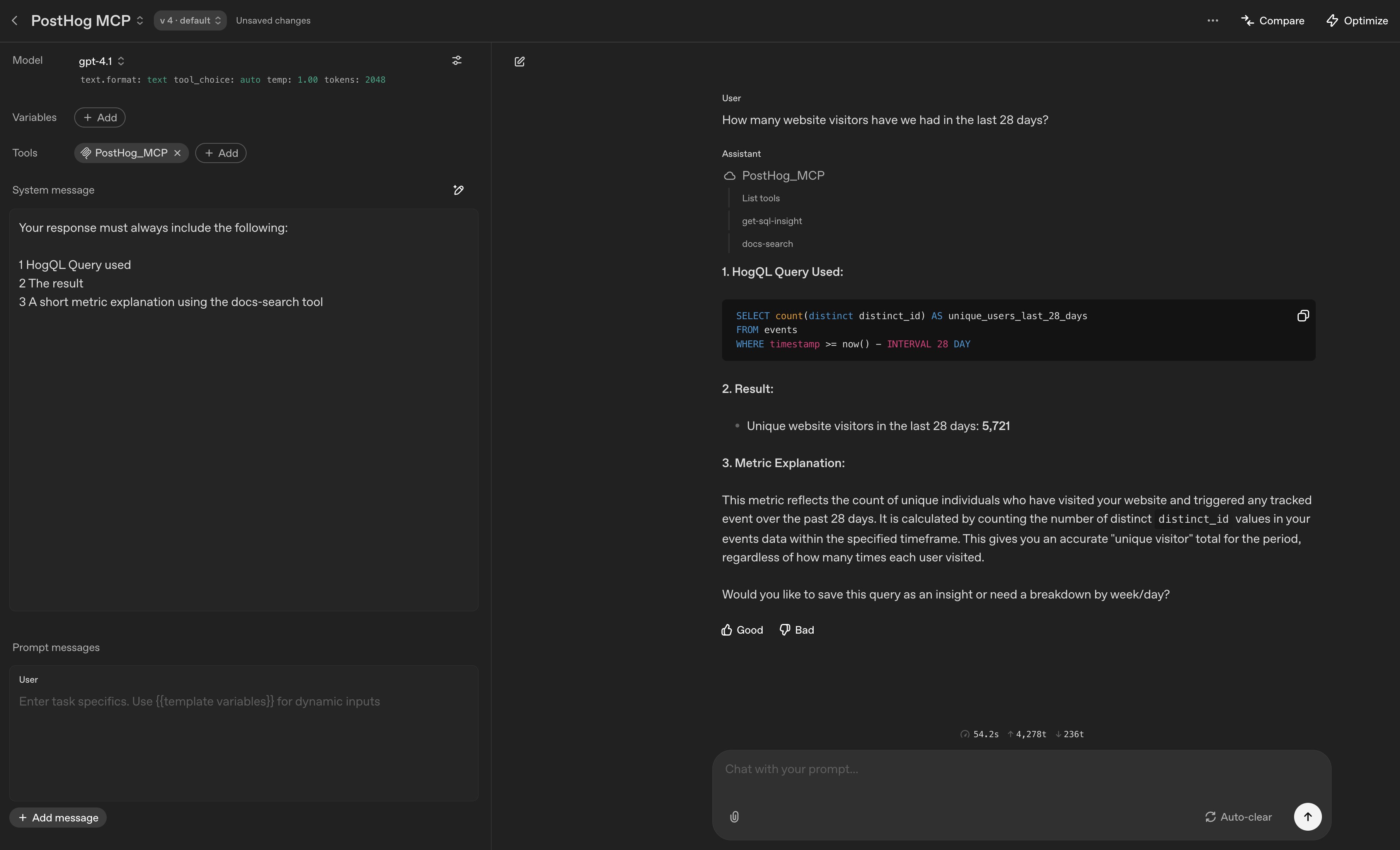
PostHog MCP
73Official PostHog MCP — product analytics, feature flags, experiments, error tracking, and usage insights via MCP. Integrated into PostHog monorepo Jan 2026. #5 all-time globally on PulseMCP (5.7M visits).
Firecrawl MCP Server
70Official Firecrawl MCP for scraping, extraction, and deep research workflows. 50K+ npm weekly downloads, backed by $14.5M Series A.
Notion MCP Server
70Official Notion MCP server with hosted OAuth, token-optimized Markdown responses, and 22 tools for page/database/search operations.
Slack MCP Server
66Community MCP server for Slack alongside official Slack MCP (GA Feb 2026). Enables agent access to channel search, messaging, and coordination.
Raw GitHub source
Constrained peek so you can sanity-check the source material without leaving the site.
A Model Context Protocol server that provides read and write access to Airtable databases. This server enables LLMs to inspect database schemas, then read and write records.
https://github.com/user-attachments/assets/c8285e76-d0ed-4018-94c7-20535db6c944
Step 1: Create an Airtable personal access token by clicking here. Details:
schema.bases:read, data.records:read, and optionally schema.bases:write, data.records:write, data.recordComments:read, and data.recordComments:write.Keep the token handy, you'll need it in the next step. It should look something like pat123.abc123 (but longer).
Step 2: Follow the instructions below for your preferred client:
airtable-mcp-server-mcpb file.zip file to .mcpb.mcpb file to open with Claude Desktopclaude_desktop_config.json filepat123.abc123 with your API key:{
"mcpServers": {
"airtable": {
"command": "npx",
"args": [
"-y",
"airtable-mcp-server"
],
"env": {
"AIRTABLE_API_KEY": "pat123.abc123",
}
}
}
}

mcp.json file to insert your API keyCreate either a global (~/.cursor/mcp.json) or project-specific (.cursor/mcp.json) configuration file, replacing pat123.abc123 with your API key:
{
  "mcpServers": {
    "airtable": {
      "command": "npx",
      "args": ["-y", "airtable-mcp-server"],
      "env": {
        "AIRTABLE_API_KEY": "pat123.abc123"
      }
    }
  }
}
pat123.abc123 with your API key:{
"mcpServers": {
"airtable": {
"type": "stdio",
"command": "npx",
"args": ["-y", "airtable-mcp-server"],
"env": {
"AIRTABLE_API_KEY": "pat123.abc123"
}
}
}
}
list_records
baseId (string, required): The ID of the Airtable basetableId (string, required): The ID of the table to querymaxRecords (number, optional): Maximum number of records to return. Defaults to 100.filterByFormula (string, optional): Airtable formula to filter recordssearch_records
baseId (string, required): The ID of the Airtable basetableId (string, required): The ID of the table to querysearchTerm (string, required): Text to search for in recordsfieldIds (array, optional): Specific field IDs to search in. If not provided, searches all text-based fields.maxRecords (number, optional): Maximum number of records to return. Defaults to 100.list_bases