Constrained peek so you can sanity-check the source material without leaving the site.
<picture>
<source media="(prefers-color-scheme: light)" srcset="https://github.com/user-attachments/assets/2ccdb752-22fb-41c7-8948-857fc1ad7e24"">
<source media="(prefers-color-scheme: dark)" srcset="https://github.com/user-attachments/assets/774a46d5-27a0-490c-b7d0-e65fcbbfa358">
<img alt="Shows a black Browser Use Logo in light color mode and a white one in dark color mode." src="https://github.com/user-attachments/assets/2ccdb752-22fb-41c7-8948-857fc1ad7e24" width="full">
</picture>
<div align="center">
<picture>
<source media="(prefers-color-scheme: light)" srcset="https://github.com/user-attachments/assets/9955dda9-ede3-4971-8ee0-91cbc3850125"">
<source media="(prefers-color-scheme: dark)" srcset="https://github.com/user-attachments/assets/6797d09b-8ac3-4cb9-ba07-b289e080765a">
<img alt="The AI browser agent." src="https://github.com/user-attachments/assets/9955dda9-ede3-4971-8ee0-91cbc3850125" width="400">
</picture>
</div>
<div align="center">
<a href="https://cloud.browser-use.com"><img src="https://media.browser-use.tools/badges/package" height="48" alt="Browser-Use Package Download Statistics"></a>
</div>
<div align="center">
<a href="#demos"><img src="https://media.browser-use.tools/badges/demos" alt="Demos"></a>
<img width="16" height="1" alt="">
<a href="https://docs.browser-use.com"><img src="https://media.browser-use.tools/badges/docs" alt="Docs"></a>
<img width="16" height="1" alt="">
<a href="https://browser-use.com/posts"><img src="https://media.browser-use.tools/badges/blog" alt="Blog"></a>
<img width="16" height="1" alt="">
<a href="https://browsermerch.com"><img src="https://media.browser-use.tools/badges/merch" alt="Merch"></a>
<img width="100" height="1" alt="">
<a href="https://github.com/browser-use/browser-use"><img src="https://media.browser-use.tools/badges/github" alt="Github Stars"></a>
<img width="4" height="1" alt="">
<a href="https://x.com/intent/user?screen_name=browser_use"><img src="https://media.browser-use.tools/badges/twitter" alt="Twitter"></a>
<img width="4 height="1" alt="">
<a href="https://link.browser-use.com/discord"><img src="https://media.browser-use.tools/badges/discord" alt="Discord"></a>
<img width="4" height="1" alt="">
<a href="https://cloud.browser-use.com"><img src="https://media.browser-use.tools/badges/cloud" height="48" alt="Browser-Use Cloud"></a>
</div>
</br>
🌤️ Want to skip the setup? Use our <b>cloud</b> for faster, scalable, stealth-enabled browser automation!
🤖 LLM Quickstart
- Direct your favorite coding agent (Cursor, Claude Code, etc) to Agents.md
- Prompt away!
<br/>
👋 Human Quickstart
1. Create environment and install Browser-Use with uv (Python>=3.11):
uv init && uv add browser-use && uv sync
# uvx browser-use install  # Run if you don't have Chromium installed
2. [Optional] Get your API key from Browser Use Cloud:
# .env
BROWSER_USE_API_KEY=your-key
# GOOGLE_API_KEY=your-key
# ANTHROPIC_API_KEY=your-key
3. Run your first agent:
from browser_use import Agent, Browser, ChatBrowserUse
# from browser_use import ChatGoogle  # ChatGoogle(model='gemini-3-flash-preview')
# from browser_use import ChatAnthropic  # ChatAnthropic(model='claude-sonnet-4-6')
import asyncio

async def main():
    browser = Browser(
        # use_cloud=True,  # Use a stealth browser on Browser Use Cloud
    )

    agent = Agent(
        task="Find the number of stars of the browser-use repo",
        llm=ChatBrowserUse(),
        # llm=ChatGoogle(model='gemini-3-flash-preview'),
        # llm=ChatAnthropic(model='claude-sonnet-4-6'),
        browser=browser,
    )
    await agent.run()

if __name__ == "__main__":
    asyncio.run(main())
Check out the library docs and the cloud docs for more!
<br/>
Demos
📋 Form-Filling
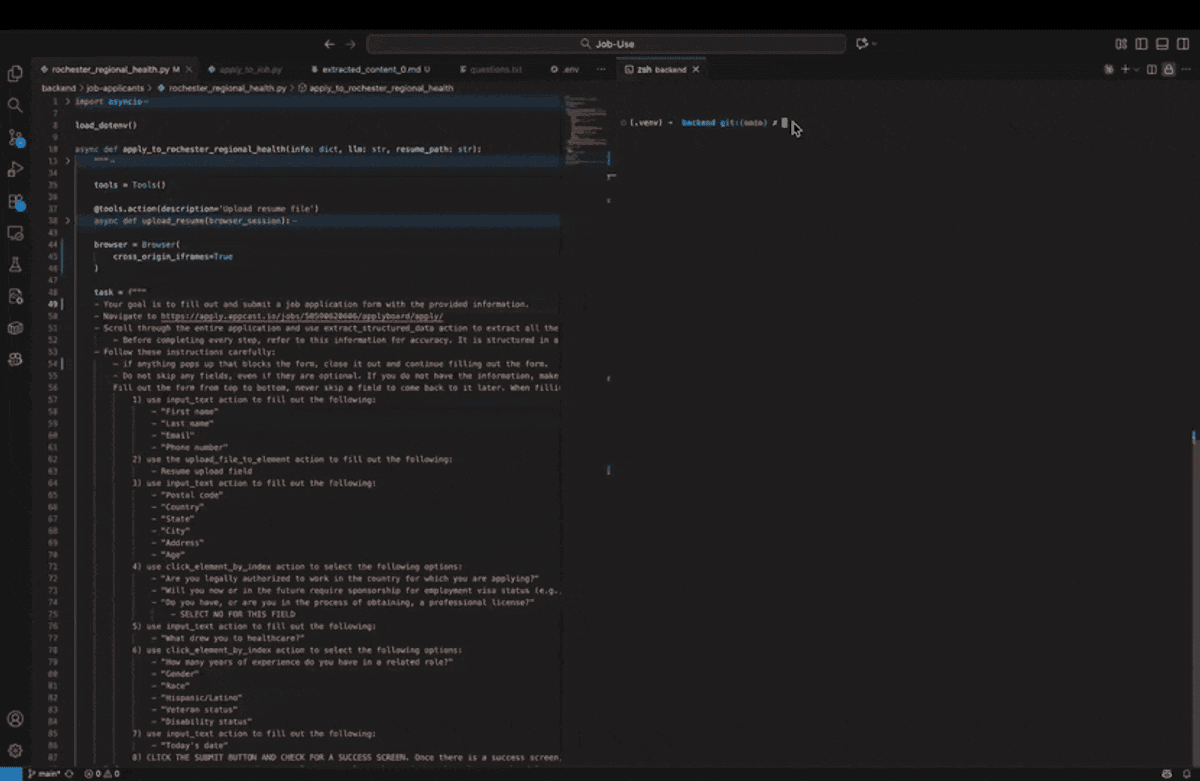
Task = "Fill in this job application with my resume and information."
 Example code ↗
🍎 Grocery-Shopping
Task = "Put this list of items into my instacart."
https://github.com/user-attachments/assets/a6813fa7-4a7c-40a6-b4aa-382bf88b1850
Example code ↗
💻 Personal-Assistant.
Task = "Help me find parts for a custom PC."
https://github.com/user-attachments/assets/ac34f75c-057a-43ef-ad06-5b2c9d42bf06
Example code ↗
💡See more examples here ↗ and give us a star!
<br/>
🚀 Template Quickstart
Want to get started even faster? Generate a ready-to-run template:
uvx browser-use init --template default
This creates a browser_use_default.py file with a working example. Available templates:
default - Minimal setup to get started quicklyadvanced - All configuration options with detailed commentstools - Examples of custom tools and extending the agent
You can also specify a custom output path:
uvx browser-use init --template default --output my_agent.py