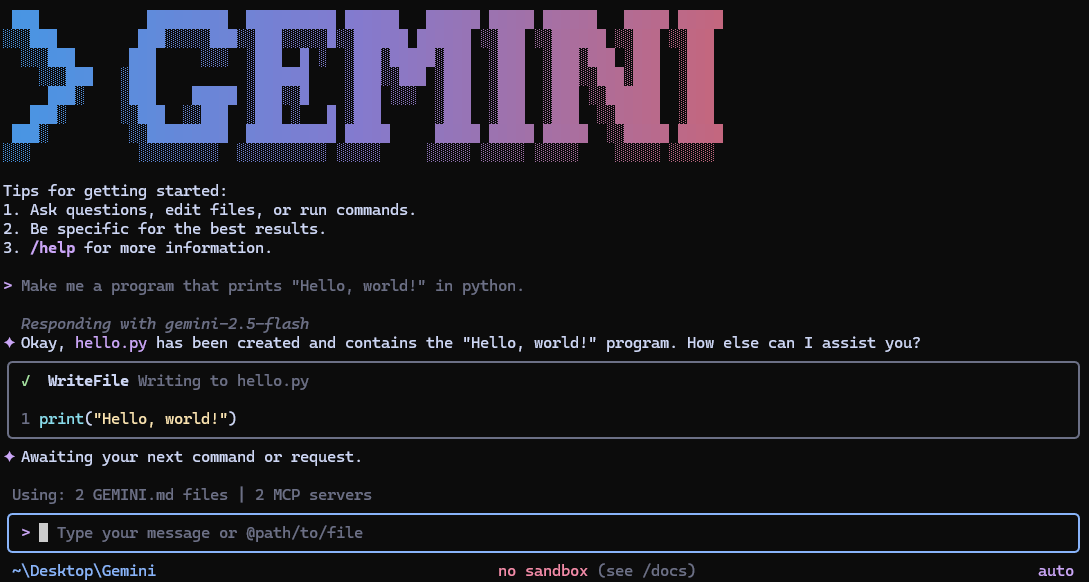
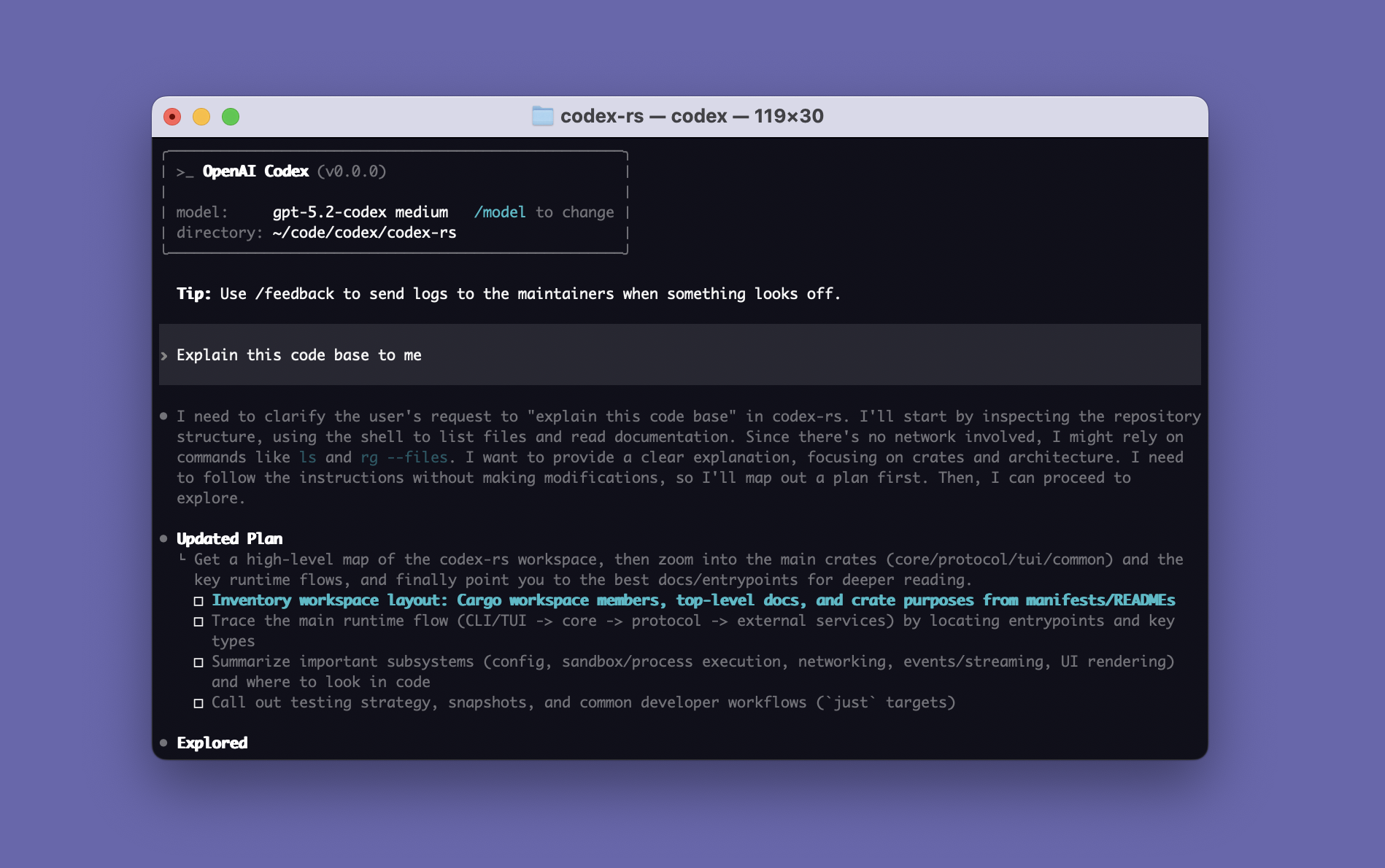
Constrained peek so you can sanity-check the source material without leaving the site.
GitHub Copilot in the CLI has been deprecated on October 25, 2025 in favor of GitHub Copilot CLI, an agentic assistant that brings AI-powered coding assistance directly to your command line, enabling you to build, debug, and understand code through natural language conversations. Powered by the same agentic harness as GitHub's Copilot coding agent, it provides intelligent assistance while staying deeply integrated with your GitHub workflow. We suggest migrating to the GitHub Copilot CLI, which can explain and suggest shell commands and much more!
GitHub Copilot in the CLI
GitHub Copilot in the CLI is an extension for GitHub CLI which provides a chat-like interface in the terminal that allows you to ask questions about the command line. You can ask Copilot in the CLI to suggest a command for your use case with gh copilot suggest, or to explain a command you're curious about with gh copilot explain.
For enabling and using, see "Using GitHub Copilot in the command line".
For use cases and limitations, see "Responsible use of GitHub Copilot in the CLI".
For what data is collected, used, and shared, see "Privacy Policies".
For help troubleshooting connectivity, see "Troubleshooting network errors for GitHub Copilot".
Quickstart
[!NOTE]
To use and install GitHub Copilot in the CLI, you must have an active GitHub Copilot subscription, have GitHub CLI installed, and authenticate using the GitHub CLI OAuth app.
Classic and fine-grained PATs are currently unsupported and might require clearing the GITHUB_TOKEN and GH_TOKEN environment variables.
[!IMPORTANT]
GitHub Copilot in the CLI does not currently have plans to support 32-bit Android distributions.
For more information, see https://github.com/github/gh-copilot/issues/122.
- Authenticate with GitHub CLI OAuth app
gh auth login --web
- Install / upgrade extension
gh extension install github/gh-copilot --force
- Suggest a command
gh copilot suggest "Install and configure git lfs"
- Explain a command
gh copilot explain 'git lfs migrate import --everything --include="*.gz,*.png,*.jar"'
Usage
$ gh copilot --help
Your AI command line copilot.

Usage:
  copilot [command]

Examples:

$ gh copilot suggest "Install git"
$ gh copilot explain "traceroute github.com"


Available Commands:
  alias       Generate shell-specific aliases for convenience
  config      Configure options
  explain     Explain a command
  suggest     Suggest a command

Flags:
  -h, --help              help for copilot
      --hostname string   The GitHub host to use for authentication
  -v, --version           version for copilot

Use "copilot [command] --help" for more information about a command.
Multi-account notes
Multi-account users can use --hostname flag or GH_HOST environment variable to specify the GitHub hostname for commands that would otherwise assume the github.com host.
Set up optional helpers
Is gh copilot suggest ... too many keystrokes? Do you want support for executing suggestions and keeping them in history?
v1.0.0 introduces gh copilot alias, which generates shell configuration for ghcs and ghce aliases that wrap gh copilot suggest and gh copilot explain. These aliases provide faster invocation and support executing suggested commands if applicable. Executed suggestions are added to your shell history for reuse later.
$ ghcs print "Hello world"

Welcome to GitHub Copilot in the CLI!
version 1.0.0 (2024-03-21)

I'm powered by AI, so surprises and mistakes are possible. Make sure to verify any generated code or suggestions, and share feedback so that we can learn and improve. For more information, see https://gh.io/gh-copilot-transparency

Suggestion:

  echo "Hello world"

? Select an option
> Execute command

? Are you sure you want to execute the suggested command?
> Yes

Hello world
To setup these optional helpers, see below for setup instructions for supported shells:
For more information, run gh copilot alias --help.
For changing the execute command confirmation behavior, run gh copilot config to change Default value for confirming command execution.
Bash
echo 'eval "$(gh copilot alias -- bash)"' >> ~/.bashrc
PowerShell
[!NOTE]
PowerShell users might need to update the file containing gh-copilot helpers after updating the extension.
$GH_COPILOT_PROFILE = Join-Path -Path $(Split-Path -Path $PROFILE -Parent) -ChildPath "gh-copilot.ps1"
gh copilot alias -- pwsh | Out-File ( New-Item -Path $GH_COPILOT_PROFILE -Force )
echo ". `"$GH_COPILOT_PROFILE`"" >> $PROFILE
Zsh
echo 'eval "$(gh copilot alias -- zsh)"' >> ~/.zshrc
Metrics sent to GitHub
GitHub Copilot in the CLI sends certain metrics to our analytics system. We want you to understand what is being
sent and why it's important to our ability to continue to improve the product and provide you with a better experience