skillpack.co
All skills

Claude Talk to Figma

active

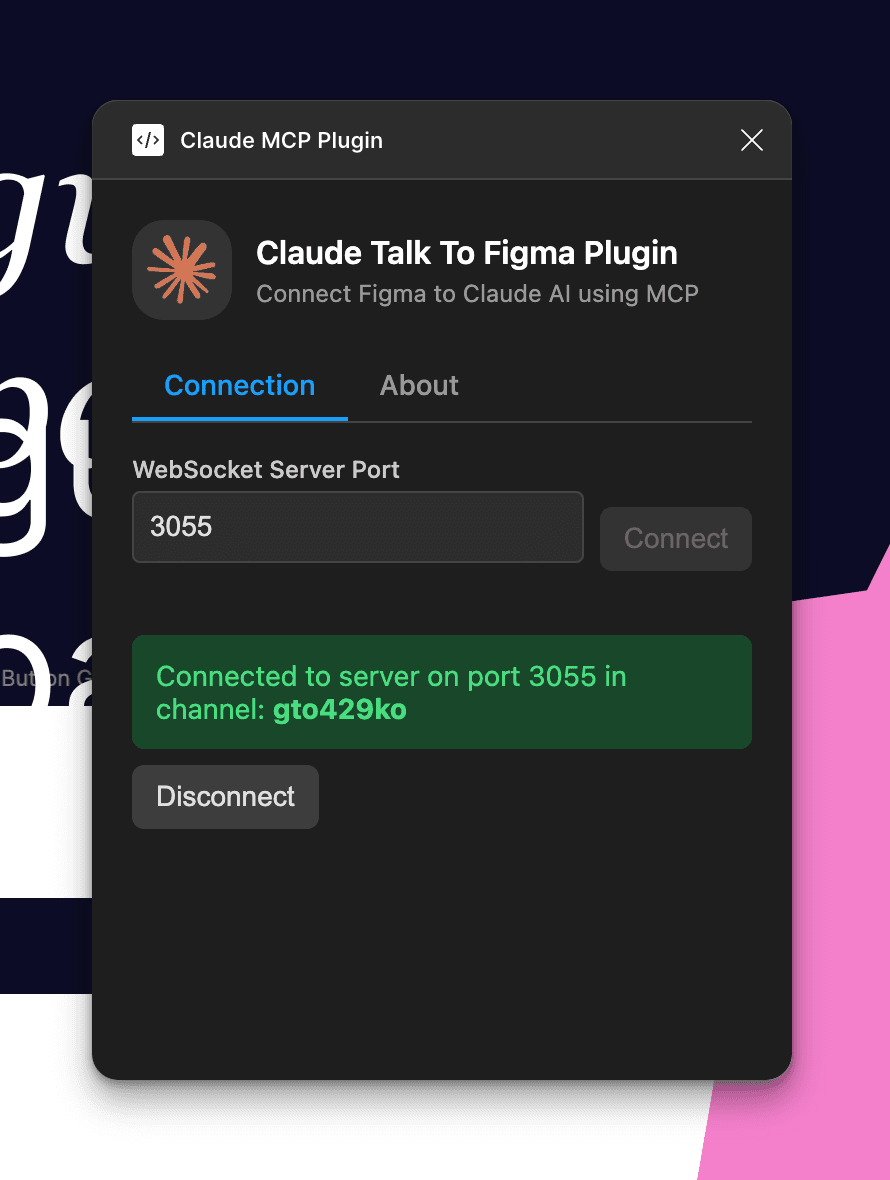
Claude-specific write-access Figma MCP with DXT one-click installer. WebSocket bridge via Figma plugin (port 3055). Works on free Figma plans — no Dev Mode required. 516 stars.

Connector
Atomic

42/100

Trust

516

Stars

1

Evidence

Product screenshot

Claude Talk to Figma in action

Videos

Reviews, tutorials, and comparisons from the community.

Claude Creates Figma Designs From Scratch - MCP Demo

Build at Scale·2025-10-28

Claude Code Talks to Figma - MCP Demo

Build at Scale·2025-11-28

Repo health

42/100

2w ago

Last push

0

Open issues

0

Forks

1

Contributors

Editorial verdict

Best Claude-specific write-access option. DXT installer reduces setup to one click for Claude Desktop. If you're all-in on Claude Code or Claude Desktop and need write-access to Figma without paying for Dev Mode, this is the natural pick.

Public evidence

How does this compare?

See side-by-side metrics against other skills in the same category.

COMPARE SKILLS →

Where it wins

Claude Code + Claude Desktop purpose-built — optimized for the Claude workflow

DXT one-click installer for Claude Desktop — lowest setup friction of any write-access tool

Free Figma plan support — no Dev Mode license needed

WebSocket-based architecture (port 3055) with Figma Plugin bridge

Where to be skeptical

Claude-only — no Cursor, VS Code, or other editor support

No HN presence, no independent reviews or comparisons

Derivative of cursor-talk-to-figma architecture

Last push Feb 28 — development pace unclear

Ranking in categories

Know a better alternative?

Submit evidence and we'll run the full pipeline.

SUBMIT →

Similar skills

Raw GitHub source

GitHub README could not be fetched right now.