RCE vulnerability via command injection (CVSS 7.5). Patched in v0.6.3 (Sep 29, 2025) — exec replaced with execFile, input validation added. Security press recommends migrating to Official Figma MCP. Any user on <v0.6.3 remains exposed. ⚠️ Use ≥v0.6.3 only.
Framelink / Figma-Context-MCP
activeCommunity standard for feeding Figma design context to AI coding agents. 13.7K stars, 38.6K npm/week, 11+ editor support. Framework-agnostic descriptive JSON output, listed in Figma's own help docs.
70/100
Trust
14K+
Stars
5
Evidence
789 KB
Repo size
Videos
Reviews, tutorials, and comparisons from the community.
Design Login Pages 10x Faster with Cursor + Framelink Figma MCP 🚀
Repo health
22h ago
Last push
45
Open issues
1,090
Forks
24
Contributors
Editorial verdict
Best read-only design-to-code MCP. Use this unless you have Code Connect configured — 25% smaller output than Official, avoids prescriptive code that poisons LLM context. Works on free Figma plans with broadest editor support.
Source
GitHub: GLips/Figma-Context-MCP
Public evidence
Figma's own help docs list Framelink as a recommended third-party server. Platform endorsement is the strongest trust signal possible in this category.
Framelink's descriptive JSON output is 25% smaller than Official. Avoids prescriptive code that 'poisons the context — the LLM sees auto-generated code structure and mimics it instead of using your codebase's patterns.'
LogRocket independently validates the simplicity-vs-depth trade-off: Framelink's descriptive JSON vs Official's prescriptive output. Confirms Framelink as the simpler, cleaner option for most workflows.
Independent comparison identifying Framelink as the community standard for Figma design context in AI coding workflows.
How does this compare?
See side-by-side metrics against other skills in the same category.
Where it wins
Most-starred Figma MCP by 2x+ (13.7K stars), 38.6K npm/week
Listed in Figma's official help docs as recommended third-party server
Framework-agnostic descriptive JSON — lets agents use your codebase patterns
25% smaller output than Official MCP (CTO Guide benchmark)
Broadest editor support of any Figma MCP — 11+ editors (Cursor, Claude Code, Windsurf, VS Code, Zed, Amp, Codex, etc.)
Works on free Figma plans — no paywall friction
Where to be skeptical
Read-only — cannot create or modify Figma elements. As bidirectional workflows mature, this becomes a bigger gap.
⚠️ Security: CVE-2025-53967 (RCE, CVSS 7.5) — patched in v0.6.3 (Sep 2025). Security press recommends Official MCP as migration path. Require ≥v0.6.3. Enterprise security teams may flag history.
Solo maintainer risk (bus factor = 1) — Graham Lipsman has 133 of ~165 commits
No Code Connect support — cannot map Figma components to codebase components
Zero HN presence despite 13.7K stars — unusual growth pattern suggests tutorial/directory-driven adoption
Ranking in categories
Know a better alternative?
Submit evidence and we'll run the full pipeline.
Similar skills

Onlook
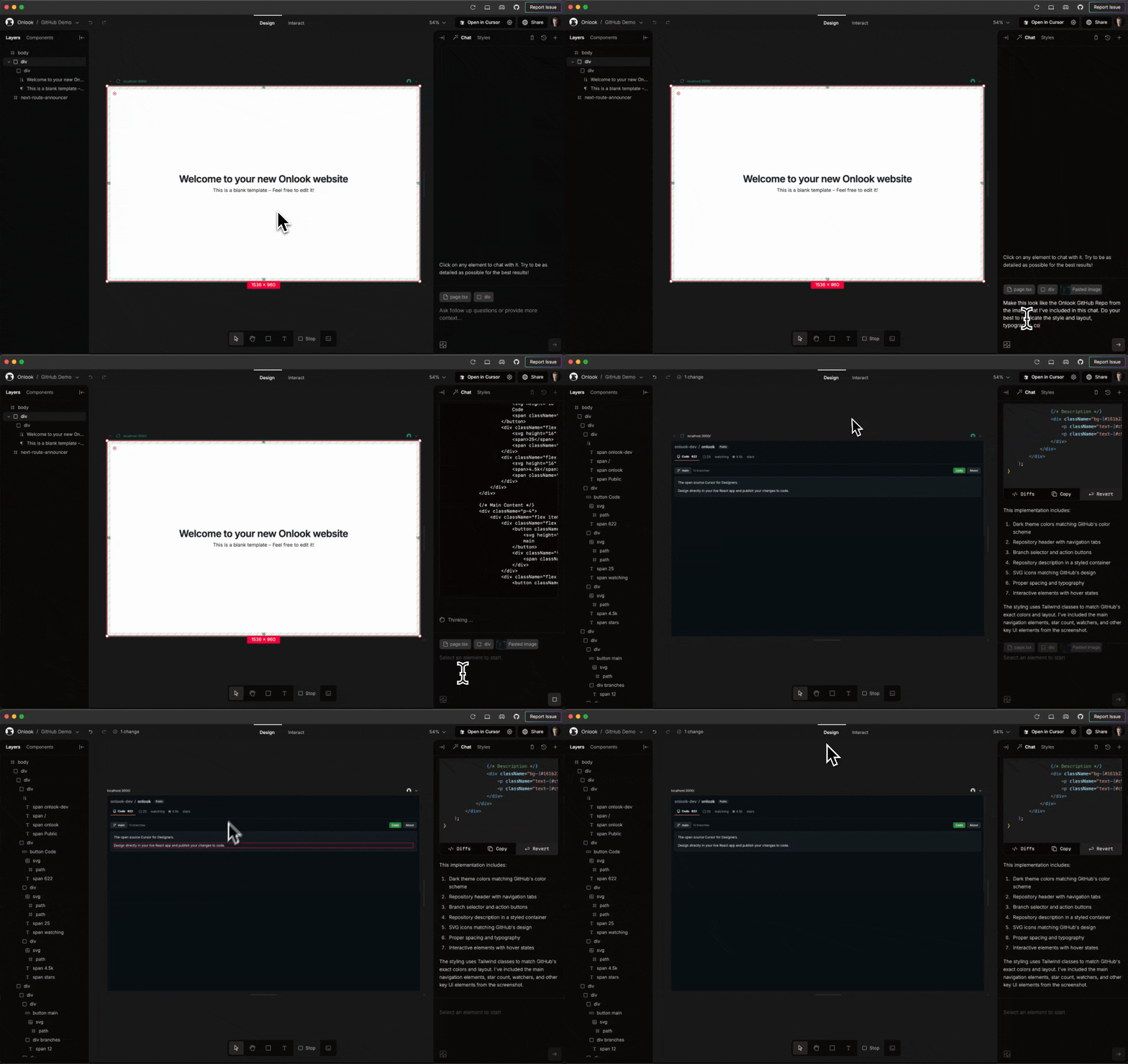
72Open-source, local-first WYSIWYG visual editor that writes directly to a Next.js + Tailwind codebase. 24,918 stars — highest in UX/UI category. 'Cursor for Designers' positioning. Bypasses Figma entirely for design-in-code workflows.

Figma MCP Server Guide
62Official Figma MCP. Trust leader with triple partnership (OpenAI Codex, GitHub Copilot, Claude Code), Code Connect integration, bidirectional since Mar 6 2026. 14 tools, 14+ client support, two server modes.

Figma Console MCP
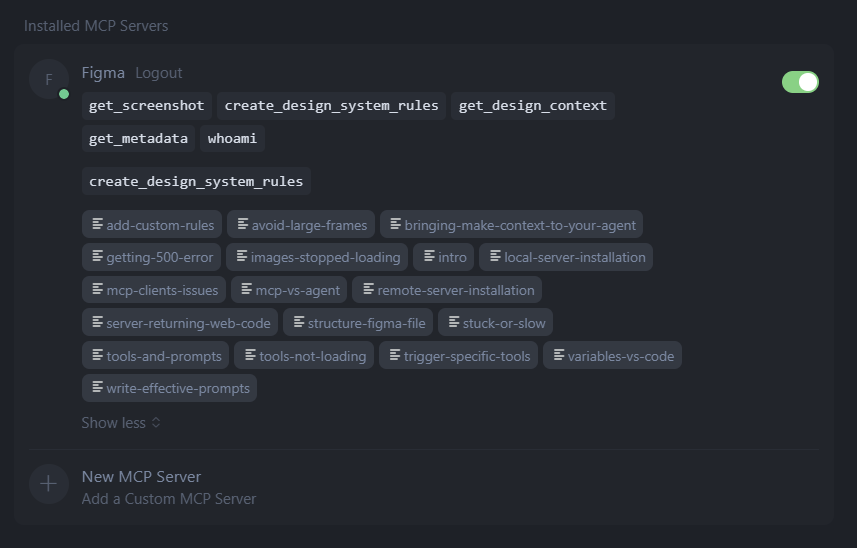
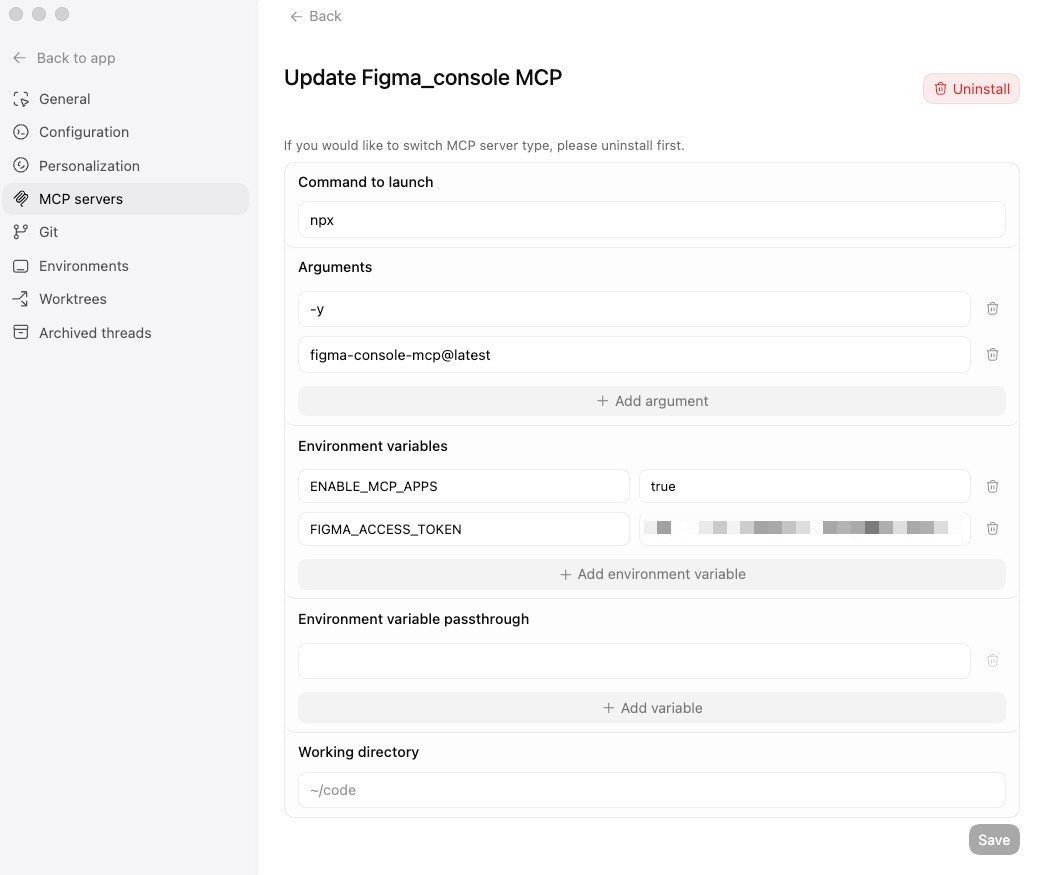
59Most comprehensive Figma MCP by tool count (57+: 22 read + 35+ write, 11 variable/token management). Uber Engineering Blog validates production uSpec usage across 7 stacks. Hockey-stick npm growth (127/wk Nov → 17.4K/wk Mar). Local WebSocket — no rate limits, data never leaves network.
Cursor Talk to Figma
57Enterprise-trust write-access Figma MCP. Built by Grab ($12B+ market cap). Bypasses Figma API rate limits via plugin architecture. 6,505 stars, 699 forks. Listed in Cursor's official marketplace alongside Amplitude, AWS, Linear, Stripe.
Raw GitHub source
GitHub README peek
Constrained peek so you can sanity-check the source material without leaving the site.
Give Cursor and other AI-powered coding tools access to your Figma files with this Model Context Protocol server.
When Cursor has access to Figma design data, it's way better at one-shotting designs accurately than alternative approaches like pasting screenshots.
<h3><a href="https://www.framelink.ai/docs/quickstart?utm_source=github&utm_medium=referral&utm_campaign=readme">See quickstart instructions →</a></h3>Demo
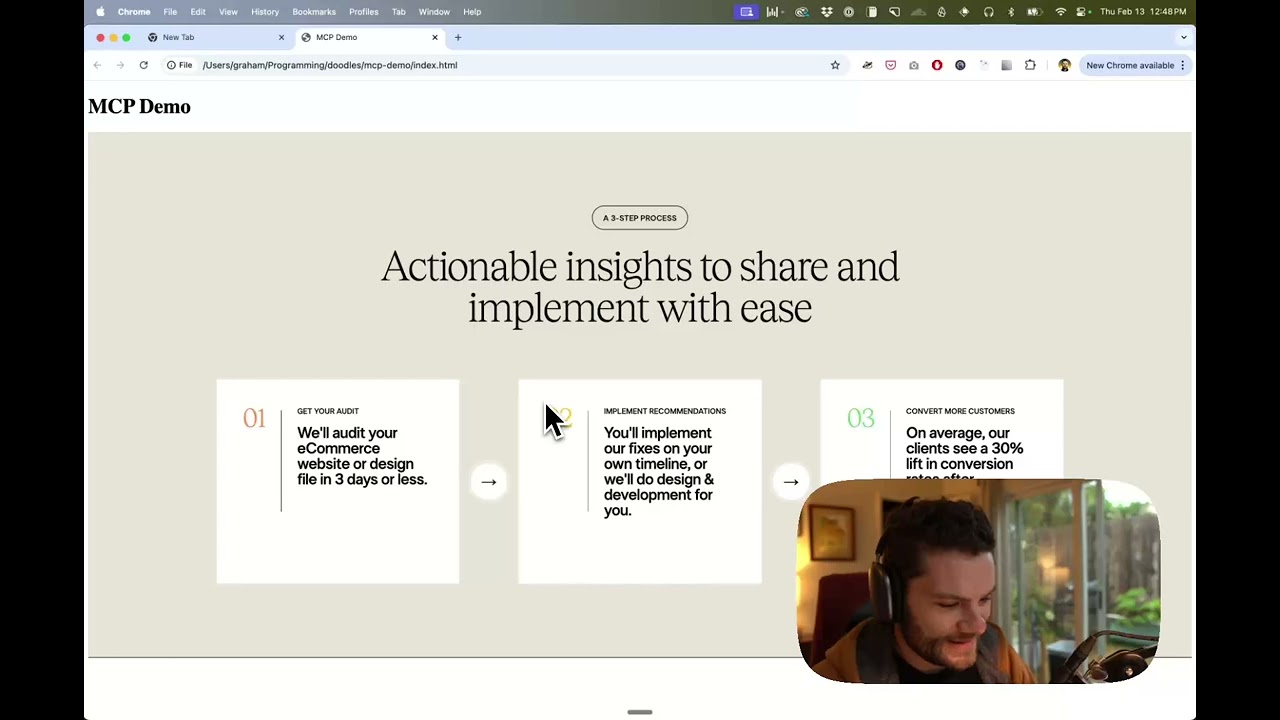
Watch a demo of building a UI in Cursor with Figma design data
How it works
- Open your IDE's chat (e.g. agent mode in Cursor).
- Paste a link to a Figma file, frame, or group.
- Ask Cursor to do something with the Figma file—e.g. implement the design.
- Cursor will fetch the relevant metadata from Figma and use it to write your code.
This MCP server is specifically designed for use with Cursor. Before responding with context from the Figma API, it simplifies and translates the response so only the most relevant layout and styling information is provided to the model.
Reducing the amount of context provided to the model helps make the AI more accurate and the responses more relevant.
Getting Started
Many code editors and other AI clients use a configuration file to manage MCP servers.
The figma-developer-mcp server can be configured by adding the following to your configuration file.
NOTE: You will need to create a Figma access token to use this server. Instructions on how to create a Figma API access token can be found here.
MacOS / Linux
{
"mcpServers": {
"Framelink MCP for Figma": {
"command": "npx",
"args": ["-y", "figma-developer-mcp", "--figma-api-key=YOUR-KEY", "--stdio"]
}
}
}
Windows
{
"mcpServers": {
"Framelink MCP for Figma": {
"command": "cmd",
"args": ["/c", "npx", "-y", "figma-developer-mcp", "--figma-api-key=YOUR-KEY", "--stdio"]
}
}
}
Or you can set FIGMA_API_KEY and PORT in the env field.
If you need more information on how to configure the Framelink MCP for Figma, see the Framelink docs.
Star History
<a href="https://star-history.com/#GLips/Figma-Context-MCP"><img src="https://api.star-history.com/svg?repos=GLips/Figma-Context-MCP&type=Date" alt="Star History Chart" width="600" /></a>
Learn More
The Framelink MCP for Figma is simple but powerful. Get the most out of it by learning more at the Framelink site.