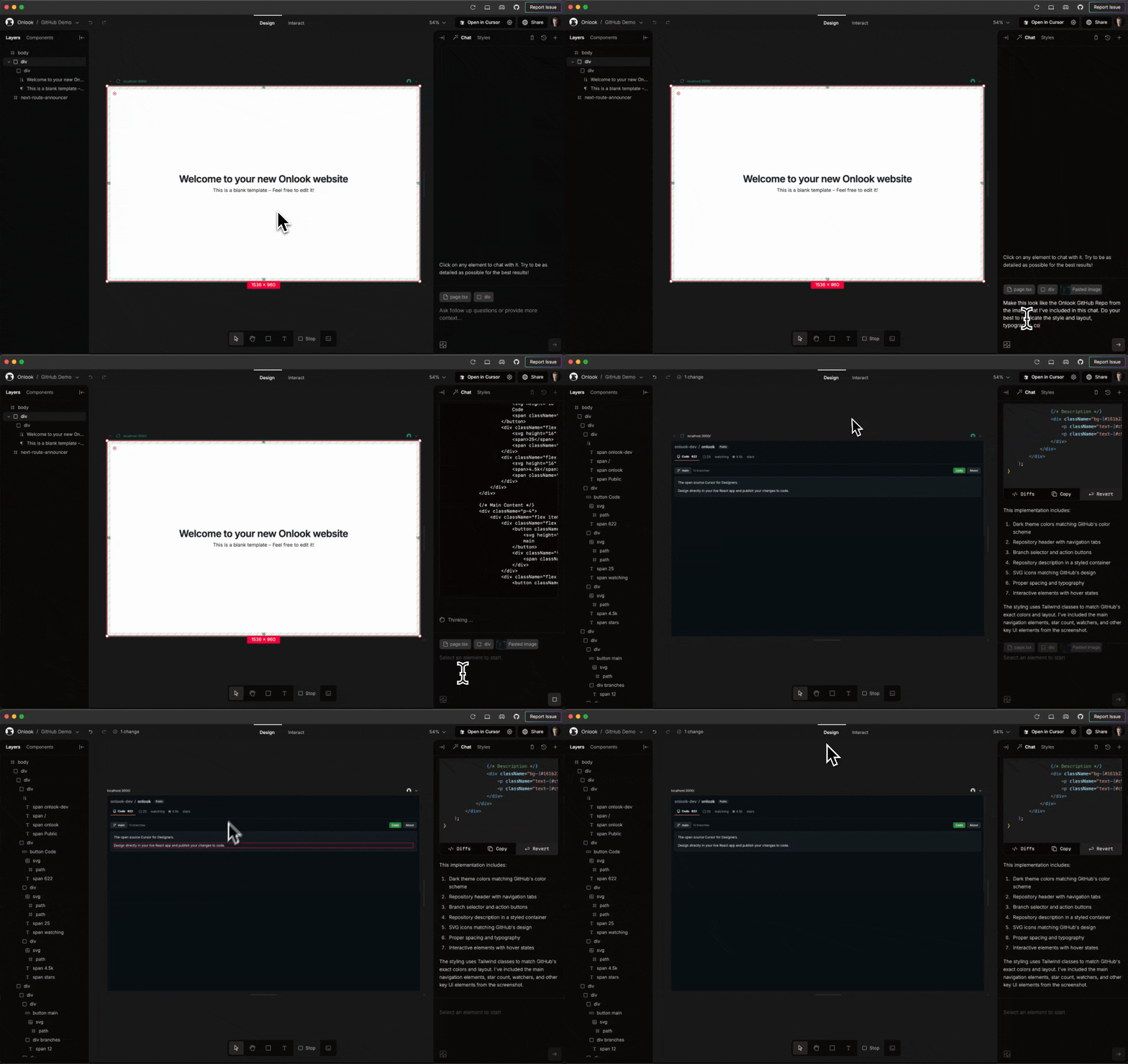
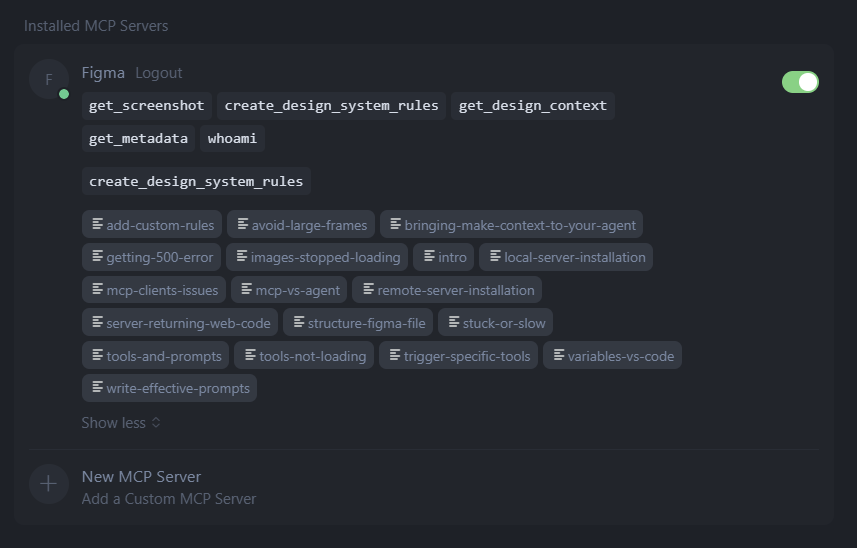
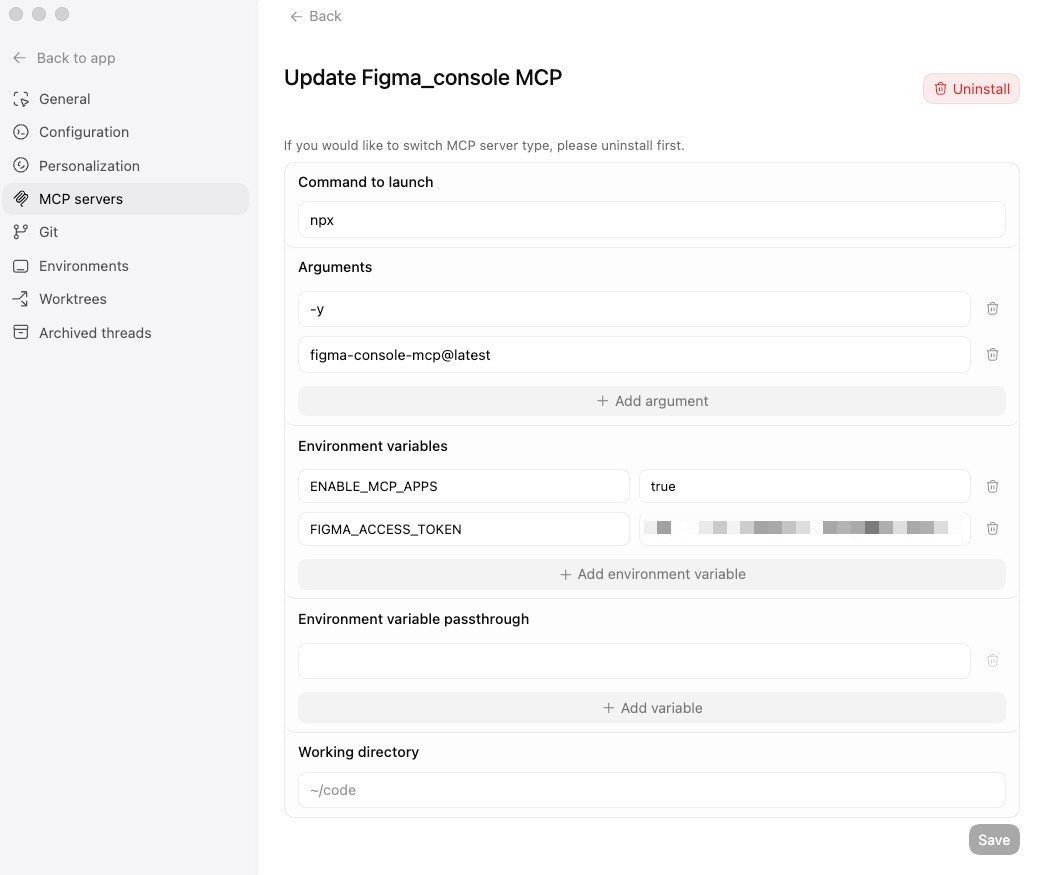
Constrained peek so you can sanity-check the source material without leaving the site.
Talk to Figma MCP
This project implements a Model Context Protocol (MCP) integration between AI agent (Cursor, Claude Code) and Figma, allowing AI agent to communicate with Figma for reading designs and modifying them programmatically.
https://github.com/user-attachments/assets/129a14d2-ed73-470f-9a4c-2240b2a4885c
Project Structure
src/talk_to_figma_mcp/ - TypeScript MCP server for Figma integrationsrc/cursor_mcp_plugin/ - Figma plugin for communicating with Cursorsrc/socket.ts - WebSocket server that facilitates communication between the MCP server and Figma plugin
How to use
- Install Bun if you haven't already:
curl -fsSL https://bun.sh/install | bash
- Run setup, this will also install MCP in your Cursor's active project
bun setup
- Start the Websocket server
bun socket
- NEW Install Figma plugin from Figma community page or install locally
Quick Video Tutorial
Video Link
Design Automation Example
Bulk text content replacement
Thanks to @dusskapark for contributing the bulk text replacement feature. Here is the demo video.
Instance Override Propagation
Another contribution from @dusskapark
Propagate component instance overrides from a source instance to multiple target instances with a single command. This feature dramatically reduces repetitive design work when working with component instances that need similar customizations. Check out our demo video.
Manual Setup and Installation
MCP Server: Integration with Cursor
Add the server to your Cursor MCP configuration in ~/.cursor/mcp.json:
{
  "mcpServers": {
    "TalkToFigma": {
      "command": "bunx",
      "args": ["cursor-talk-to-figma-mcp@latest"]
    }
  }
}
WebSocket Server
Start the WebSocket server:
bun socket
Figma Plugin
- In Figma, go to Plugins > Development > New Plugin
- Choose "Link existing plugin"
- Select the
src/cursor_mcp_plugin/manifest.json file
- The plugin should now be available in your Figma development plugins
Windows + WSL Guide
- Install bun via powershell
powershell -c "irm bun.sh/install.ps1|iex"
- Uncomment the hostname
0.0.0.0 in src/socket.ts
// uncomment this to allow connections in windows wsl
hostname: "0.0.0.0",
- Start the websocket
bun socket
Usage
- Start the WebSocket server
- Install the MCP server in Cursor
- Open Figma and run the Cursor MCP Plugin
- Connect the plugin to the WebSocket server by joining a channel using
join_channel
- Use Cursor to communicate with Figma using the MCP tools
Local Development Setup
To develop, update your mcp config to direct to your local directory.
{
  "mcpServers": {
    "TalkToFigma": {
      "command": "bun",
      "args": ["/path-to-repo/src/talk_to_figma_mcp/server.ts"]
    }
  }
}
MCP Tools
The MCP server provides the following tools for interacting with Figma:
Document & Selection
get_document_info - Get information about the current Figma documentget_selection - Get information about the current selectionread_my_design - Get detailed node information about the current selection without parametersget_node_info - Get detailed information about a specific nodeget_nodes_info - Get detailed information about multiple nodes by providing an array of node IDsset_focus - Set focus on a specific node by selecting it and scrolling viewport to itset_selections - Set selection to multiple nodes and scroll viewport to show them
Annotations