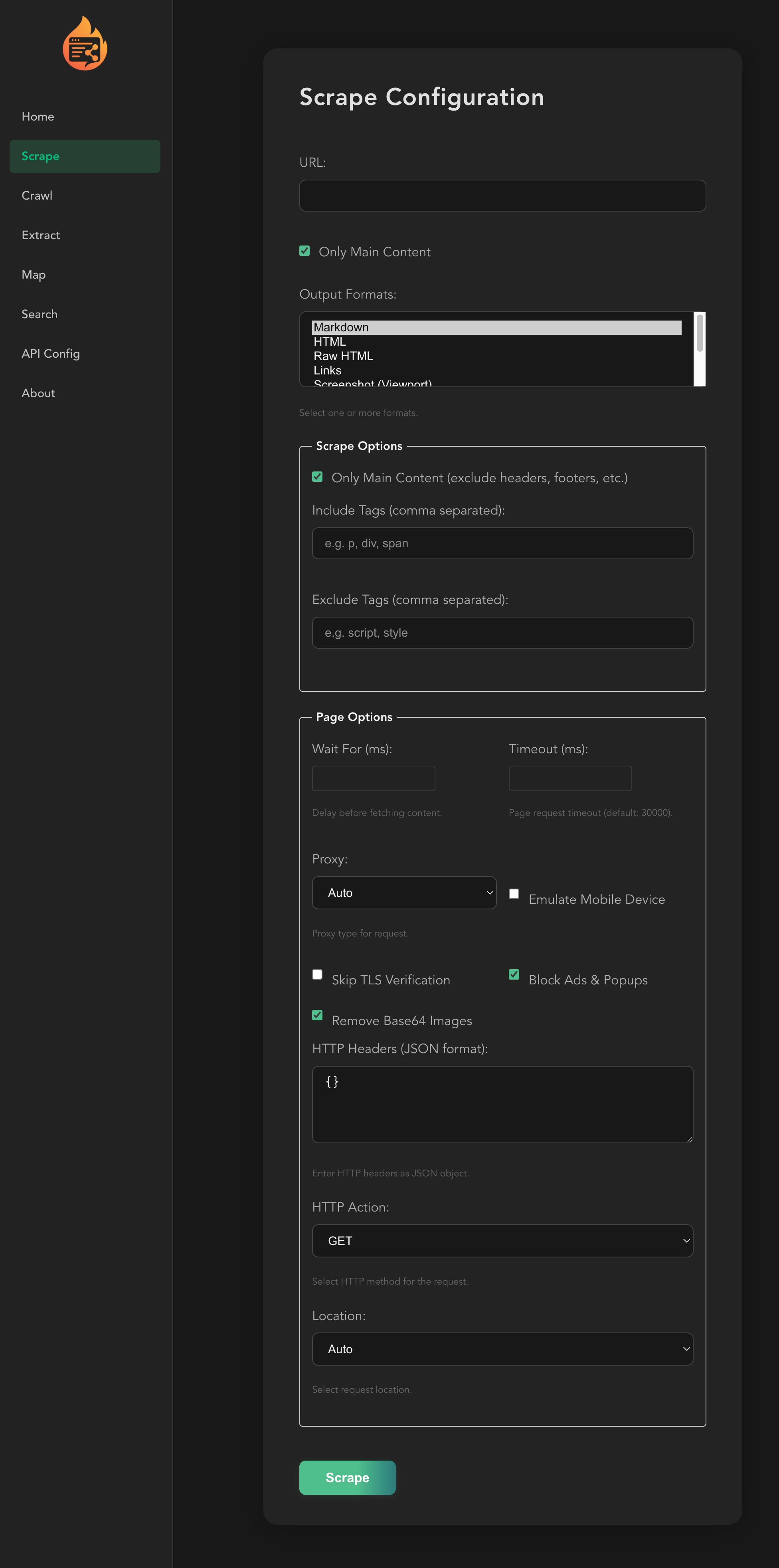
Constrained peek so you can sanity-check the source material without leaving the site.
<div align="center">
<a name="readme-top"></a>
<img
src="https://raw.githubusercontent.com/firecrawl/firecrawl-mcp-server/main/img/fire.png"
height="140"
>
</div>
Firecrawl MCP Server
A Model Context Protocol (MCP) server that brings Firecrawl, the context API for AI agents, to MCP-compatible clients: search, scrape, and interact with the live web and get back clean Markdown or structured data.
Big thanks to @vrknetha, @knacklabs for the initial implementation!
Features
- Search the web, optionally with full page content for each result
- Search indexes for developer sources (GitHub issues, merged pull requests, READMEs, and docs), US government sources, and scientific papers (PubMed, bioRxiv, medRxiv, arXiv)
- Scrape any URL into clean Markdown or structured JSON
- Parse PDFs and documents
- Crawl a site for content from many pages, or map it to discover its URLs
- Interact with pages in a real browser: click, type, fill forms, and navigate dynamic pages
- Run Agent jobs for multi-source research that returns structured data
- Monitor pages and get notified when their content changes
- Check current and historical Firecrawl credit usage
- Automatic retries and rate limiting
- Cloud and self-hosted support
- SSE support
When to Use This Server
- Use
firecrawl_scrape when you have a known URL and want its content as markdown or as JSON matching a schema you supply.
- Use
firecrawl_map when you need to discover URLs on a site without fetching their content.
- Use
firecrawl_crawl when you need content from many pages under a site; set limit, includePaths/excludePaths, or maxDiscoveryDepth to bound it.
- Use
firecrawl_search when you're starting from a query rather than a URL and want ranked web results. Results carry excerpts; fetch full pages with firecrawl_scrape on the URLs you need. scrapeOptions fetches every result's page in the same call and bills each as a scrape, so keep it for the full text of a few results (the search-only endpoint never fetches content).
- Use
firecrawl_interact when a page needs a click, type, or navigate action before you can read it: pass a url for a fresh page or a scrapeId to continue on one you already scraped.
- Use the
firecrawl_monitor_* tools when the same page needs to be checked on a recurring schedule with diffs and change alerts, rather than fetched once.
- Use
firecrawl_credit_usage to check credits left or what credits were spent on, by month or day, optionally broken down by endpoint or API key.
- Consider something else when you need to hold a browser session open across many of your own steps with your own retry and termination logic: each
firecrawl_interact call runs one prompt or code turn to completion and returns control. The session can persist across calls via scrapeId and ends with firecrawl_interact_stop, but you cannot drive it interactively step-by-step from the client side within a single call.
This server lists 27 tools when the full profile registers with default settings (feedback tools included, not running in local-keyless mode). Setting FIRECRAWL_NO_SEARCH_FEEDBACK=1 and/or FIRECRAWL_NO_ENDPOINT_FEEDBACK=1 removes the corresponding feedback tools and reduces this count, as does local keyless startup. For clients with a tool-slot limit: the hosted keyless endpoint (https://mcp.firecrawl.dev/v2/mcp, no API key) exposes only 3 (firecrawl_scrape, firecrawl_search, firecrawl_parse), and the dedicated search-only endpoint (https://mcp.firecrawl.dev/v2/mcp-search) exposes a fixed set of 9 tools (search, developer, government, and research search, plus Alexandria catalogue lookup and execution).
Installation
Hosted MCP (keyless free tier)
Connect to the remote hosted server with no setup:
https://mcp.firecrawl.dev/v2/mcp
On the keyless free tier, scrape, search, and parse work without an API key (rate-limited). Other tools such as crawl, map, and agent still need a key.
Prefer OAuth or an API key whenever the human can sign up. It unlocks the full tool set and higher limits.
For an interactive account connection, configure your MCP client to use this server URL. This is an MCP endpoint, not a browser page; use the client's account-connection flow and do not add a second Firecrawl server entry when reconnecting:
https://mcp.firecrawl.dev/v2/mcp-oauth
For an API-key connection (for example, an unattended integration), keep the server URL as:
https://mcp.firecrawl.dev/v2/mcp
Then configure the client's secure header or secret setting with:
Authorization: Bearer <FIRECRAWL_API_KEY>
Never put an API key in the server URL. Never put an API key in an agent chat. Configure it directly in the client or secret manager. See the hosted MCP setup guide and the agent onboarding guide for client-specific instructions.
Naming your integration
An integration that connects over HTTP can name itself with an X-Firecrawl-Origin header, for example X-Firecrawl-Origin: my-agent. The server reports it to Firecrawl as the request origin mcp-my-agent@<server version>, in place of the client name or User-Agent it would otherwise report. Use letters, digits and dashes: each run of other characters becomes one dash, leading and trailing dashes are dropped, and the name is cut at 48 characters. Tool results are unaffected; only the origin sent to the Firecrawl API (and passed to an embedder's beforeKeylessRequest) changes.
Search-only endpoint
A fixed-scope search surface is also hosted at:
https://mcp.firecrawl.dev/v2/mcp-search
It exposes a fixed set of nine tools: firecrawl_search, firecrawl_developer_search, firecrawl_gov_search, the four firecrawl_research_* tools, and the two Alexandria tools firecrawl_find_tools and firecrawl_scrape. Its firecrawl_search fetches no page content.
Running with npx
env FIRECRAWL_API_KEY=fc-YOUR_API_KEY npx -y firecrawl-mcp
Manual Installation
npm install -g firecrawl-mcp
Running on Cursor
Configuring Cursor 🖥️
Note: Requires Cursor version 0.45.6+
For the most up-to-date configuration instructions, please refer to the official Cursor documentation on configuring MCP servers:
Cursor MCP Server Configuration Guide
To configure Firecrawl MCP in Cursor v0.48.6
- Open Cursor Settings
- Go to Features > MCP Servers
- Click "+ Add new global MCP server"
- Enter the following code:
{
  "mcpServers": {
    "firecrawl-mcp": {
      "command": "npx",
      "args": ["-y", "firecrawl-mcp"],
      "env": {
        "FIRECRAWL_API_KEY": "YOUR-API-KEY"
      }
    }
  }
}
To configure Firecrawl MCP in Cursor v0.45.6
- Open Cursor Settings
- Go to Features > MCP Servers
- Click "+ Add New MCP Server"
- Enter the following:
- Name: "firecrawl-mcp" (or your preferred name)
- Type: "command"
- Command:
env FIRECRAWL_API_KEY=your-api-key npx -y firecrawl-mcp