moderate2026-03-17
invoice-mcp: 5 GitHub stars, active developmentActive development, simple use case (PDF invoice generation via MCP). Too small to rank but interesting for MCP ecosystem.
5 stars, 5 forksGitHub community
Lightweight MCP server for generating PDF invoices via Claude. 5 GitHub stars. Active development (last updated 2026-03-17). Simple and focused.
Where it wins
Simple, focused use case — PDF invoice generation via MCP
Active development (last updated 2026-03-17)
Directly integrates with Claude for natural language invoicing
Where to be skeptical
Only 5 GitHub stars — too early to recommend
No funding, minimal user base
Very narrow feature set compared to Midday
Editorial verdict
Minimal but functional MCP tool for PDF invoice generation via Claude. Too early to rank (5 stars) but interesting for the MCP ecosystem. Active development is a positive signal.
Related
Midday
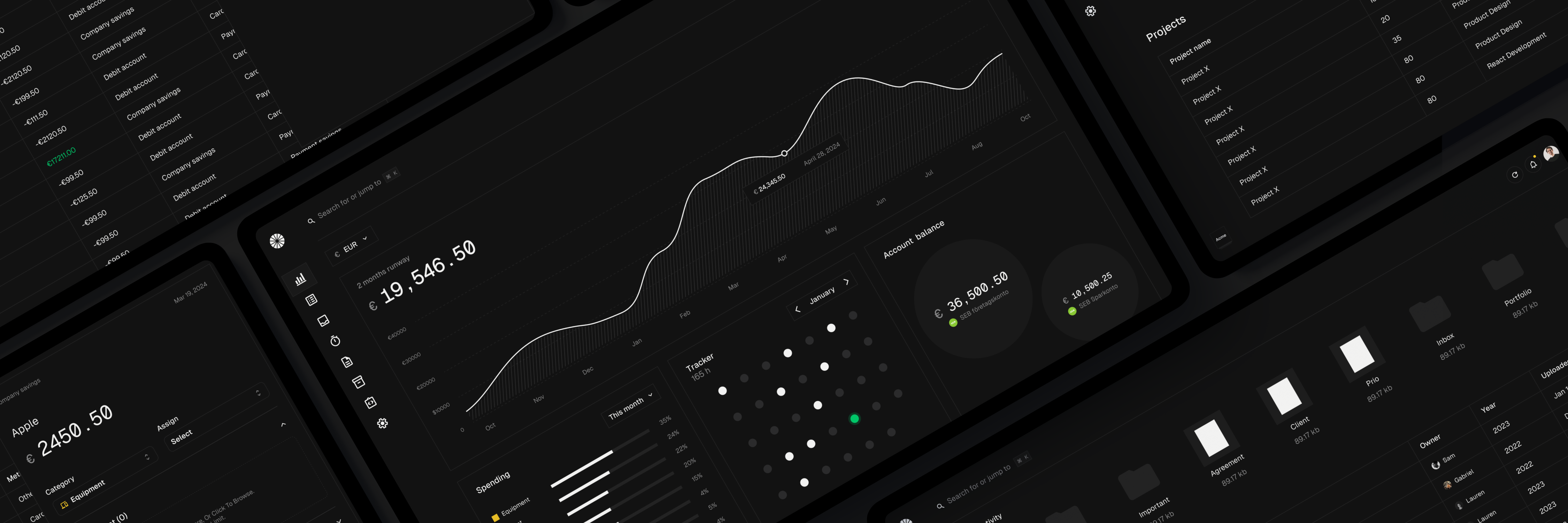
88Open-source freelancer business tool: invoicing, time tracking, bank connections, Magic Inbox (receipt matching), AI assistant. 14,108 GitHub stars. Bun/Next.js/Supabase/Tauri stack. AGPL-3.0.
Frihet MCP
50First MCP-native ERP server — 31 tools for business operations. Create invoices by talking, query expenses in natural language. Extremely early (3 GitHub stars).
Endex
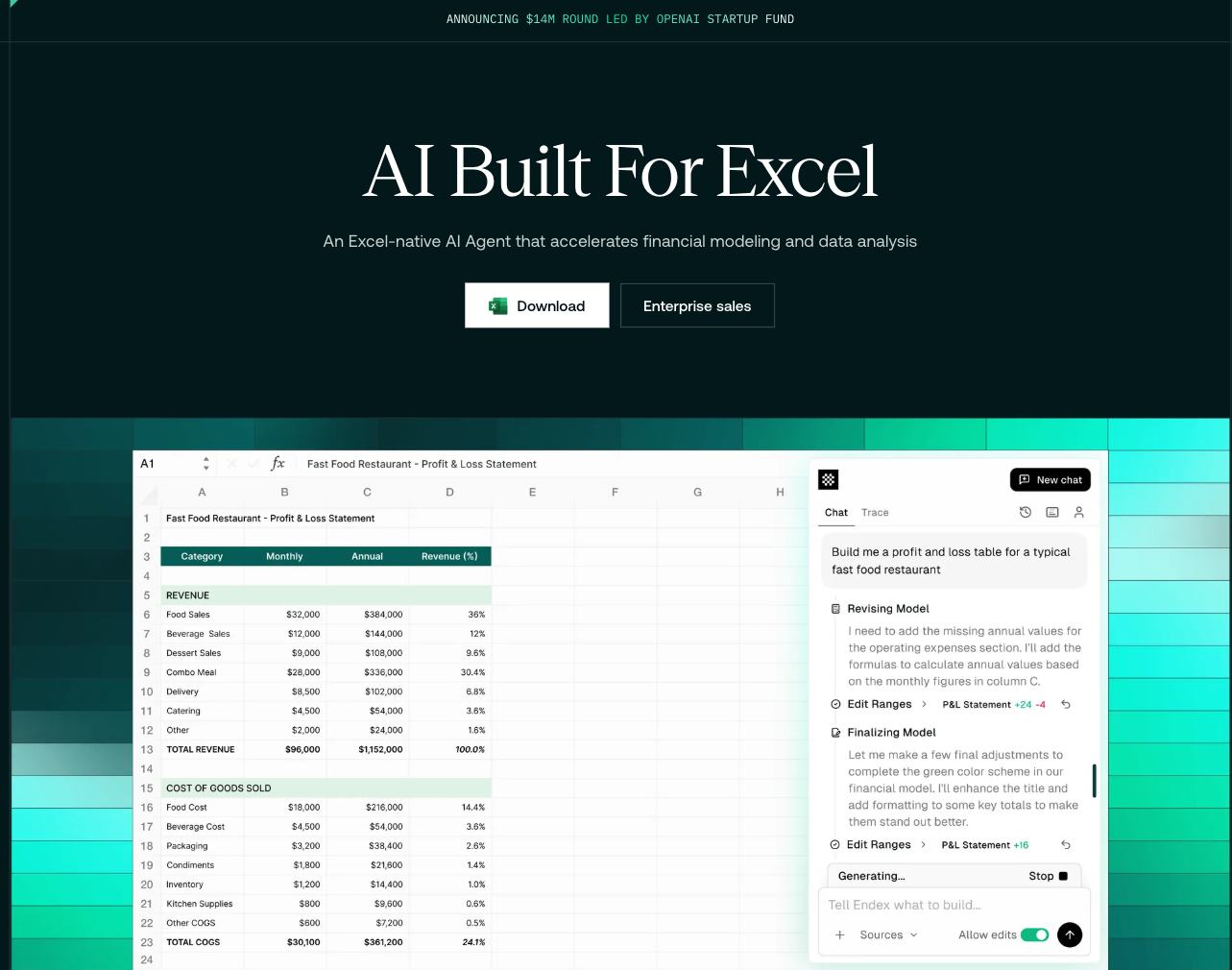
45AI-powered financial analysis agents inside Excel. $14M funding led by OpenAI Startup Fund with Palantir, Two Sigma, and Coatue execs. Vision models transcribe PDFs/screenshots into Excel structures.
Rows
45AI-native spreadsheet with 89% first-try accuracy in AI benchmark (vs Excel 53%, Julius 75%). $8/user/mo. Better for analysis and light modeling than hardcore IB work.
Public evidence
Active development, simple use case (PDF invoice generation via MCP). Too small to rank but interesting for MCP ecosystem.
Raw GitHub source
Constrained peek so you can sanity-check the source material without leaving the site.
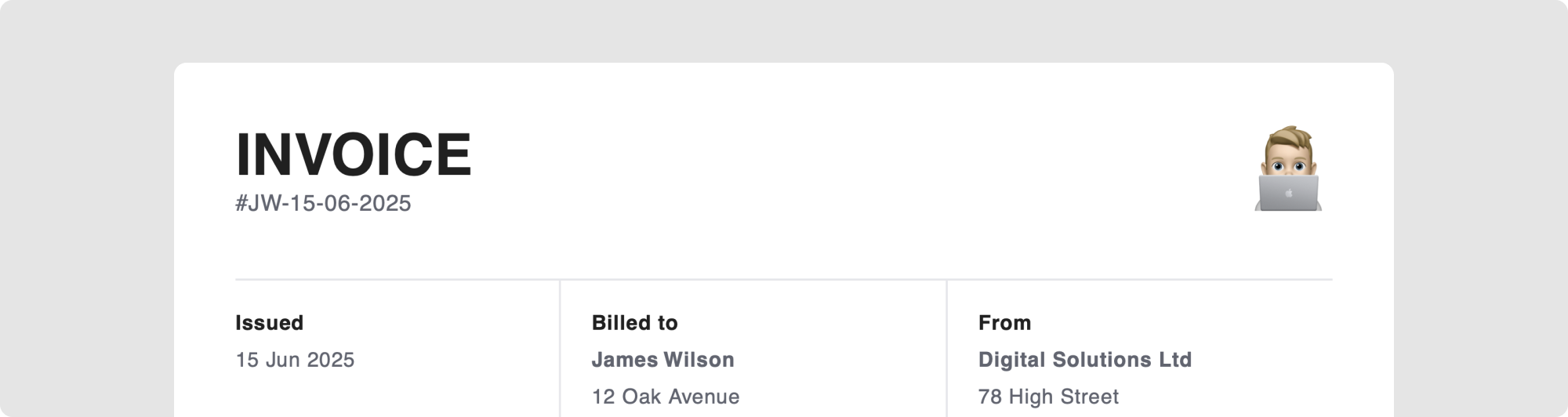
A Model Context Protocol server for creating professional PDF invoices using natural language.
git clone https://github.com/markslorach/invoice-mcp.git
cd invoice-mcp/server
npm install
npm run build
Add the following json to your Claude Desktop config file -
macOS: ~/Library/Application Support/Claude/claude_desktop_config.json
This can be accessed in Claude Desktop settings in the Developer tab.
{
  "mcpServers": {
    "Invoice MCP Server": {
      "command": "node",
      "args": ["/path/to/your/invoice-mcp/server/build/index.js"]
    }
  }
}
Example path -
{
  "mcpServers": {
    "Invoice MCP Server": {
      "command": "node",
      "args": ["/Users/markslorach/Desktop/invoice-mcp/server/build/index.js"]
    }
  }
}
Make sure to restart Claude Desktop for the MCP server to show in chat tools.
You can be brief -
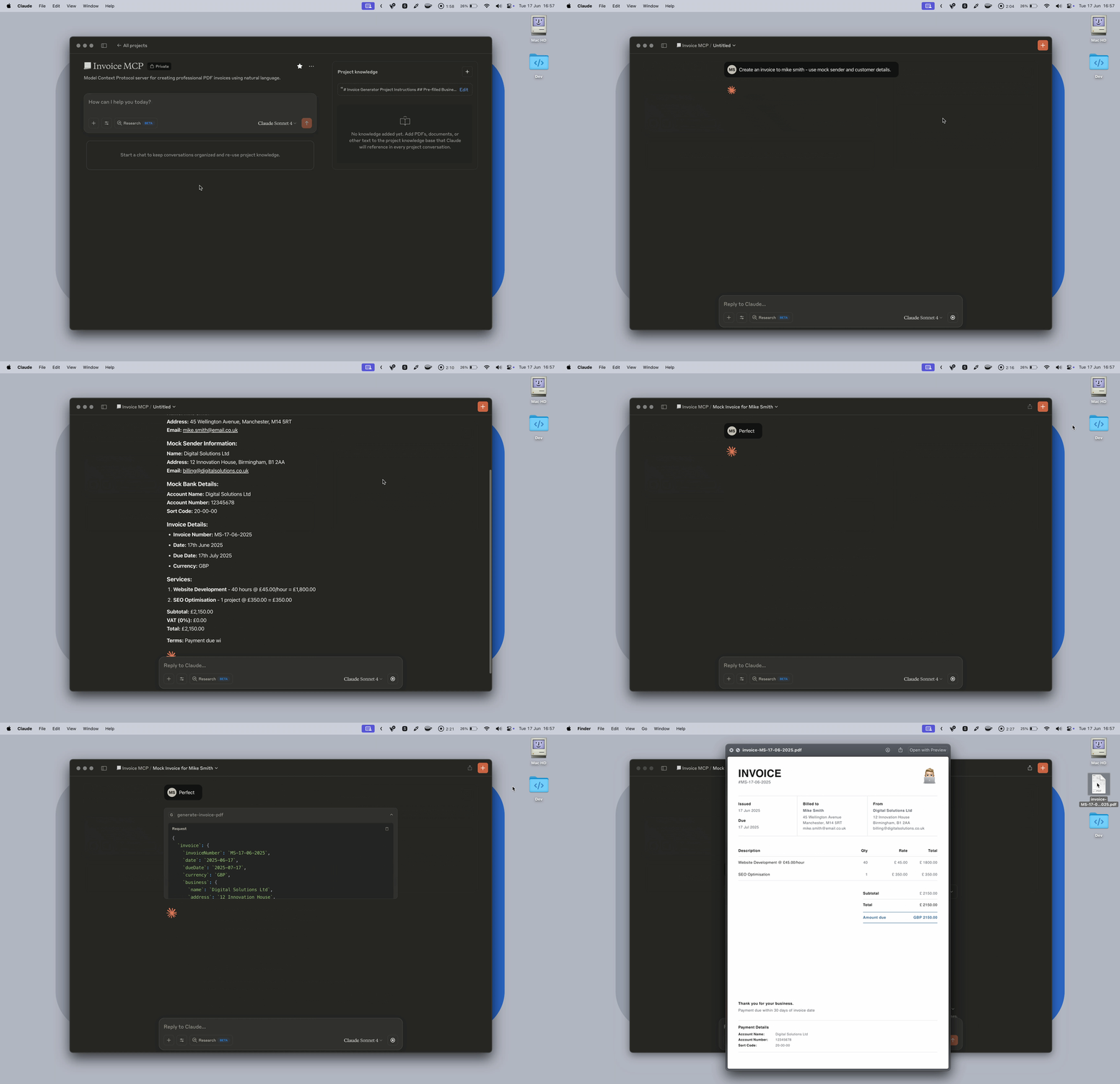
Create an invoice to Mike Smith for web development work
Or detailed -
Create an invoice to Mike Smith for:
- Logo design (5 hours @ £75/hour)
- Website updates (3 hours @ £60/hour)
- Due in 14 days

123 Business Street, London, SW1A 1AA
mike@business.com
By using the instructions below, you'll be prompted to confirm or add any missing details. You can then confirm and create the invoice without all customer details if needed.
A logo is optional - if provided, it must be a direct URL to a JPG, PNG or WebP image file. The URL should end with the file extension (.jpg, .png) and link directly to the image, not a webpage. SVG files are not supported.
I recommend using an image with no padding around the logo for best results.
✅ Good: https://example.com/logo.png <br> ❌ Bad: https://example.com/logo-page or https://example.com/logo.svg
For consistent invoice generation, I recommend filling in and adding these instructions to a Claude Desktop project. If using another platform without project support - you can paste these instructions at the start of your conversation before creating an invoice.
# Invoice MCP Project Instructions

## Pre-filled Business Information

### Logo

[Your logo URL here]

### Sender Details:

**Name:** [Your Business Name]
**Address:** [Your Business Address]
**Email:** [Your Business Email]

### Payment Information:

**Account Name:** [Your Account Name]
**Account Number:** [Your Account Number]
**Sort Code:** [Your Sort Code]

### Default Terms:

- Payment due within 30 days of invoice date
- **VAT Rate:** 0% (no VAT unless explicitly requested)
- **Currency:** GBP (supported currencies: GBP, USD, CAD, EUR)

### Default Notes:

"Thank you for your business."

## Processing Rules

### Confirmation Required

**ALWAYS** ask the user to confirm all invoice details before running the MCP tool and exporting the PDF - even for mock/test invoices. Present the confirmation in a clear, readable format.

### Invoice Detection

Watch for invoice-related keywords: "invoice", "bill", "charge", "billing" - users may say "invoice Joe Bloggs for..." instead of "create an invoice for..."

### Service Descriptions

- Enter services exactly as mentioned by the user