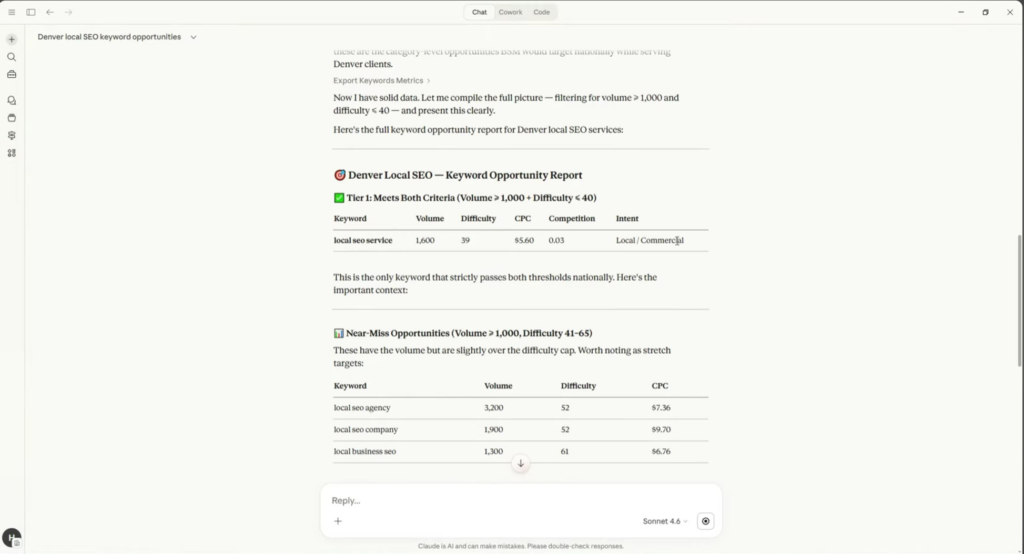
'Before: 45 minutes to 1 hour per client project. After: Under 5 minutes.' Concrete time-savings from independent test with Claude + SE Ranking MCP.
SE Ranking MCP Server
activeMCP server providing 60+ data tools and 70+ project tools for SEO via Claude or other MCP-compatible agents. Turns Claude into an SEO agent with live competitor signals, keyword opportunities, and AI search insights.

Where it wins
Only MCP-native SEO tool with a working implementation
60+ data tools and 70+ project tools — comprehensive SEO surface
Independent test: 40+ minute reduction per client engagement (45 min → under 5 min)
Free to use (requires SE Ranking API subscription)
Claude Code + SE Ranking integration demonstrated in official webinar
Where to be skeptical
8 GitHub stars — negligible open-source traction
Requires existing SE Ranking subscription — not standalone
MCP ecosystem is still early; unclear actual user count
Documentation and community support are minimal
Editorial verdict
Only MCP-native SEO tool with a working implementation. Compelling time savings (40+ min/project per independent test). But 8 GitHub stars is negligible — most users access via SE Ranking's paid API. The SkillBench play for SEO data if adoption grows.
Related

Postiz
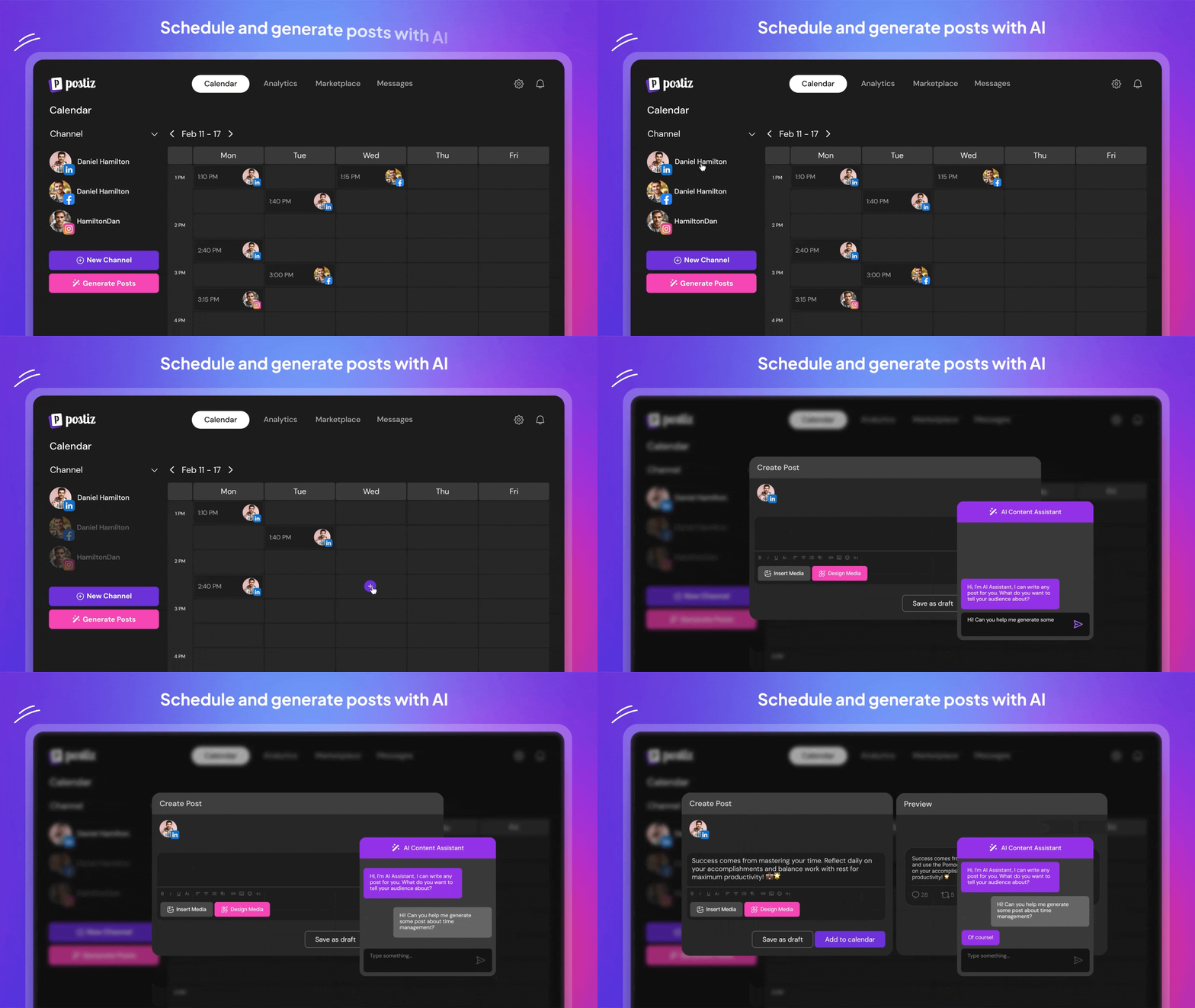
85Open-source social media scheduling with AI-assisted post generation. 27.3K GitHub stars, 4.8K forks. Self-hostable (free) or cloud ($23/mo). Agent CLI for posting to 22+ platforms from terminal. Apache-2.0 license.

HubSpot MCP
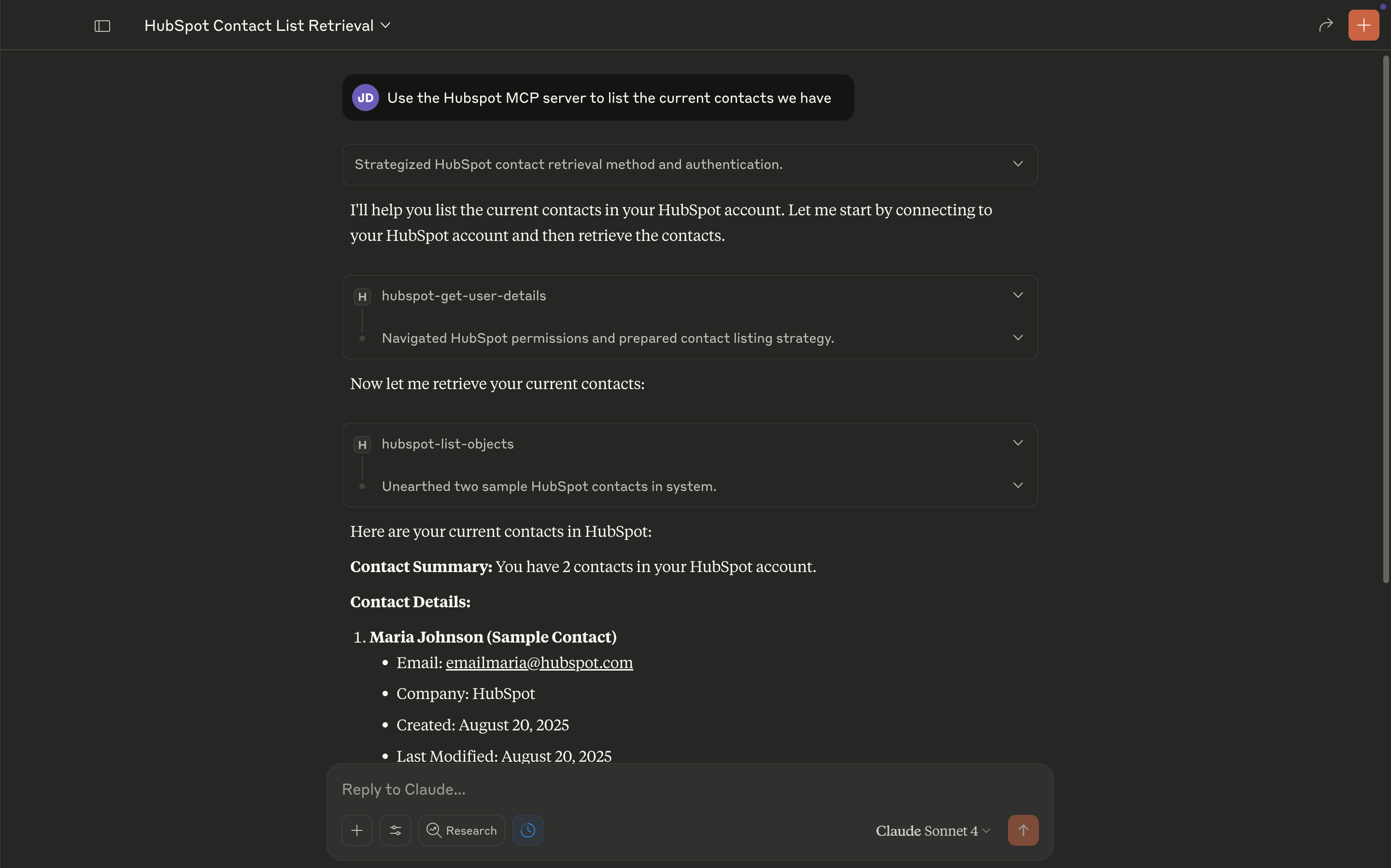
47Official HubSpot MCP server — 23 tools covering contacts, companies, deals, and pipelines. First major CRM to ship a ChatGPT deep-research connector. Open ecosystem strategy purpose-built for LLM interoperability.

Copy.ai
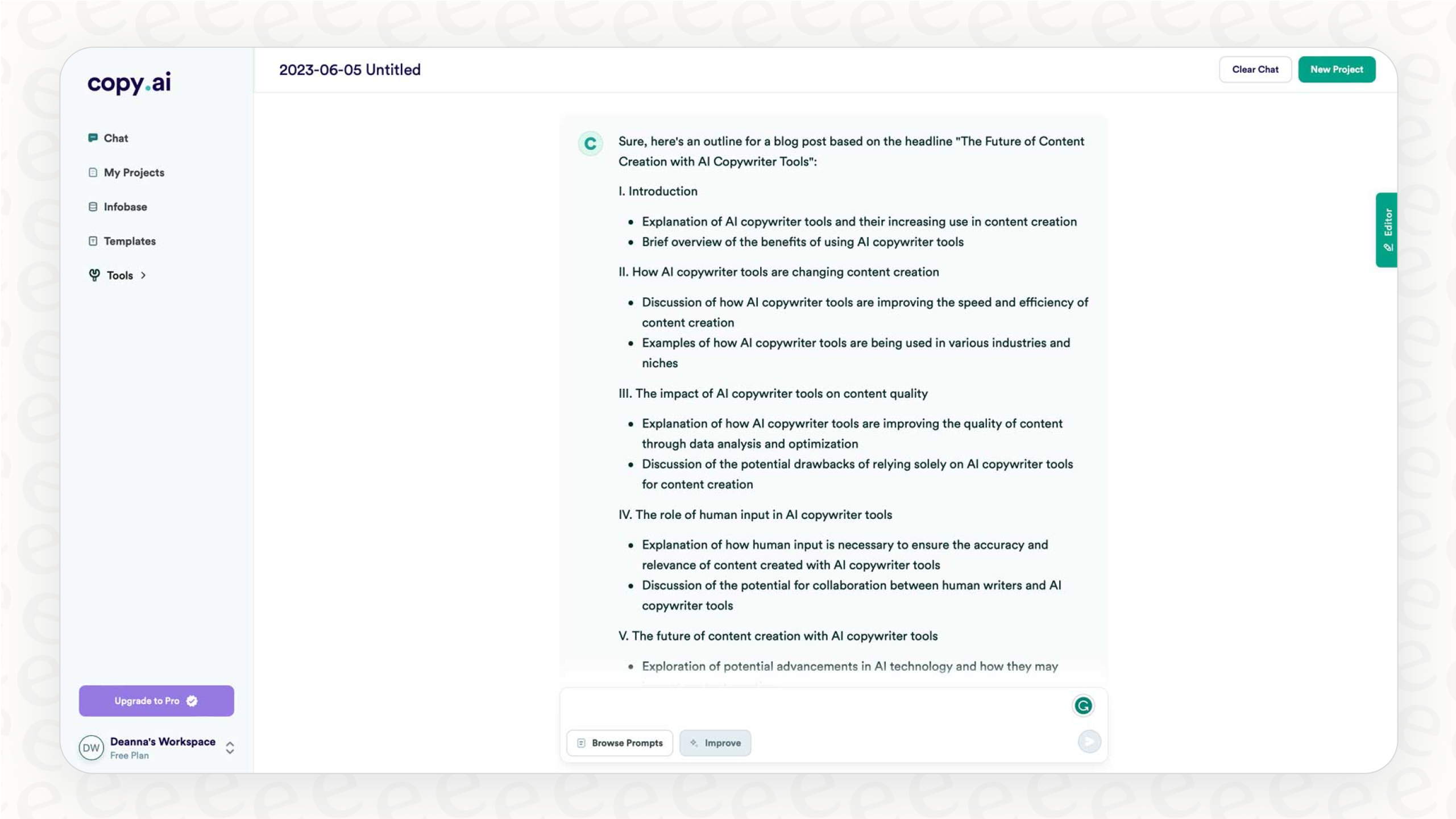
45AI-powered marketing workflow automation platform. Moves beyond single-shot copy generation into multi-step automated pipelines — chain AI actions, web scraping, CRM updates, and third-party integrations.

Jasper AI
43Enterprise marketing AI platform with 100+ specialized agents spanning SEO, ad copy, campaign planning, and content pipelines. Brand IQ / Brand Voice governance is the core moat — no competitor matches it. Dynamic model selection (GPT-4, Vertex AI, etc.).
Public evidence
Connected Claude Code to SE Ranking through MCP Server for live competitor signals, keyword opportunities, and AI search insights.
Raw GitHub source
GitHub README peek
Constrained peek so you can sanity-check the source material without leaving the site.
SE Ranking MCP Server
This Model Context Protocol (MCP) server connects AI assistants to SE Ranking's SEO data and project management APIs. It enables natural language queries for:
- Keyword research and competitive analysis
- Backlink analysis and monitoring
- Domain traffic and ranking insights
- Website audits and technical SEO
- AI search visibility tracking
- Project and rank tracking management
Prerequisites
Before you begin, please ensure you have the following software and accounts ready:
- SE Ranking Account: You will need an active SE Ranking account to generate an API token. If you don’t have one, you can sign up here.
- Docker: A platform for developing, shipping, and running applications in containers. If you don’t have it, you can download it from the official Docker website.
- Git: A free and open-source distributed version control system. You can download it from the official Git website.
- AI Assistant: You will need an MCP-compatible client, such as Claude Desktop or the Gemini CLI.
API Tokens
This MCP server supports two types of API access:
| Token | Environment Variable | Format | Purpose |
|---|---|---|---|
| Data API | DATA_API_TOKEN | UUID (e.g., 80cfee7d-xxxx-xxxx-xxxx-fc8500816bb3) | Access to keyword research, domain analysis, backlinks data, SERP analysis, and website audits. Tools prefixed with DATA_. |
| Project API | PROJECT_API_TOKEN | 40-char hex (e.g., 253a73adxxxxxxxxxxxx340aa0a939) | Access to project management, rank tracking, backlink monitoring, and account management. Tools prefixed with PROJECT_. |
Get your tokens from: https://online.seranking.com/admin.api.dashboard.html
You can use one or both tokens depending on which tools you need. If you only use Data API tools, you can omit PROJECT_API_TOKEN, and vice versa.
Rate Limits
| API | Default Rate Limit |
|---|---|
| Data API | 10 requests per second |
| Project API | 5 requests per second |
Rate limits are customizable. Contact api@seranking.com to request adjustments.
Installation
Choose the installation method that best fits your needs:
- Option 1: Docker (Recommended) - Best for standard usage, stability, and ease of updates. Use this if you just want to run the tool without managing dependencies.
- Option 2: Local Node.js Server (For Developers) - Best for development, debugging, or environments where Docker isn't available (like Replit). Use this if you need to modify the code or run a custom setup.
Option 1: Docker (Recommended)
- Open your terminal (or Command Prompt/PowerShell on Windows).
- Clone the project repository from GitHub:
git clone https://github.com/seranking/seo-data-api-mcp-server.git
- Navigate into the new directory:
cd seo-data-api-mcp-server
- Build the Docker Image:
docker build -t se-ranking/seo-data-api-mcp-server .
# Check that the image is built and named `se-ranking/seo-data-api-mcp-server`:
docker image ls
How to Update SEO-MCP (Docker)
To ensure you have the latest features, pull the latest changes and rebuild:
git pull origin main
docker build -t se-ranking/seo-data-api-mcp-server .
Option 2: Local Node.js Server (For Developers)
In order to run the local Node server, you need to have Node.js 20+ version installed on your machine.
- Install dependencies:
npm install
- Build the project:
npm run build
- Start the server:
npm run start-http
Then your HTTP server should be running at: http://0.0.0.0:5000/mcp.
In case you'd like to modify the HOST and PORT, you can do so by creating a .env file in the root directory of the project with the settings you want to override, for example:
HOST=127.0.0.1
PORT=5555
Additionally, when running in external environments like Replit, you can set the DATA_API_TOKEN and PROJECT_API_TOKEN environment variables in the configuration panel.
Note: If you change the API token values when the server is running, you need to restart the server.
Verifying the HTTP Server
To send a sample test request and verify your setup:
./test-http-server-curl-request.sh '<your-api-token-here>'
For batch MCP Requests testing:
./test-batch-http-server-curl-request.sh '<your-api-token-here>'
Connect to Claude Desktop
Claude Desktop reads its configuration from claude_desktop_config.json.
- Click on the Claude menu and select Settings....
- In the Settings window, navigate to the Developer tab in the left sidebar.
- Click the Edit Config button to open the configuration file. This action creates a new configuration file if one doesn’t exist or opens your existing configuration.
The file is located at: