strong2026-03-20
499K npm weekly downloads — highest in automation category by 2xMost-installed automation tool by wide margin. Downloads dwarf star count, suggesting deep practical adoption over hype.
npm registry data (verified)npm (independent)
Serverless workflow orchestration deeply integrated with the Vercel/Next.js ecosystem. 5K stars but 499K npm weekly downloads — highest in the entire automation category by 2x. Event-driven, step.ai.infer() API offloads LLM requests to Inngest infrastructure.
Where it wins
499K npm weekly downloads — highest in automation category by 2x
Serverless-native, deeply integrated with Vercel/Next.js ecosystem
step.ai.infer() API offloads LLM requests to Inngest infrastructure
Consistent HN presence (5 posts above threshold, 165pt peak)
Independent confirmation as 'better default for typical Next.js SaaS' (HashBuilds)
Where to be skeptical
Cannot self-host (ELv2 license) — limits appeal for on-prem/control-focused teams
Only 5K stars — low visibility relative to actual adoption
No MCP bridge
Hosted-only model limits appeal outside Vercel ecosystem
Editorial verdict
Default choice for Next.js/Vercel teams needing serverless workflow orchestration with AI inference built in. 499K npm downloads/wk (highest in automation by 2x) proves deep practical adoption despite modest star count. Cannot self-host (ELv2 license) — limits appeal for on-prem teams.
Source
Related
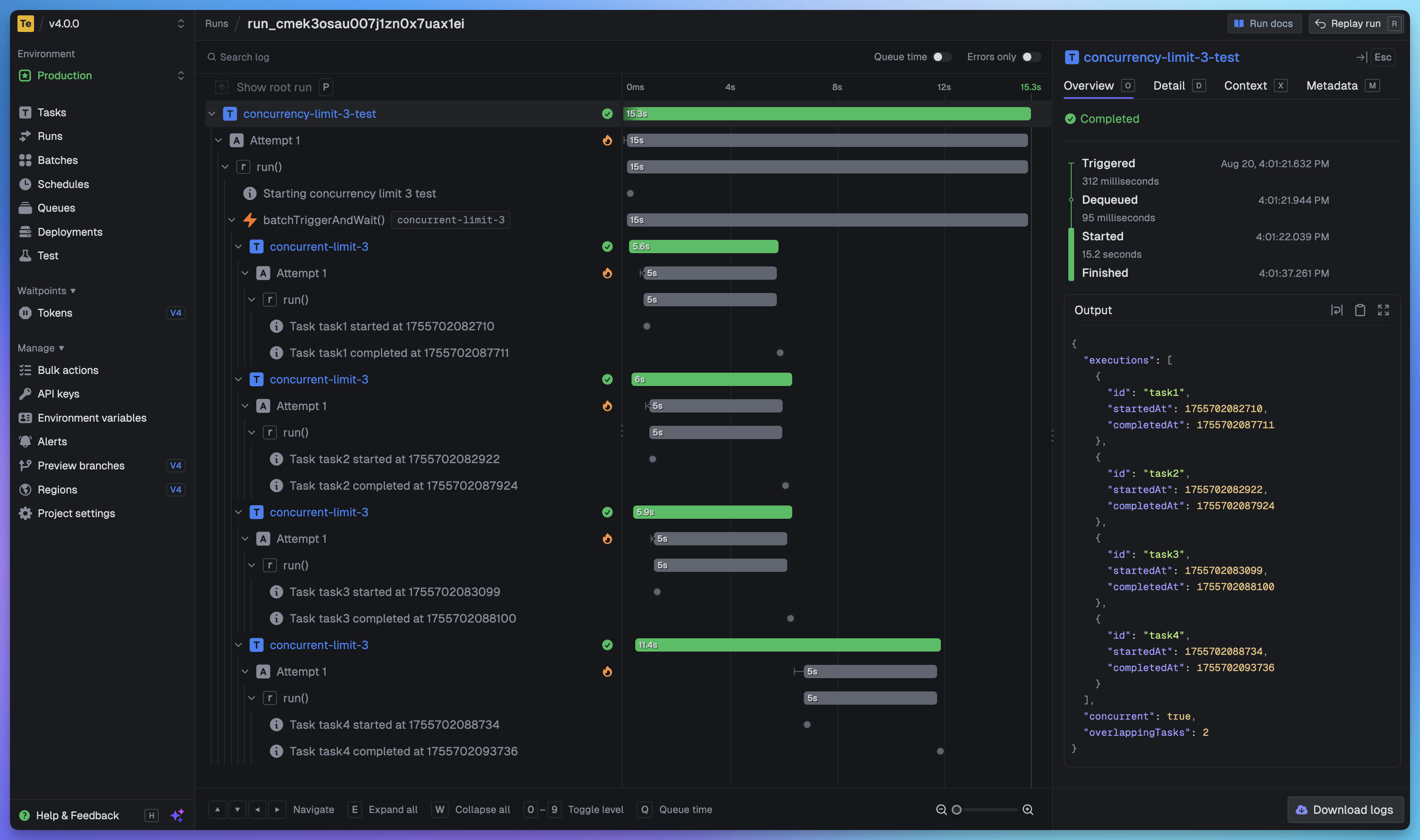
Trigger.dev
92Background jobs platform for TypeScript developers. 14K stars, 258K npm weekly downloads (2nd in automation category). Highest HN peak in the category (745pts). Pivoting from 'open-source Zapier' to fully-managed AI agent workflows.
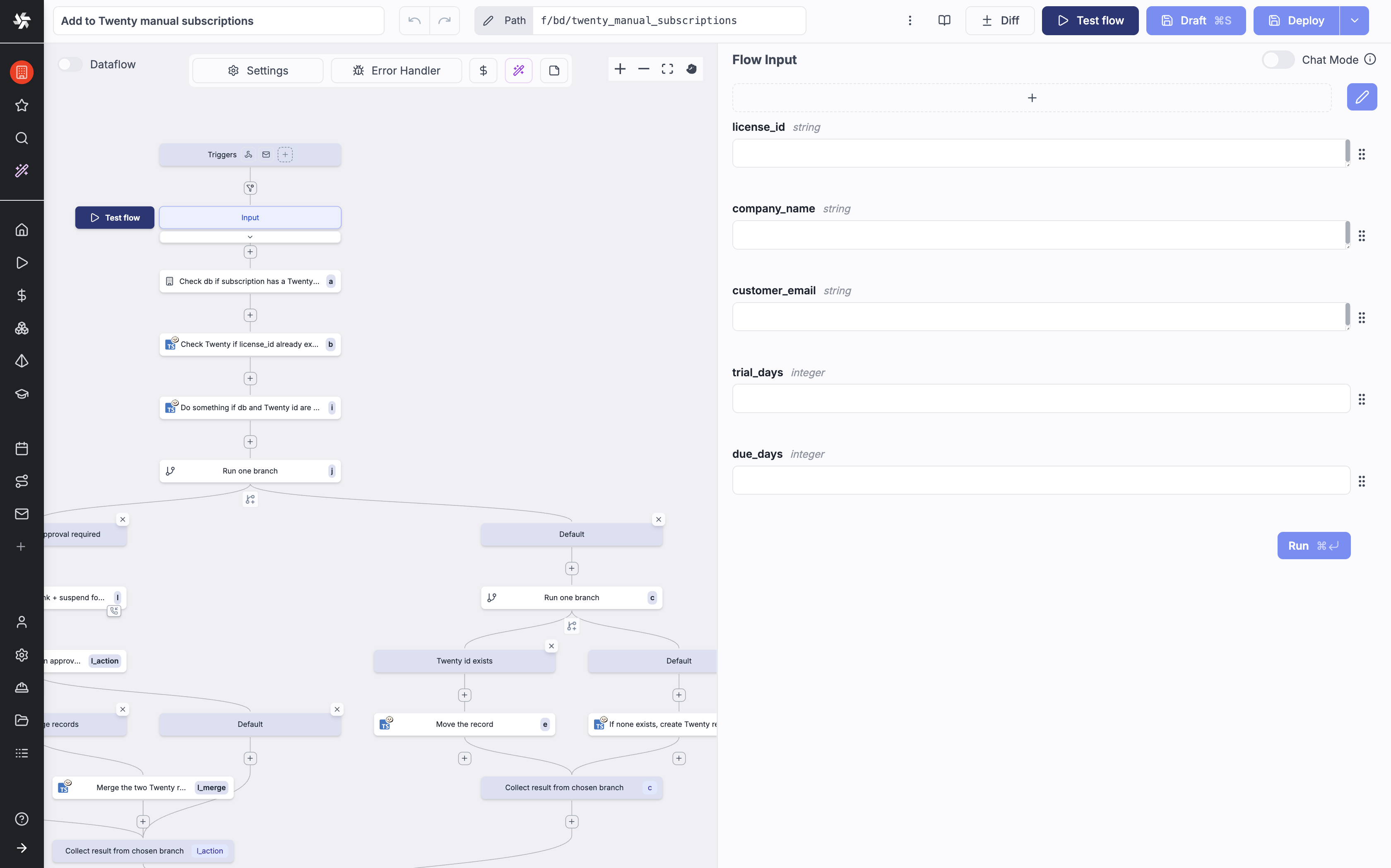
Windmill
92Code-first workflow platform — turn Python/TypeScript/Go/Bash scripts into workflows with auto-generated UIs. 16K stars, 148 contributors, 420 commits/30d, extreme release velocity (v1.661.0). 51K npm weekly downloads.
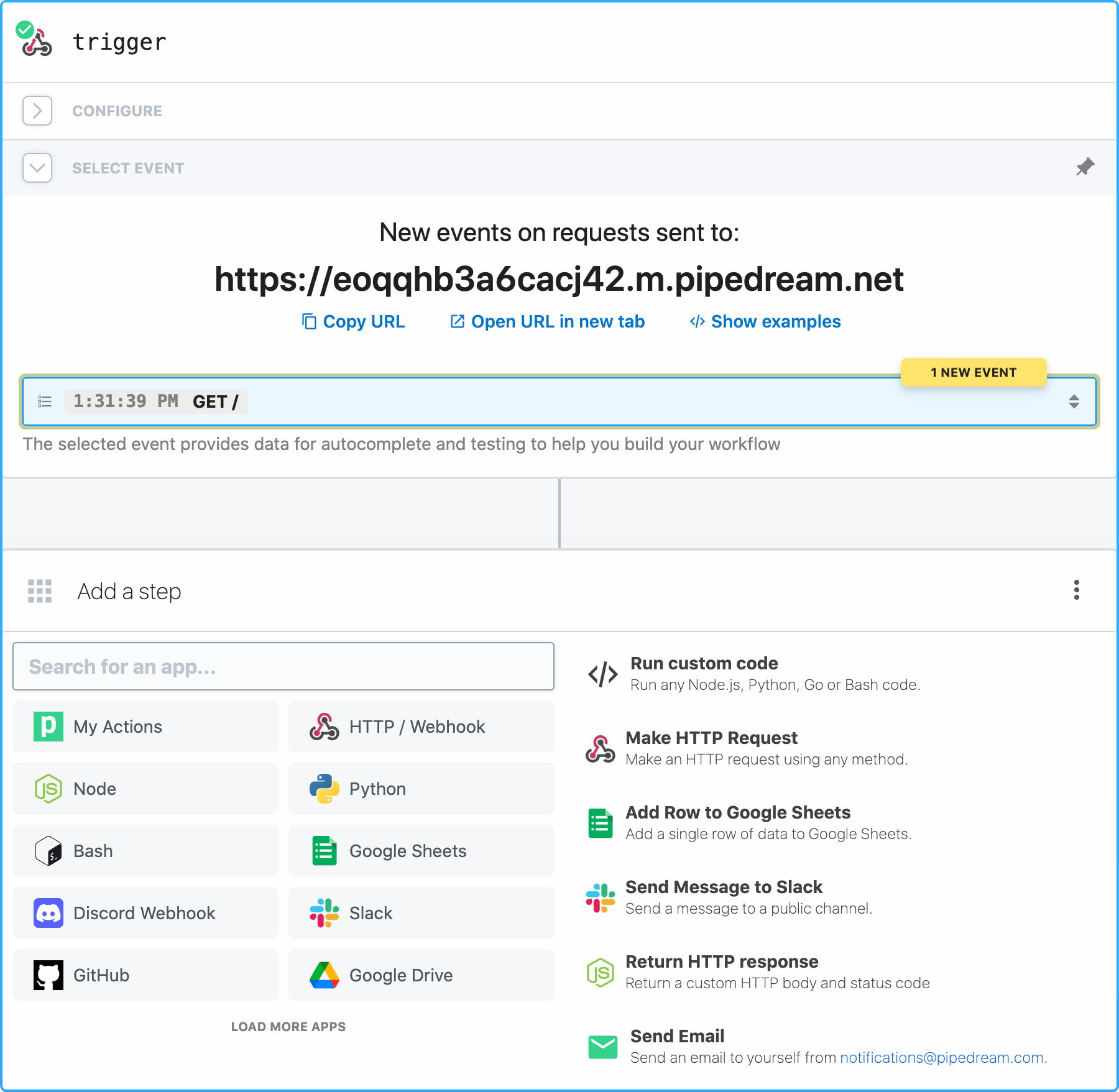
Pipedream
90Developer API platform with the largest MCP API surface — 3,000+ apps, 10,000+ pre-built tools via single MCP connection. 11K stars, 251 contributors. 10K free invocations/month. Secure credential handling (encrypted at rest, never exposed to AI models).
n8n
88179,860 GitHub stars — largest OSS repo in adjacent workflow-automation space by 2×. 3,000+ enterprise customers, ~200,000 active users, $60M Series B. 1,100+ ready-to-use integrations, native AI Agent node, MCP client/server support. Best for orchestrating SaaS integrations and processes with AI nodes — not for building agent systems in code.
Public evidence
Most-installed automation tool by wide margin. Downloads dwarf star count, suggesting deep practical adoption over hype.
'For typical Next.js SaaS: Inngest is the better default; for data-heavy operations exceeding serverless limits: Trigger.dev.' Clear use-case partitioning.
Consistent HN presence (5 posts above 10pts) shows sustained community interest, not just launch hype.
Raw GitHub source
Constrained peek so you can sanity-check the source material without leaving the site.

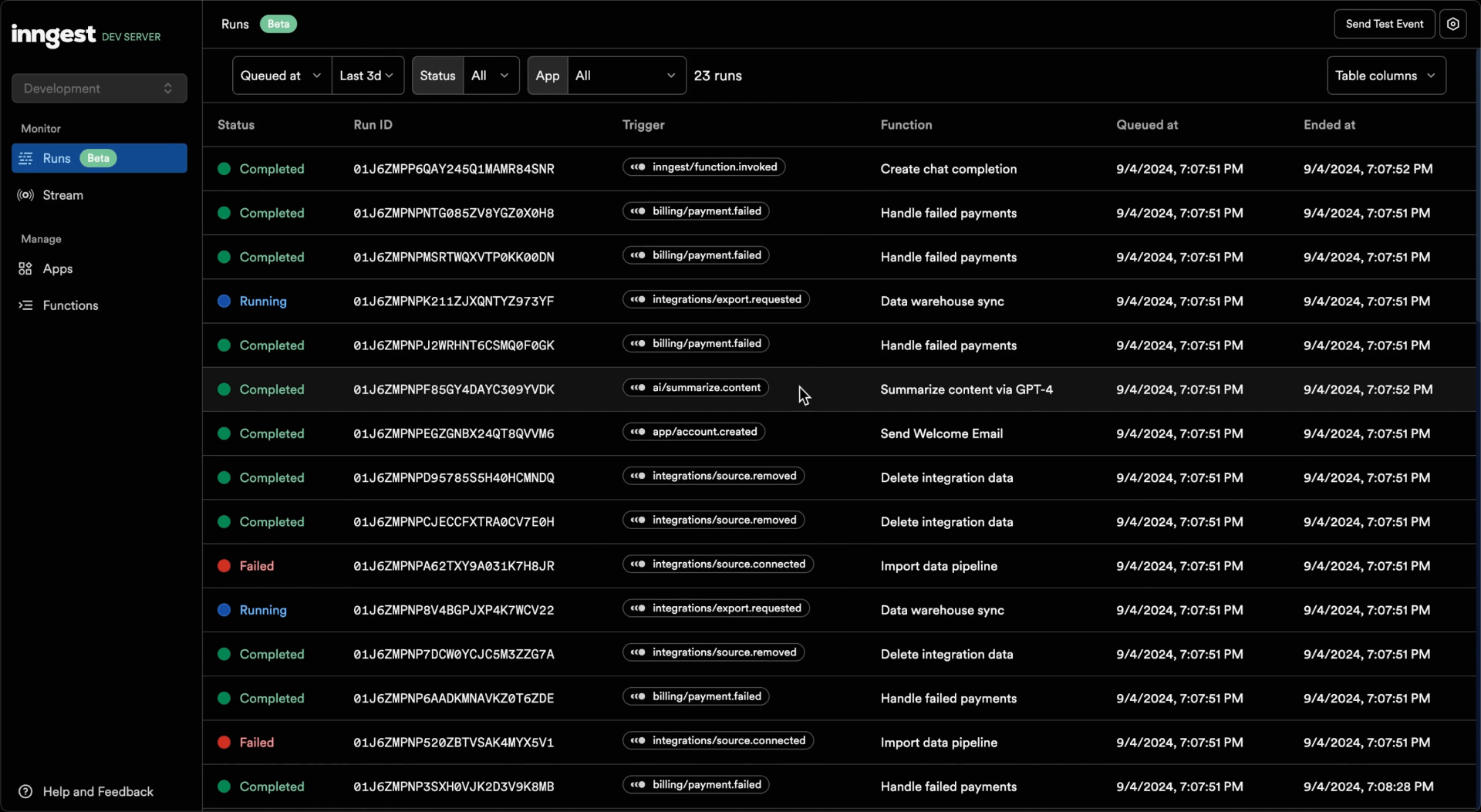
Inngest's durable functions replace queues, state management, and scheduling to enable any developer to write reliable step functions faster without touching infrastructure.
Inngest Functions enable developers to run reliable background logic, from background jobs to complex workflows. An Inngest Function is composed of three key parts that provide robust support for retrying, scheduling, and coordinating complex sequences of operations:
Here is an example function that limits concurrency for each unique user id and performs two steps that will be retried on error:
export default inngest.createFunction(
  {
    id: "import-product-images",
    concurrency: {
      key: "event.data.userId",
      limit: 10
    }
  },
  { event: "shop/product.imported" },
  async ({ event, step }) => {
    // Here goes the business logic
    // By wrapping code in steps, each will be retried automatically on failure
    const s3Urls = await step.run("copy-images-to-s3", async () => {
      return copyAllImagesToS3(event.data.imageURLs);
    });
    // You can include numerous steps in your function
    await step.run("resize-images", async () => {
      await resizer.bulk({ urls: s3Urls, quality: 0.9, maxWidth: 1024 });
    })
  };
);

// Elsewhere in your code (e.g. in your API endpoint):
await inngest.send({
  name: "shop/product.imported",
  data: {
    userId: "01J8G44701QYGE0DH65PZM8DPM",
    imageURLs: [
      "https://useruploads.acme.com/q2345678/1094.jpg",
      "https://useruploads.acme.com/q2345678/1095.jpg"
    ],
  },
});
Run the Inngest Dev Server using our CLI:
npx inngest-cli@latest dev
Open the Inngest Dev Server dashboard at http://localhost:8288:
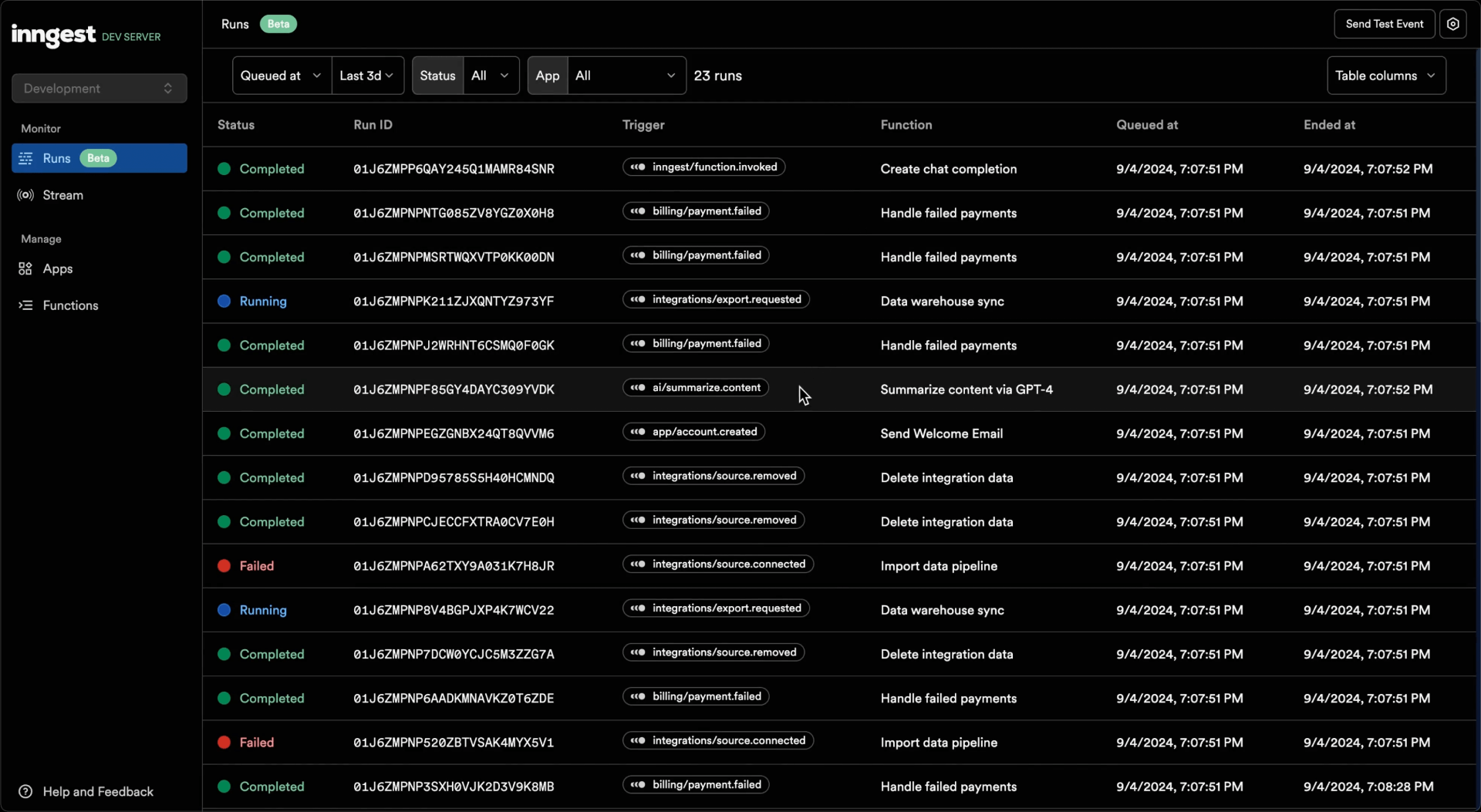
Follow our Next.js, Node.js or Python quick start guides.
With a CLI and JavaScript SDK build that supports Cloud sandboxes, log in once, then start the dev server from your project directory:
inngest login
inngest dev
Select a single existing Cloud development environment during login. Cloud
sandboxes require a paid plan; on other plans, sandbox requests are rejected with
a link to upgrade. The environment also needs a default VPC; branch-child
environments without a VPC are not supported. No deployed Cloud app is required.
To change environments, run inngest login --force.
Use inngest.sandboxes normally, or step.sandbox with sandboxMiddleware.
No sandbox token or signing key is needed in your local application. Set
INNGEST_DEV to your dev-server URL if it differs from the default.
Only sandbox REST requests go to Cloud; functions, events, and runs stay local.
The dev server uses your saved CLI login and refreshes credentials automatically.
Cloud credentials remain in the CLI's OS credential store. On headless machines,
inngest login --insecure-storage explicitly opts into private plaintext storage.
Cloud sandbox routes only accept local connections; use a local port forward
for remote development.
Sandboxes are real, billable Cloud resources. Stopping the dev
server does not destroy them. The Sandboxes page lists resources created
through this project's bridge and supports pause, resume, and explicit destroy.
Their IDs are saved under ~/.config/inngest/dev-sandboxes (or
INNGEST_CONFIG_DIR) independently of --persist. Restart from the same project
directory with the same CLI environment selected to recover the list. Resources
created elsewhere remain accessible through the SDK or Cloud dashboard.
The bridge requires loopback access and the dev server's own UI origin. For a remote dev server, use a local port forward; there is no public tunnel or sandbox access to your app's localhost. After an ambiguous connection failure, inspect the operation's state before repeating a command; the bridge does not retry it.
To understand how self-hosting works, it's valuable to understand the architecture and system components at a high level. We'll take a look at a simplified architecture diagram and walk through the system.
<br /> <p align="center"> <img src="https://raw.githubusercontent.com/inngest/inngest/main/.github/assets/architecture-2024-09-23.png" alt="System Architecture" width="660" /> </p>waitForEvent with matching expressions.