moderate2026
Effectively archived — Vale covers functionalityHigh issue count signals maintenance debt. Vale has a proselint-compatible package. Use Vale instead.
4,519 stars, 181 forks, 247 open issuesOpen-source community
Prose linter based on advice from world-class writers and editors. 4,519 GitHub stars but 247 open issues signals maintenance debt. Vale has a proselint-compatible package.
Where it wins
Based on advice from world-class writers and editors
4,519 GitHub stars — established
Where to be skeptical
247 open issues — signals significant maintenance debt
Vale has a proselint-compatible style package — effectively archived
No recent meaningful updates
Editorial verdict
Stale — high issue count (247 open), Vale covers its functionality with better maintenance. 4,519 stars. Use Vale with the proselint style package instead.
Related
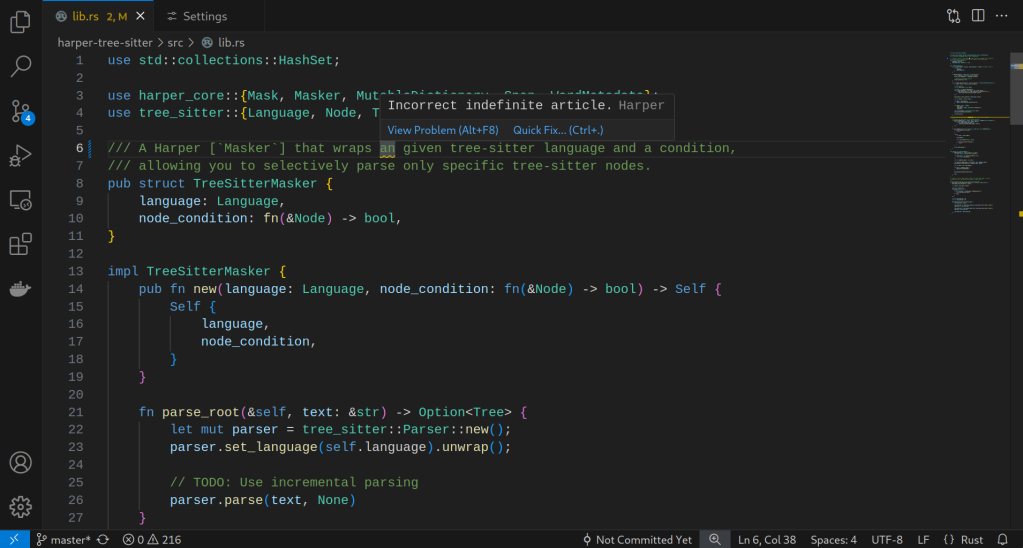
Harper
85Open-source, privacy-first grammar checker built in Rust + WebAssembly. Sub-10ms on-device processing. Browser extensions (Chrome, Firefox), editor plugins (VS Code, Neovim, Obsidian, WordPress). Backed by Automattic. Apache 2.0.
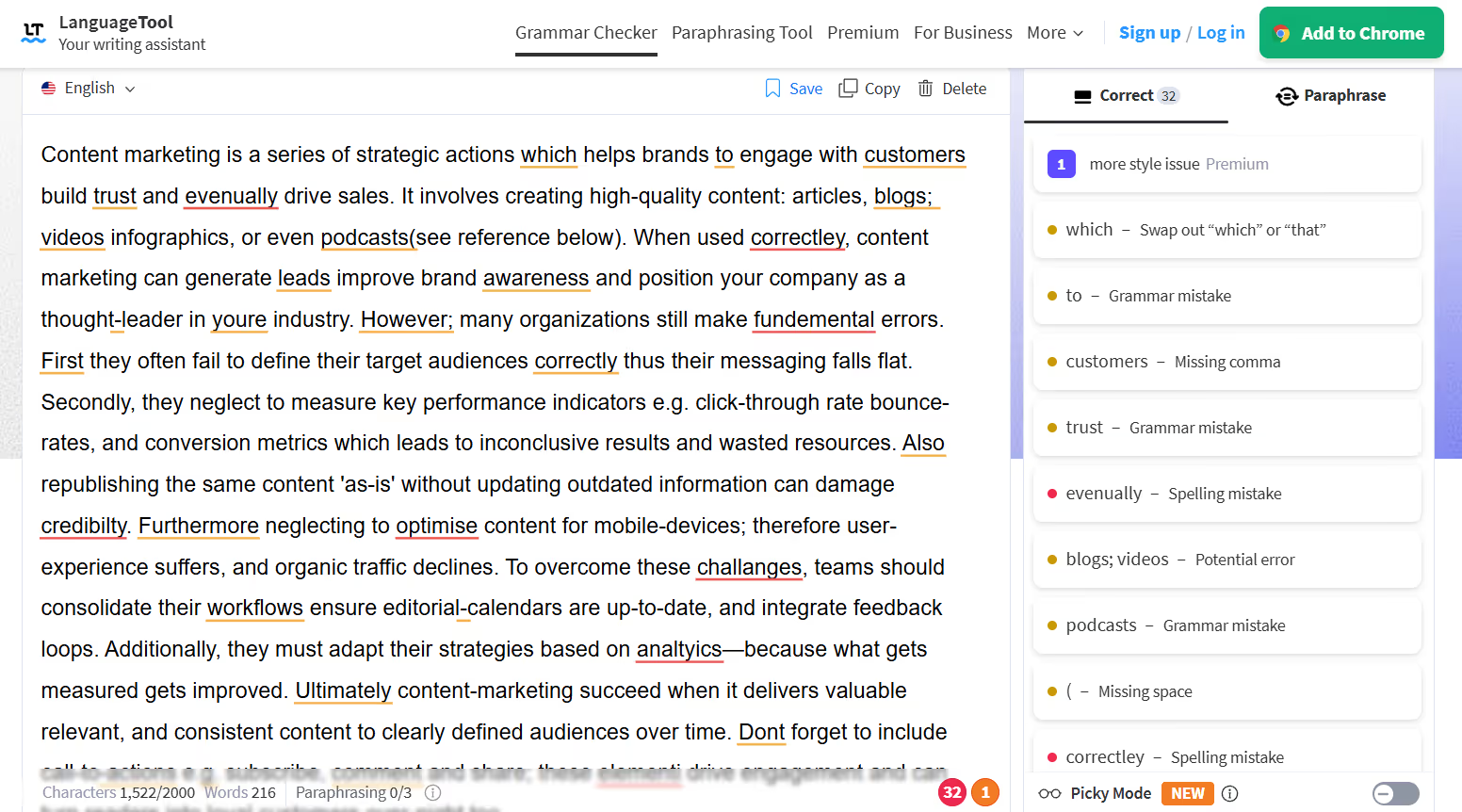
LanguageTool
84Open-source multilingual grammar and style checker supporting 30+ languages. Self-hostable, SOC 2 compliant, GDPR-friendly. Free tier + Premium from $4.99/mo. Written in Java. 14,184 GitHub stars — highest in content-writing category.
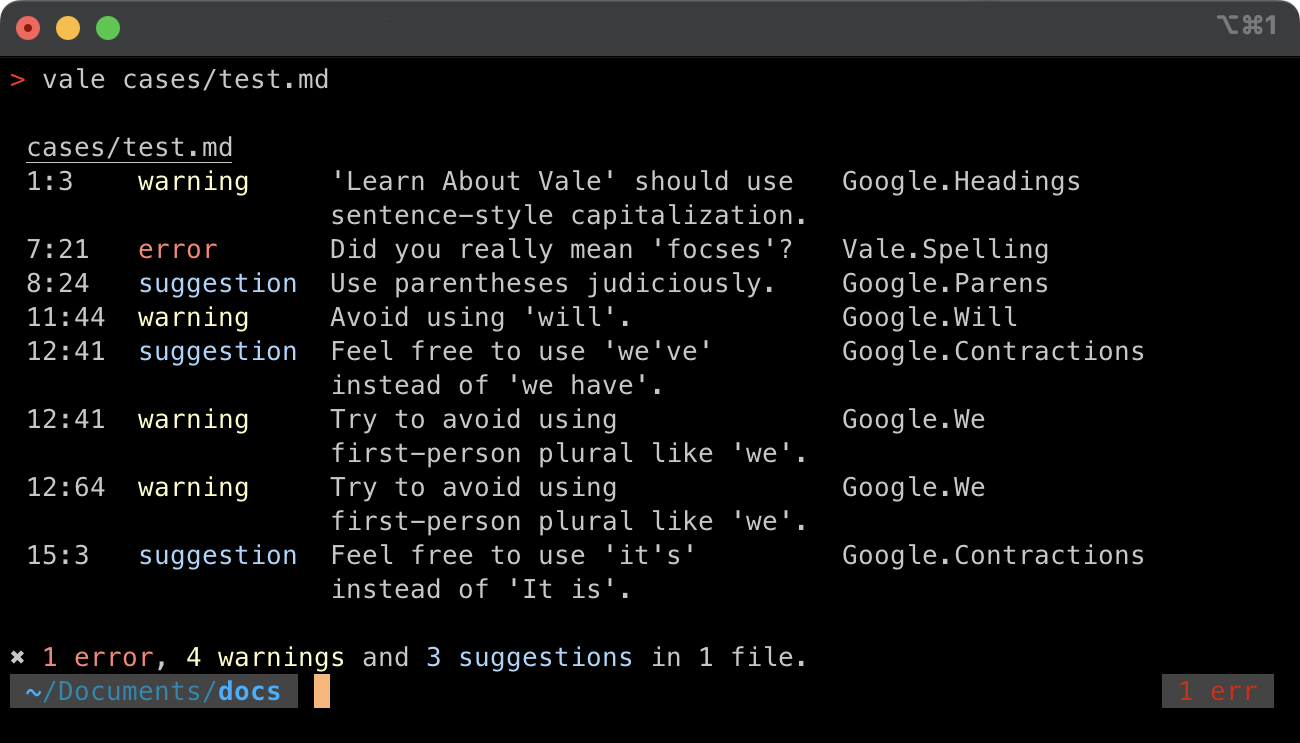
Vale
80Open-source prose linter for docs-as-code pipelines. Markup-aware (Markdown, reStructuredText, AsciiDoc, HTML), CI/CD-native, extensible style packages (Microsoft, Google, write-good). Written in Go.
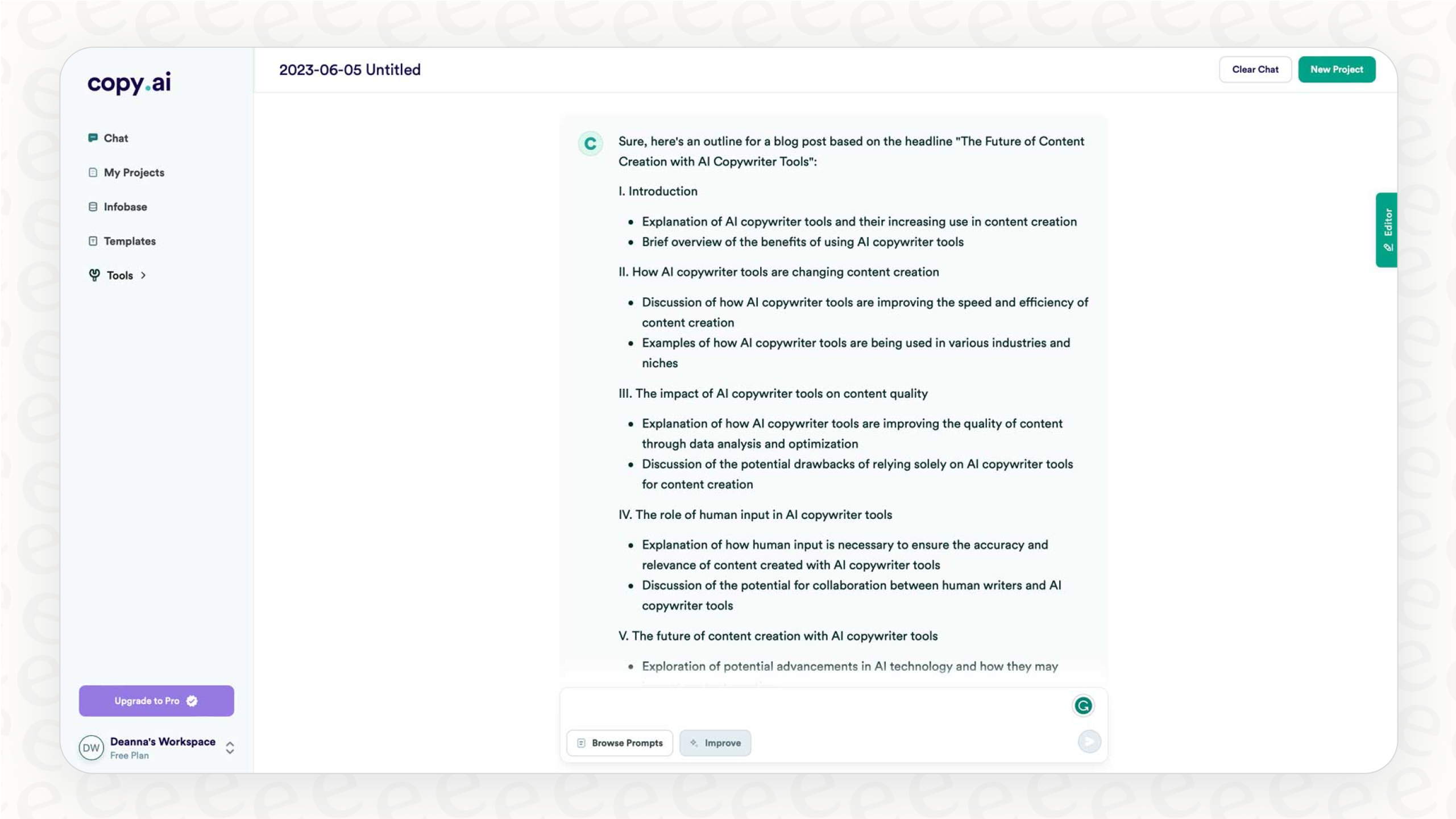
Copy.ai
45AI-powered marketing workflow automation platform. Moves beyond single-shot copy generation into multi-step automated pipelines — chain AI actions, web scraping, CRM updates, and third-party integrations.
Public evidence
High issue count signals maintenance debt. Vale has a proselint-compatible package. Use Vale instead.
Raw GitHub source
Constrained peek so you can sanity-check the source material without leaving the site.


Writing is notoriously hard, even for the best writers, and it's not for lack of good advice — a tremendous amount of knowledge about the craft is strewn across usage guides, dictionaries, technical manuals, essays, pamphlets, websites, and the hearts and minds of great authors and editors. But poring over Strunk & White hardly makes one a better writer — it turns you into neither Strunk nor White. And nobody has the capacity to apply all the advice from Garner’s Modern English Usage, an 1100-page usage guide, to everything they write. In fact, the whole notion that one becomes a better writer by reading advice on writing rests on untenable assumptions about learning and memory. The traditional formats of knowledge about writing are thus essentially inert, waiting to be transformed.
We devised a simple solution: proselint, a linter for English prose. A linter
is a computer program that, akin to a spell checker, scans through a file and
detects issues — like how a real lint roller helps you get unwanted lint off of
your shirt.
proselint places the world's greatest writers and editors by your side, where
they whisper suggestions on how to improve your prose. You’ll be guided by
advice inspired by Bryan Garner, David Foster Wallace, Chuck Palahniuk, Steve
Pinker, Mary Norris, Mark Twain, Elmore Leonard, George Orwell, Matthew
Butterick, William Strunk, Elwyn White, Philip Corbett, Ernest Gowers, and the
editorial staff of the world’s finest literary magazines and newspapers, among
others. Our goal is to aggregate knowledge about best practices in writing and
to make that knowledge immediately accessible to all authors in the form of a
linter for prose; all in a neat command-line utility that you can integrate into
other tools, scripts, and workflows.
To get this up and running, install it using pip.
pip install proselint
sudo dnf install proselint
sudo apt install python3-proselint
sudo add-apt-repository universe
sudo apt install python3-proselint
proselint is packaged by nixpkgs.
To use proselint with pre-commit, or prek, point its config at this repository:
repos:
  - repo: https://github.com/amperser/proselint
    rev: v0.16.0
    hooks:
      - id: proselint
Be sure to change rev to use the desired proselint git tag or revision.
Thanks to Andy Airey for the pre-commit configuration.
environment.systemPackages = [pkgs.proselint];
nix profile install nixpkgs#proselint
proselint is available on:
ALEFlycheckMegaLinternone-ls.nvimThe following plugins are also available, but they are archived or unmaintained:
IntelliJ plugin by Victor KroppFlymake plugin by Manuel UbertiSublime Text plugin by Jordan SuchowPhabricator Arc plugin by Jeff VerkoeyenVisual Studio Code plugin by Patryk PeszkoCoala plugin by the Coala Development GroupDanger plugin by David Grandinetti and Orta TheroxSyntastic plugin by LCD 047, M Bussonnier, and Daniel M. CappellaSuppose you have a document text.md with the following text:
John is very unique.