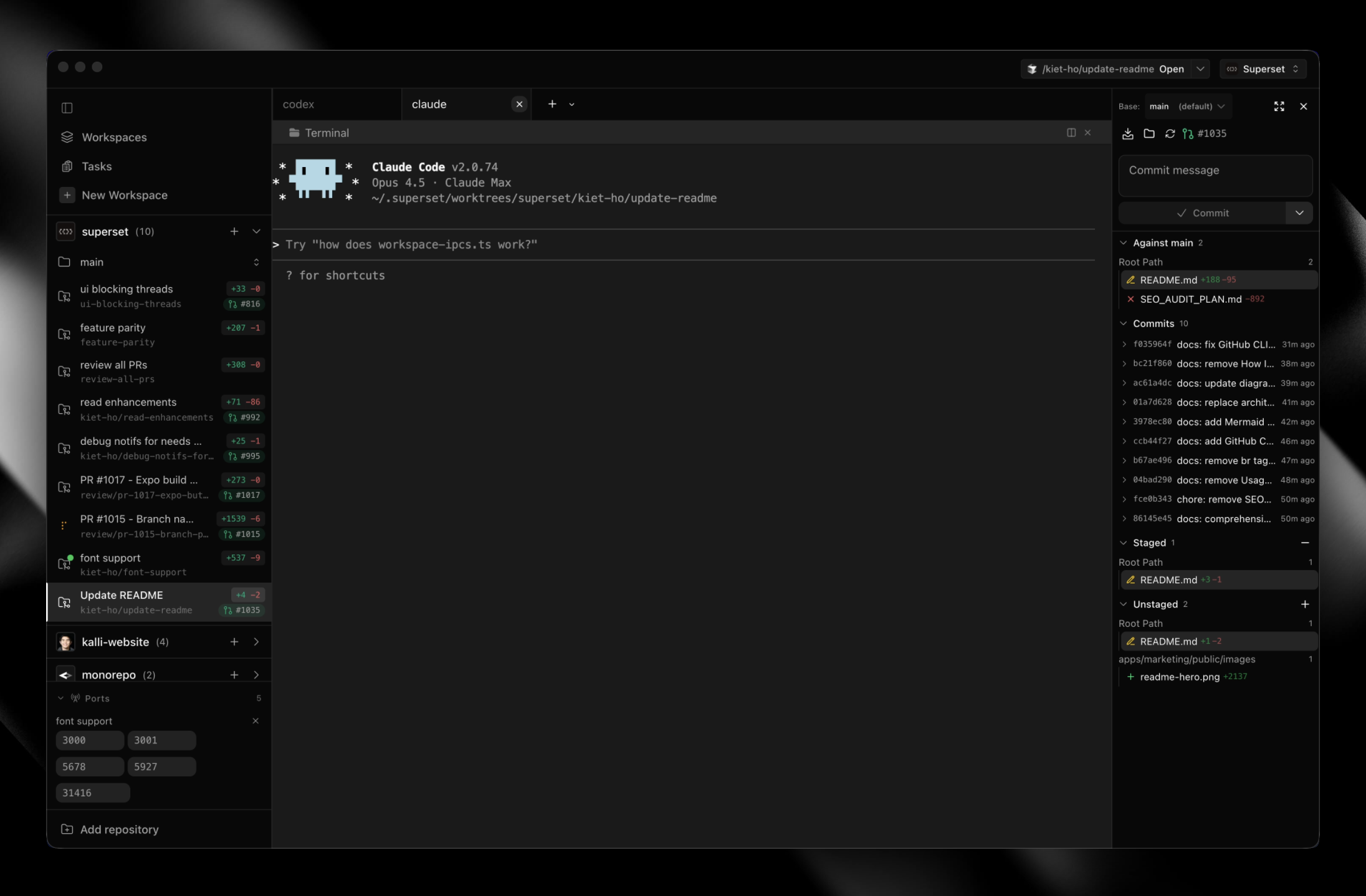
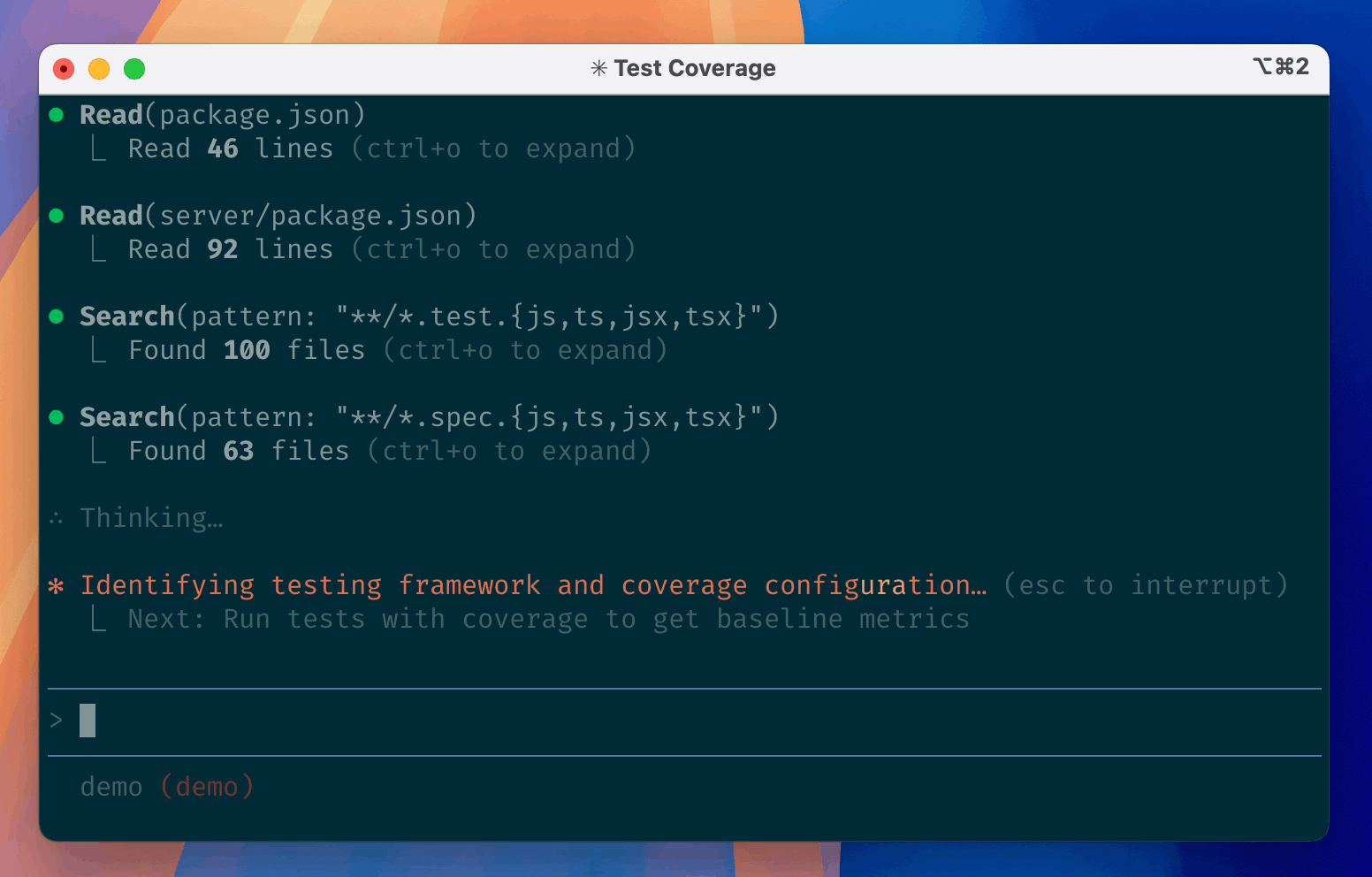
Constrained peek so you can sanity-check the source material without leaving the site.
<div align="center">
<img src="https://raw.githubusercontent.com/superset-sh/superset/main/apps/desktop/src/resources/build/icons/icon.png" alt="Superset app icon" width="96" height="96" />
Superset
Run Claude Code, Codex, or another CLI agent with terminals, code review, and browser previews in one workspace.
Download for macOS • Documentation • Changelog • Discord
<p align="center">
<img width="800" alt="Claude and OpenCode working in parallel Superset workspaces with live diffs" src="https://raw.githubusercontent.com/superset-sh/superset/main/apps/marketing/public/images/readme-hero.gif" />
</p>
</div>
Documentation for agents
The docs are available as a Markdown index linking to individual pages, or one full-text file.
Install
Download the desktop app:
- macOS: Apple Silicon (.dmg) · Intel (.dmg)
- Linux: x64 AppImage (experimental; macOS is the primary target)
- Windows: not yet available
- All builds
All you need installed is Git. gh is optional and enables the PR workflows; Superset offers to install it for you.
Start with one task
- Install Superset and add a repository from your computer or clone one.
- Create a workspace, choose your CLI agent, and describe a small change you want to make.
- Inspect its patch in Changes, run the relevant tests, and preview your app in the browser pane before committing.
For a walkthrough of workspace creation and review, see Your First Parallel Session.
Review and revise
- Change your app's UI. Use Design in the browser pane to select an element and send your requested change to an agent with element context. Walkthrough · Design Mode docs
- Ask an agent to fix a PR. Open Pull requests → Code, select diff lines, and send feedback to a running or new agent session. Posting to GitHub is optional. Walkthrough · PR docs
- Review a report with your team. Ask an agent to publish a Page. Teammates pin comments, and a watching agent can revise it at the same link. Keep its host and session running for feedback delivery. Walkthrough · Pages docs
<details>
<summary>See the diff viewer and browser previews</summary>
Built-in Diff Viewer
Inspect, comment on, and edit agent changes without leaving the app, then commit and push when it's ready.
Docs →
<a href="https://docs.superset.sh/diff-viewer"><img src="https://raw.githubusercontent.com/superset-sh/superset/main/apps/marketing/public/images/readme/diff-viewer.png" alt="Reviewing an agent's changes in the diff viewer" width="100%" /></a>
In-App Browser & Ports
Preview running dev servers in a browser pane. Ports are detected per workspace, so every worktree gets its own preview.
Docs →
<a href="https://docs.superset.sh/browser"><img src="https://raw.githubusercontent.com/superset-sh/superset/main/apps/marketing/public/images/readme/browser-ports.png" alt="In-app browser previewing a dev server with detected ports" width="100%" /></a>
</details>
Run independent tasks
Give each task a Git worktree with its own branch and terminals. Worktrees separate working files; they do not sandbox processes or prevent merge conflicts.
Workspace docs · Terminal docs · Agent status
<details>
<summary>See workspaces, monitoring, terminals, and the command palette</summary>
Parallel Workspaces
Review each result before merging, or try two approaches to the same problem and keep the one you prefer.
Docs →
<a href="https://docs.superset.sh/workspaces"><img src="https://raw.githubusercontent.com/superset-sh/superset/main/apps/marketing/public/images/readme/agents-working.gif" alt="Claude streaming a billing migration while other agents run in parallel workspaces" width="100%" /></a>
Agent Monitoring
Track every agent from the sidebar, with working indicators, completion chimes, and dock badges when one needs your attention.
Docs →
<a href="https://docs.superset.sh/agent-integration"><img src="https://raw.githubusercontent.com/superset-sh/superset/main/apps/marketing/public/images/readme/agent-monitoring.gif" alt="An agent finishing its task and the sidebar status flipping from working to done" width="100%" /></a>
Built-in Terminal
Tabs, infinite splits, presets, and persistent sessions that survive restarts. Press ⌘I for a rich prompt editor with multiline editing and @-file mentions.
Docs →
<a href="https://docs.superset.sh/terminal-integration"><img src="https://raw.githubusercontent.com/superset-sh/superset/main/apps/marketing/public/images/readme/terminal.gif" alt="Typing a follow-up with an @-file mention in the rich prompt editor next to a split terminal" width="100%" /></a>
Command Palette
Jump to any workspace, action, or setting from one search box.
Docs →
<a href="https://docs.superset.sh/keyboard-shortcuts"><img src="https://raw.githubusercontent.com/superset-sh/superset/main/apps/marketing/public/images/readme/command-palette.gif" alt="Typing in the command palette and filtering workspace actions live" width="100%" /></a>
</details>
Work across devices and on a schedule
Connect another machine to reach its workspaces remotely, or schedule an agent to work on a recurring task. The CLI, SDK, and MCP server also let agents and scripts manage workspaces.
Mobile supports iPhone and iPad and requires Superset Pro and iOS 26 or iPadOS 26 or later. Use cloud workspaces without keeping your own computer connected. To reach workspaces on your own computer, enable Remote Access and keep that host awake and online.
Remote access · Automations · iPhone and iPad · CLI
<details>
<summary>See mobile, automations, remote access, and the CLI</summary>
Superset for iPhone and iPad
Control Claude Code, Codex, and other terminal agents in cloud workspaces or on your connected computer. Pick up the same workspaces and terminal sessions, send follow-up prompts, review diffs, and merge PRs from your iPhone or iPad.
Download on the App Store • Learn more →
<a href="https://superset.sh/mobile"><img src="https://raw.githubusercontent.com/superset-sh/superset/main/apps/marketing/public/images/readme/mobile-desktop.png" alt="Superset desktop with an iPhone terminal session overlaid on the right" width="100%" /></a>
Automations
Run agent sessions on a schedule or when something happens: review a PR when you're asked, triage a new Sentry issue, pick up a bug report from Slack, draft the weekly changelog.
Docs →
<a href="https://docs.superset.sh/automations"><img src="https://raw.githubusercontent.com/superset-sh/superset/main/apps/marketing/public/images/readme/automations.png" alt="Agent automations on a schedule or an event" width="100%" /></a>
Remote Access
Connect another machine and reach its workspaces from anywhere: the desktop app, the CLI, or your phone. Wake offline hosts with a custom command.