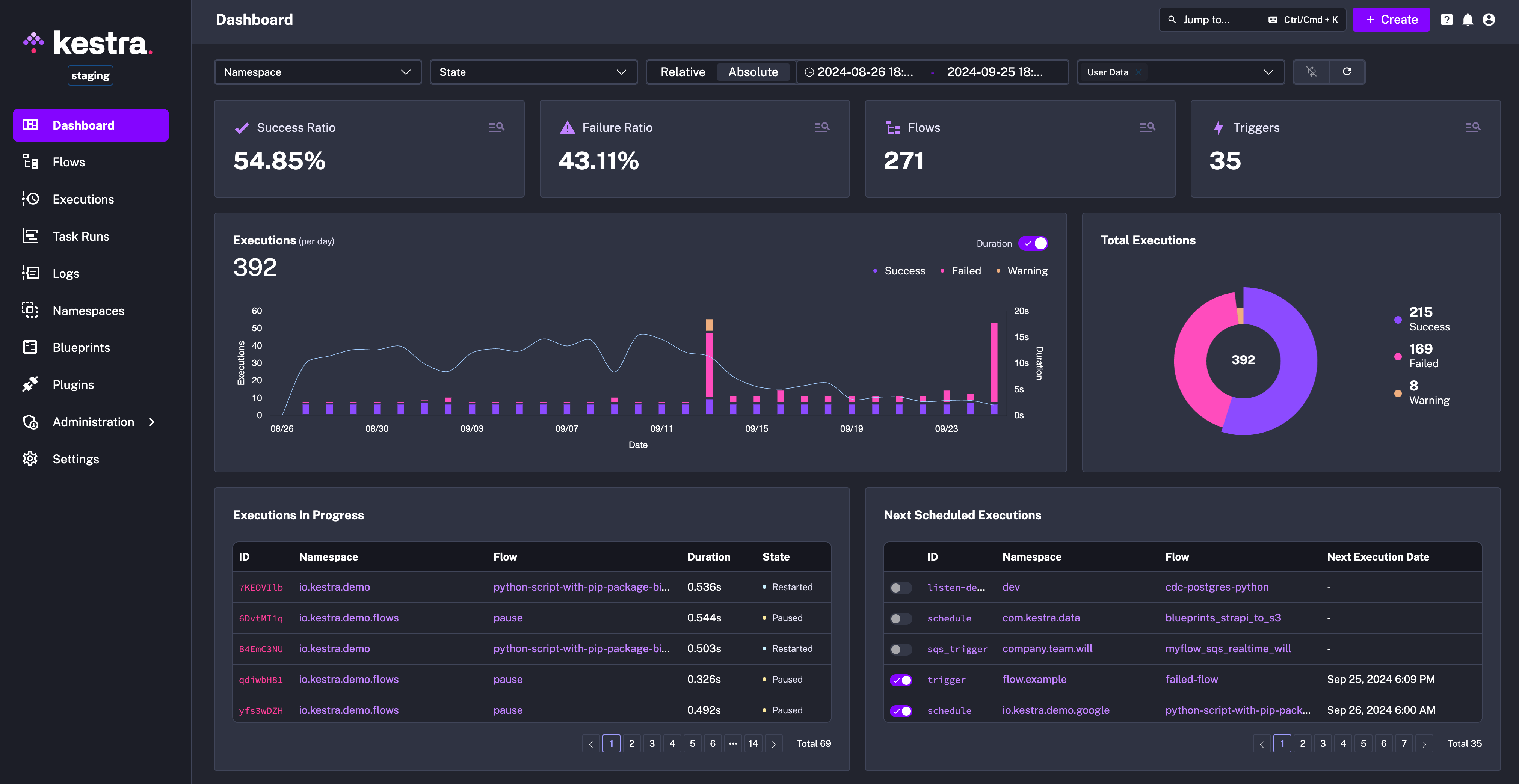
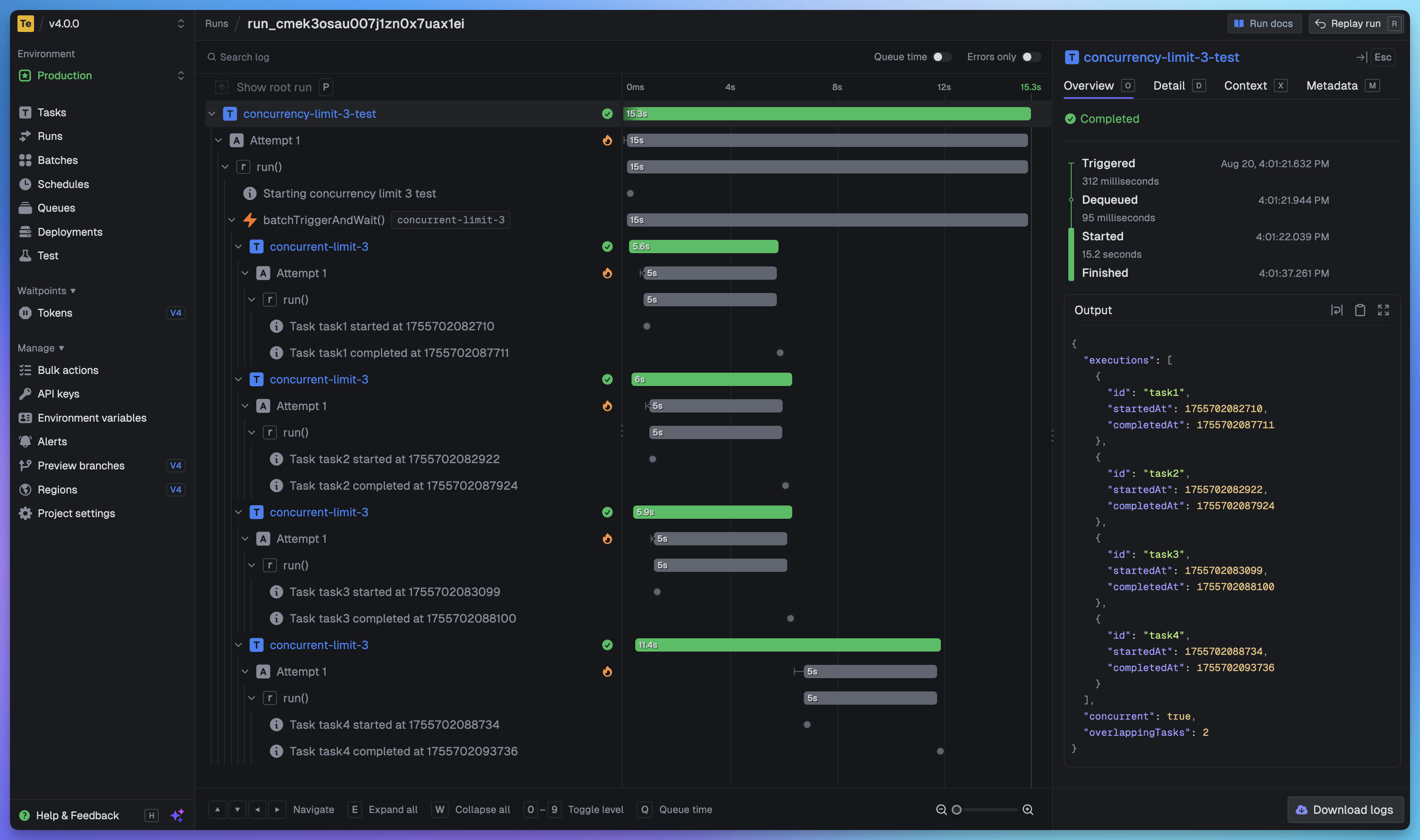
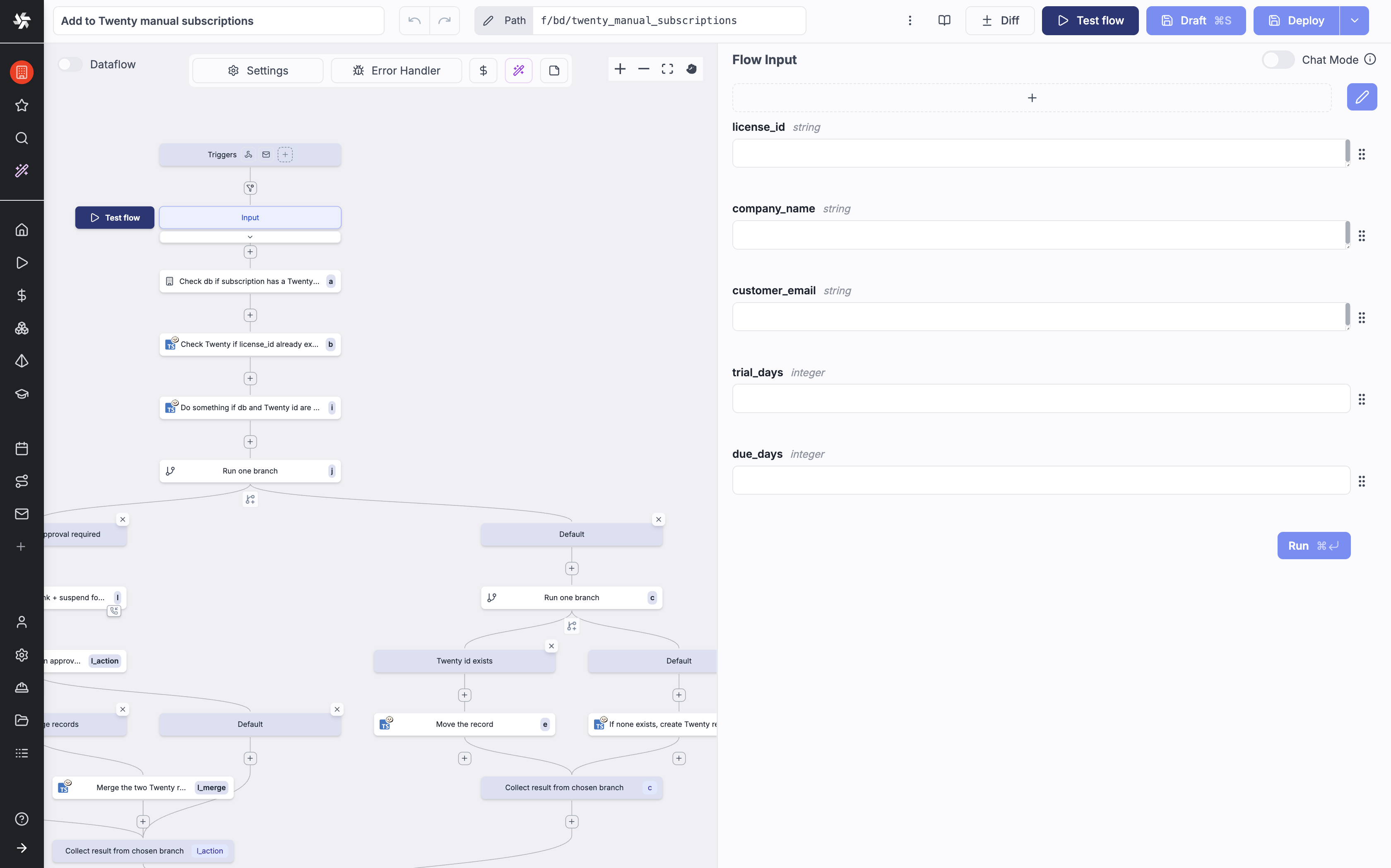
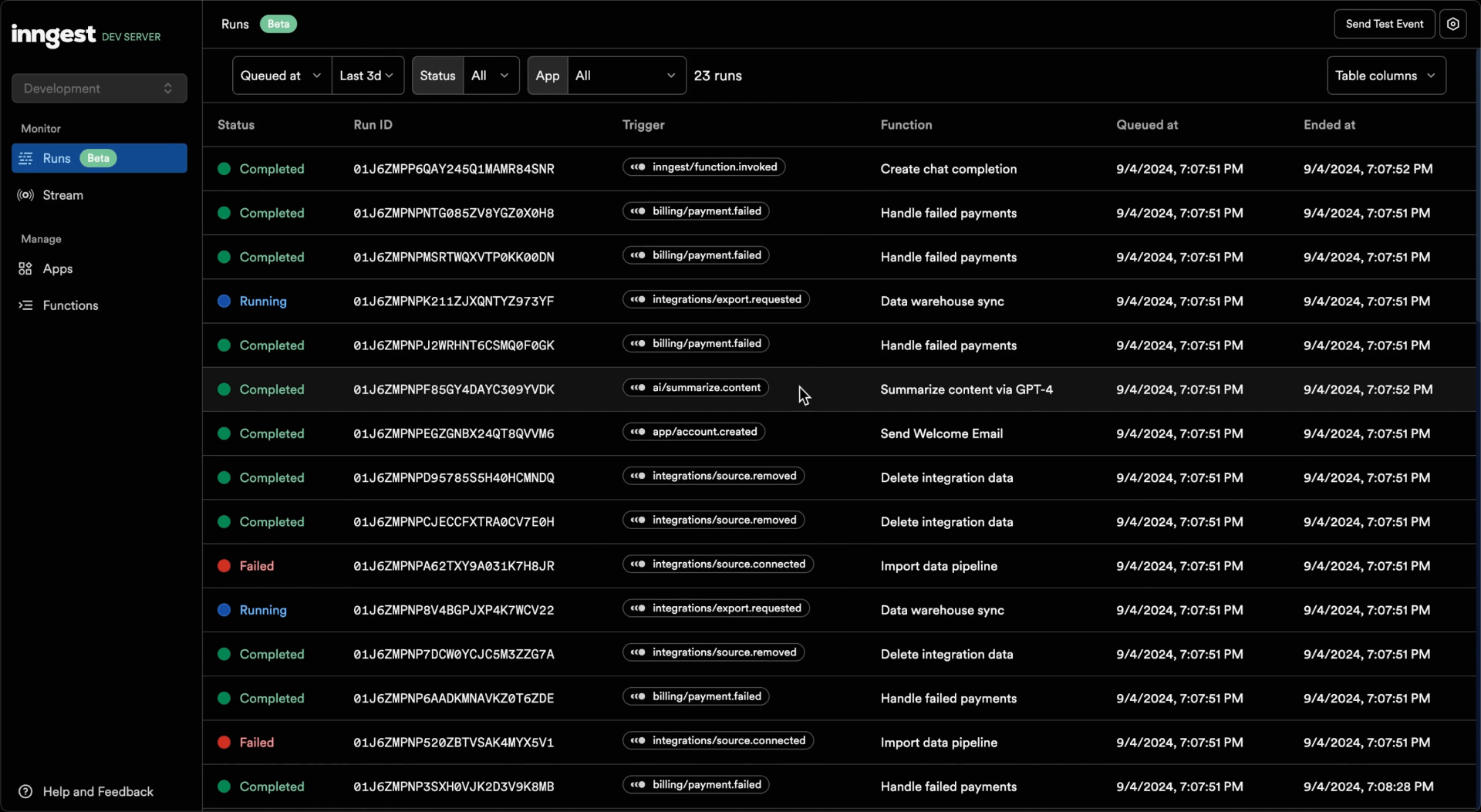
Constrained peek so you can sanity-check the source material without leaving the site.
<p align="center">
<a href="https://www.kestra.io">
<img src="https://kestra.io/banner.png" alt="Kestra workflow orchestrator" />
</a>
</p>
<h1 align="center" style="border-bottom: none">
Open-source orchestration platform for data, AI, and infrastructure workflows
</h1>
<div align="center">
</div>
<br />
<p align="center">
<a href="https://x.com/kestra_io" style="margin: 0 10px;">
<img height="25" src="https://kestra.io/twitter.svg" alt="twitter" width="35" height="25" /></a>
<a href="https://www.linkedin.com/company/kestra/" style="margin: 0 10px;">
<img height="25" src="https://kestra.io/linkedin.svg" alt="linkedin" width="35" height="25" /></a>
<a href="https://www.youtube.com/@kestra-io" style="margin: 0 10px;">
<img height="25" src="https://kestra.io/youtube.svg" alt="youtube" width="35" height="25" /></a>
</p>
<p align="center">
<a href="https://trendshift.io/repositories/2714" target="_blank">
<img src="https://trendshift.io/api/badge/repositories/2714" alt="kestra-io%2Fkestra | Trendshift" width="250" height="55"/>
</a>
<a href="https://www.producthunt.com/posts/kestra?embed=true&utm_source=badge-top-post-badge&utm_medium=badge&utm_souce=badge-kestra" target="_blank"><img src="https://api.producthunt.com/widgets/embed-image/v1/top-post-badge.svg?post_id=612077&theme=light&period=daily&t=1740737506162" alt="Kestra - All-in-one automation & orchestration platform | Product Hunt" style="width: 250px; height: 54px;" width="250" height="54" /></a>
</p>
<p align="center">
<a href="https://go.kestra.io/video/product-overview" target="_blank">
<img src="https://kestra.io/startvideo.png" alt="Get started in 3 minutes with Kestra" width="640px" />
</a>
</p>
<p align="center" style="color:grey;"><i>Click on the image to learn how to get started with Kestra in 3 minutes.</i></p>
🌟 What is Kestra?
Kestra is an open-source, event-driven orchestration platform for data, AI, and infrastructure workflows. It unifies scheduled and event-driven automation behind a declarative, language-agnostic interface. By bringing Infrastructure as Code best practices to your data, process, and microservice pipelines, you can build reliable workflows directly from the UI in just a few lines of YAML, let the built-in AI Copilot write them for you, or generate them straight from your coding agent (Claude Code, Cursor, Windsurf, and others) with Agent Skills.
📖 Table of Contents
- ✨ What's New in 2.0
- 🚀 Quick Start
- 🧩 Plugin Ecosystem
- 📚 Key Concepts
- 🎨 Build Workflows Visually
- 🔧 Extensible and Developer-Friendly
- 🌐 Join the Community
- 🤝 Contributing
- 📄 License
- ⭐️ Stay Updated
Key Features:
- Everything as Code and from the UI: keep workflows as code with a Git Version Control integration, even when building them from the UI.
- Three ways to build the same flow: the YAML editor, the No-Code editor, and the AI Copilot all edit the same flow and stay in sync.
- AI-native orchestration: AI Agents and RAG workflows as first-class task types, plus a built-in MCP server that exposes your flows as tools to any MCP-compatible agent.
- Event-Driven & Scheduled Workflows: automate both scheduled and real-time event-driven workflows via a simple
trigger definition.
- Declarative YAML Interface: define workflows using a simple configuration in the built-in code editor.
- Rich Plugin Ecosystem: hundreds of plugins built in to extract data from any database, cloud storage, or API, and run scripts in any language.
- Intuitive UI & Code Editor: build and visualize workflows directly from the UI with syntax highlighting, auto-completion and real-time syntax validation.
- Scalable: designed to handle millions of workflows, with high availability and fault tolerance. Workers talk to the control plane over gRPC, so they can run in another region or inside a restricted network.
- Version Control Friendly: write your workflows from the built-in code Editor and push them to your preferred Git branch directly from Kestra, enabling best practices with CI/CD pipelines and version control systems. Save a flow as a draft to iterate without disrupting the revision your triggers are running.
- Structure & Resilience: tame chaos and bring resilience to your workflows with namespaces, labels, subflows, retries, timeout, error handling, inputs, outputs that generate artifacts in the UI, variables, conditional branching, advanced scheduling, event triggers, backfills, dynamic tasks, sequential and parallel tasks, checks that validate preconditions before an execution starts, quotas that cap how many executions a flow can create in a time window, and skip tasks or triggers when needed by setting the flag
disabled to true.
🧑💻 The YAML definition gets automatically adjusted any time you make changes to a workflow from the UI or via an API call. Therefore, the orchestration logic is always managed declaratively in code, even if you modify your workflows in other ways (UI, No-Code editor, AI Copilot, CI/CD, Terraform, API calls).
✨ What's New in 2.0
Kestra 2.0 is a major release. The highlights below are the short version. See What's New in Kestra 2.0 for the full list, and the 2.0 migration guide for breaking changes and upgrade steps.
AI
- AI Copilot is now a persistent sidebar with Ask, Edit, and Plan modes, and it reads your namespace metadata so suggestions reuse the credentials you already configured.
- AI Agents and RAG workflows let you orchestrate LLM calls, vector stores, and chunking inside a flow, with token usage reported per execution.
- The MCP server, the MCP Tool Trigger, and Agent Skills make your flows callable from AI agents and coding assistants.
Workflow components
ForEach and ForEachItem are replaced by a single Loop task.- Trigger
conditions are now written as when, alongside new date helpers such as isWeekend(), isPublicHoliday(), isDayWeekInMonth(), and isLastWorkingDay(). See date functions.
- The new
subflow() function returns a subflow's outputs inline in an expression, with no dedicated task.
- Inputs gain
{label, value} options for SELECT/MULTISELECT, JSON Schema validation, and a FORM type that groups inputs into a multi-step wizard.
- Draft revisions let you stage flow changes while triggers keep running the last published revision.
- Triggers can attach labels to the executions they create.
Developer experience
- The No-Code editor builds flows block by block, with a guided form per task and the available upstream outputs listed alongside.
- Plugin Artifacts let a plugin ship Vue components that load into the Kestra UI at runtime, and plugin file renderers preview task output files inline.
kestractl covers flows, plugins, and IAM; the VS Code extension can mount a namespace as a live folder.
Infrastructure
- Worker communication moved from the JDBC queue to a gRPC worker-controller, separating the control plane from the data plane. Task run outputs live in dedicated storage instead of inline in the execution record, which shrinks the database and speeds up the execution list. See Architecture.
- Four new VM task runners: AWS EC2, Azure Virtual Machine, Google Compute Engine, and Huawei Cloud CCI.
- The
-no-plugins image suffix is now -slim, and KESTRA_PLUGINS_AUTO_INSTALL_ENABLED=true fetches plugins from Maven Central on demand. The Quick Start command below uses both.
PurgeStorage cleans internal storage by last-modified date, including files whose execution records are already gone.- HTTP task URL filtering lets operators allow-list or deny-list the URLs HTTP tasks may reach.
Enterprise Edition also gains an action-based RBAC model, Policies, Cases for incident management, Promote for UI-driven cross-instance deployment, Reusable Inputs, Worker Groups 2.0, and an external log data store.
🚀 Quick Start
Launch on AWS (CloudFormation)
Deploy Kestra on AWS using our CloudFormation template:

Launch on Google Cloud (Terraform deployment)
Deploy Kestra on Google Cloud Infrastructure Manager using our Terraform module.
Get Started Locally in 5 Minutes
Launch Kestra in Docker
Make sure that Docker is running. Then, start Kestra in a single command:
docker run --pull=always --rm -it -p 8080:8080 --user=root \
  --name kestra \
  -v kestra_data:/app/storage \
  -v kestra_db:/app/data \
  -v /var/run/docker.sock:/var/run/docker.sock \
  -v /tmp:/tmp \
  -e KESTRA_PLUGINS_AUTO_INSTALL_ENABLED=true \
  kestra/kestra:latest-slim server local
If you're on Windows and use PowerShell:
docker run --pull=always --rm -it -p 8080:8080 --user=root `