Constrained peek so you can sanity-check the source material without leaving the site.
<p align="center">
<img src="https://raw.githubusercontent.com/marimo-team/marimo/main/docs/_static/marimo-logotype-thick.svg">
</p>
<p align="center">
<em>A reactive Python notebook that's reproducible, git-friendly, and deployable as scripts or apps.</em>
</p>
<p align="center">
<a href="https://docs.marimo.io" target="_blank"><strong>Docs</strong></a> ·
<a href="https://marimo.io/discord?ref=readme" target="_blank"><strong>Discord</strong></a> ·
<a href="https://docs.marimo.io/examples/" target="_blank"><strong>Examples</strong></a> ·
<a href="https://marimo.io/gallery/" target="_blank"><strong>Gallery</strong></a> ·
<a href="https://www.youtube.com/@marimo-team/" target="_blank"><strong>YouTube</strong></a>
</p>
<p align="center">
<b>English</b>
<b> | </b>
<a href="https://github.com/marimo-team/marimo/blob/main/README_Traditional_Chinese.md" target="_blank"><b>繁體中文</b></a>
<b> | </b>
<a href="https://github.com/marimo-team/marimo/blob/main/README_Chinese.md" target="_blank"><b>简体中文</b></a>
<b> | </b>
<a href="https://github.com/marimo-team/marimo/blob/main/README_Japanese.md" target="_blank"><b>日本語</b></a>
<b> | </b>
<a href="https://github.com/marimo-team/marimo/blob/main/README_Spanish.md" target="_blank"><b>Español</b></a>
</p>
<p align="center">
<a href="https://marimo.io/discord?ref=readme"><img src="https://shields.io/discord/1059888774789730424" alt="discord"/></a>
</p>
marimo is a reactive Python notebook: run a cell or interact with a UI
element, and marimo automatically runs dependent cells (or <a href="#expensive-notebooks">marks them as stale</a>), keeping code and outputs
consistent. marimo notebooks are stored as pure Python (with first-class SQL support), executable as scripts,
and deployable as apps.
Highlights.
- 🚀 batteries-included: replaces
jupyter, streamlit, jupytext, ipywidgets, papermill, and more
- ⚡️ reactive: run a cell, and marimo reactively runs all dependent cells or <a href="#expensive-notebooks">marks them as stale</a>
- 🖐️ interactive: bind sliders, tables, plots, and more to Python — no callbacks required
- 🐍 git-friendly: stored as
.py files
- 🛢️ designed for data: query dataframes, databases, warehouses, or lakehouses with SQL, filter and search dataframes
- 🤖 AI-native: pair with AI agents like Claude Code, or use our editor's built-in AI features
- 🔬 reproducible: no hidden state, deterministic execution, built-in package management
- 🏃 executable: execute as a Python script, parameterized by CLI args
- 🛜 shareable: deploy as an interactive web app or slides, run in the browser via WASM
- 🧩 reusable: import functions and classes from one notebook to another
- 🧪 testable: run pytest on notebooks
- ⌨️ a modern editor: GitHub Copilot, AI assistants, vim keybindings, variable explorer, and more
- 🧑💻 use your favorite editor: run in VS Code/Cursor or PyCharm, or edit in neovim, Zed, or any other text editor
pip install marimo && marimo tutorial intro
Get started instantly with molab, our free online
notebook. Or jump to the
quickstart for a primer on our CLI.
A reactive programming environment
marimo guarantees your notebook code, outputs, and program state are consistent. This solves many problems associated with traditional notebooks like Jupyter.
A reactive programming environment.
Run a cell and marimo reacts by automatically running the cells that
reference its variables, eliminating the error-prone task of manually
re-running cells. Delete a cell and marimo scrubs its variables from program
memory, eliminating hidden state.
<img src="https://raw.githubusercontent.com/marimo-team/marimo/main/docs/_static/reactive.gif" width="700px" />
<a name="expensive-notebooks"></a>
Compatible with expensive notebooks. marimo lets you configure the runtime
to be
lazy,
marking affected cells as stale instead of automatically running them. This
gives you guarantees on program state while preventing accidental execution of
expensive cells.
Synchronized UI elements. Interact with UI
elements like sliders,
dropdowns, dataframe
transformers, and chat
interfaces, and the cells that
use them are automatically re-run with their latest values.
<img src="https://raw.githubusercontent.com/marimo-team/marimo/main/docs/_static/readme-ui.gif" width="700px" />
Interactive dataframes. Page through, search, filter, and
sort
millions of rows blazingly fast, no code required.
<img src="https://raw.githubusercontent.com/marimo-team/marimo/main/docs/_static/docs-df.gif" width="700px" />
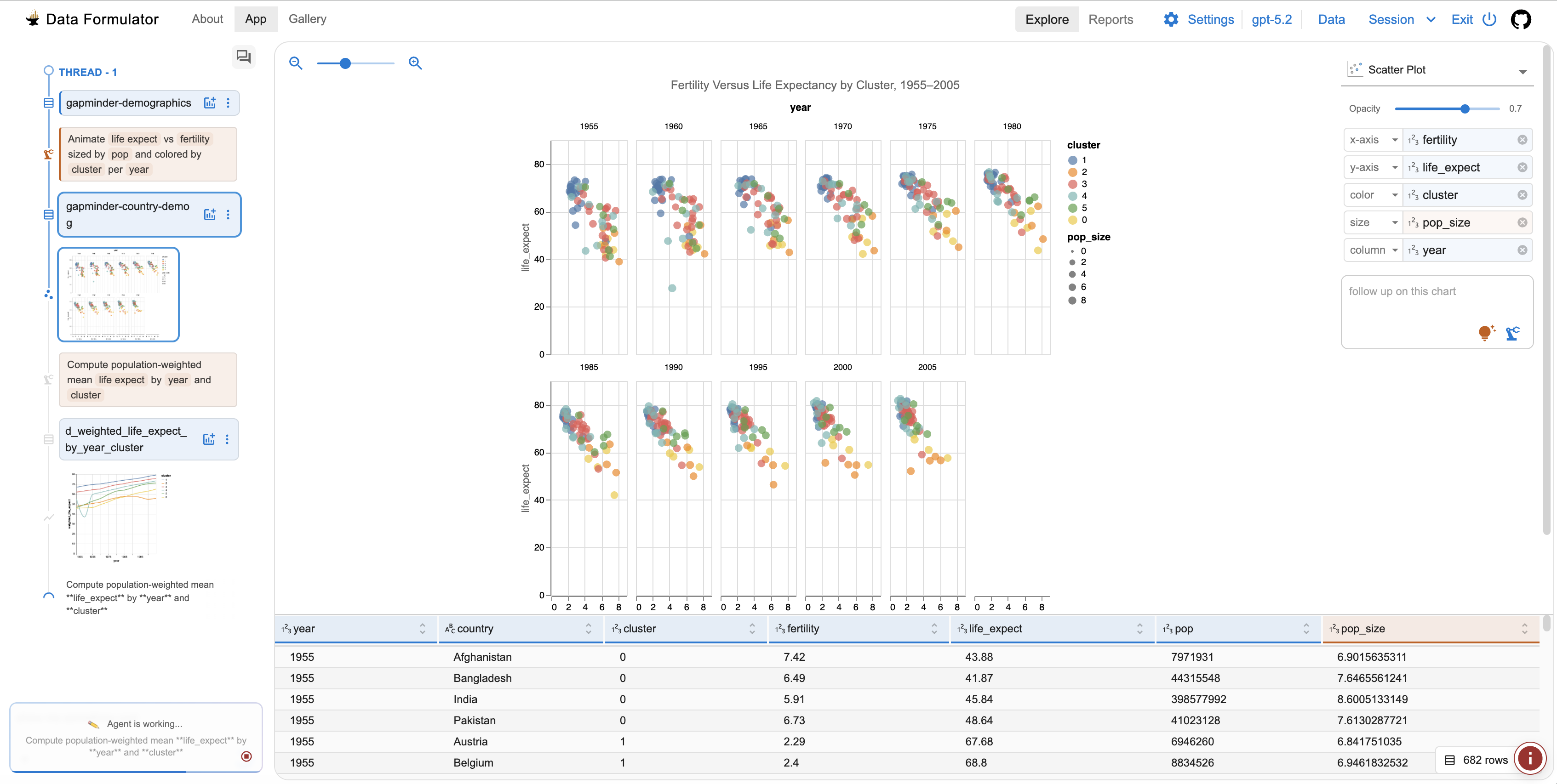
Generate cells with data-aware AI. Collaborate on marimo notebooks with
your favorite agent, such as Claude Code, Codex, or OpenCode, using marimo
pair. Or,
generate code in the marimo editor with an AI
assistant that
is highly specialized for working with data, with context about your variables
in memory. Customize the system prompt, bring your own API keys, or use local
models.
<img src="https://raw.githubusercontent.com/marimo-team/marimo/main/docs/_static/readme-generate-with-ai.gif" width="700px" />
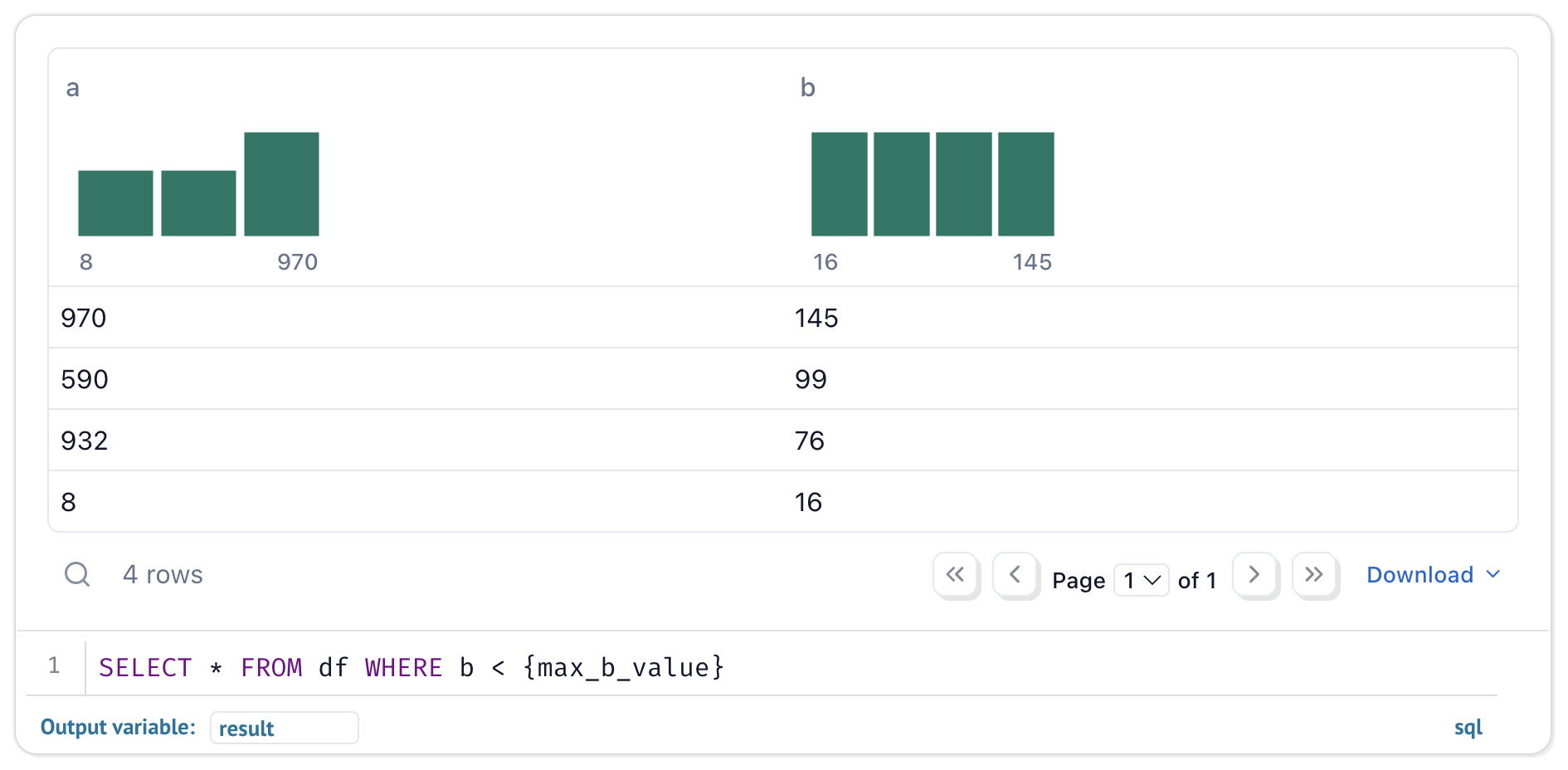
Query data with SQL. Build SQL queries
that depend on Python values and execute them against dataframes, databases, lakehouses,
CSVs, Google Sheets, or anything else using our built-in SQL engine, which
returns the result as a Python dataframe.
<img src="https://raw.githubusercontent.com/marimo-team/marimo/main/docs/_static/readme-sql-cell.png" width="700px" />
Your notebooks are still pure Python, even if they use SQL.
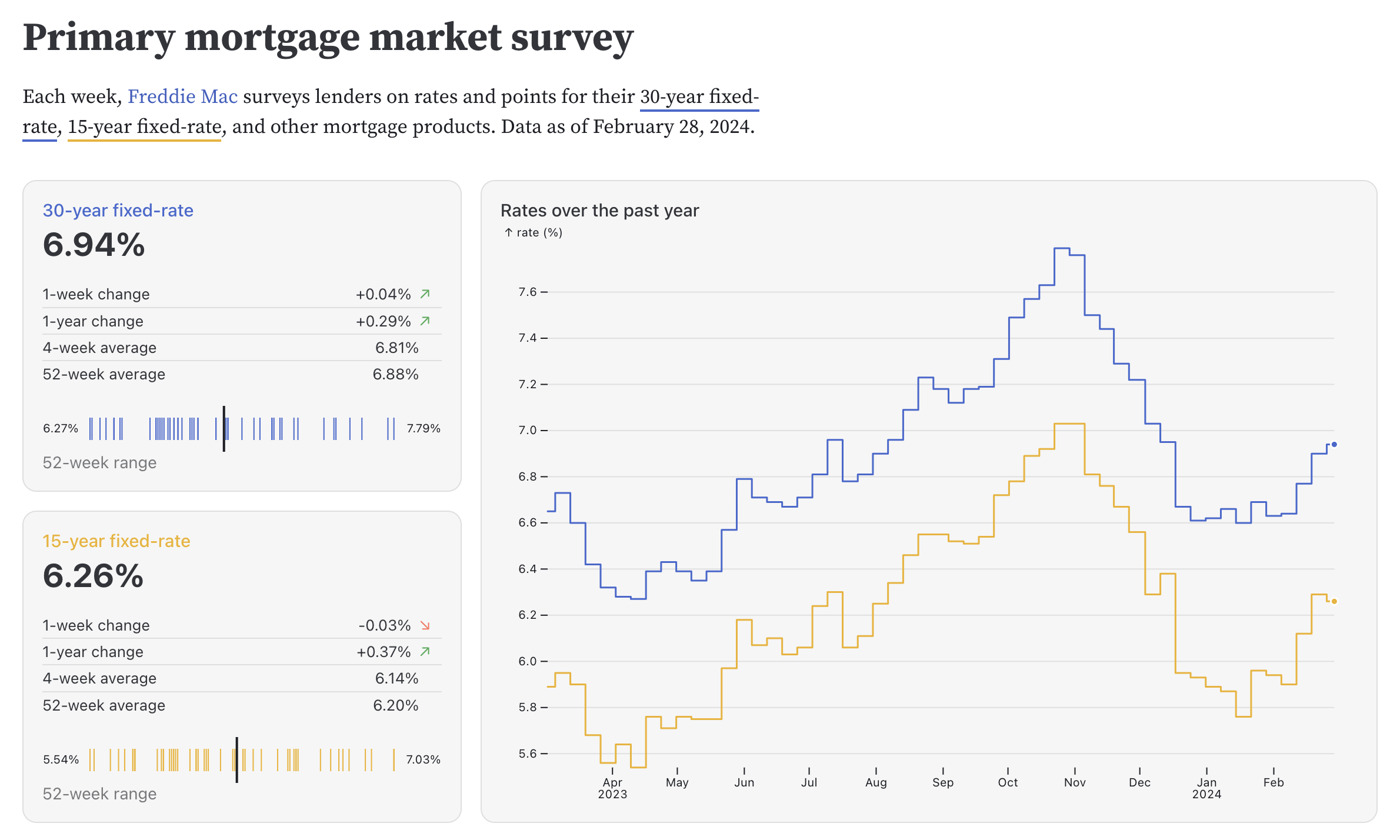
Dynamic markdown. Use markdown parametrized by Python variables to tell
dynamic stories that depend on Python data.
Built-in package management. marimo has built-in support for all major
package managers, letting you install packages on import. marimo can even
serialize package
requirements
in notebook files, and auto install them in
isolated venv sandboxes.
Deterministic execution order. Notebooks are executed in a deterministic
order, based on variable references instead of cells' positions on the page.
Organize your notebooks to best fit the stories you'd like to tell.
Performant runtime. marimo runs only those cells that need to be run by
statically analyzing your code.
Batteries-included. marimo comes with GitHub Copilot, AI assistants, Ruff
code formatting, HTML export, fast code completion, a VS Code
extension,
a PyCharm plugin,
an interactive dataframe viewer, and many more
quality-of-life features.