Qwen3-Coder-Next scores 70.6% on SWE-bench Verified — the highest published score for any open-weight model in the coding CLI category. Anchors the strongest local/on-prem argument.
Qwen Code (Alibaba / QwenLM)
activeAlibaba's open-source coding CLI. Qwen3-Coder-Next model scores 70.6% SWE-bench Verified — highest open-weight model score. 1,000 free daily requests via Qwen OAuth. Supports OpenAI/Anthropic/Gemini-compatible APIs. 20K+ stars, v0.12.6 released 2026-03-17.

Where it wins
Qwen3-Coder-Next: 70.6% SWE-bench Verified — highest open-weight model score in the category
1,000 free daily requests via Qwen OAuth — best free tier for open-weight models
Supports OpenAI/Anthropic/Gemini-compatible APIs — multi-provider
Strongest local/on-prem story: run the 80B model yourself
Ships regularly: v0.12.6 released 2026-03-17
Where to be skeptical
Alibaba / Chinese cloud provenance — enterprise and GovCloud use cases require scrutiny
Gemini CLI fork — limited differentiation at the CLI layer
Near-zero HN engagement (~7 pts) — minimal Western developer community signal
SWE-bench Pro standardized score (38.70%) is the lowest among ranked contenders
Editorial verdict
Best cost=zero option for developers who want a serious open-weight model without paying per token. The 70.6% SWE-bench Verified figure (Qwen3-Coder-Next) is the strongest open-weight score in the category and anchors the strongest local/on-prem story. Alibaba/Chinese cloud provenance is a consideration for enterprise and GovCloud use cases.
Source
Videos
Reviews, tutorials, and comparisons from the community.
¡QWEN 3 rompe la IA con TODO Gratis e ilimitado! Esto puedes hacer 🚀
Qwen 3 ACTUALLY Made Me Quit Claude Code
NEW Qwen 3 Coder: FULLY FREE AI Coder! Develop a Full-stack App Without Writing ANY Code! (FREE API)
Related

Claude Code
98Anthropic's official agentic coding CLI. v2.1.81 (Mar 20) shipped `--bare`, smarter worktree resume, and improved MCP OAuth while the repo crossed 82,204 stars and logged ~14 commits/week across 10+ maintainers. Terminal-native, tool-use-driven, with deep file system + shell access, #1 SWE-bench Pro standardized (45.89%), ~4% of GitHub public commits (SemiAnalysis), $2.5B annualized revenue. 8M+ npm weekly downloads. Opus 4.6 with 1M context.

OpenHands
88Category leader in multi-agent orchestration — 69,352 stars (verified), $18.8M Series A, AMD hardware partnership, 455 contributors, 1M downloads/month PyPI (3.4M all-time). SWE-Bench Verified 72% with Claude 4.5 Extended Thinking (updated 2026-03-19), Multi-SWE-Bench #1 across 8 languages. Gap to #2 is enormous on every axis.
OpenCode
88Open-source AI coding agent from SST. v1.2.27 active (2026-03-16) — development resumed after a gap. OpenAI official partnership following the Anthropic OAuth block controversy. 126K+ GitHub stars (star surge driven by Anthropic controversy). Known unauthenticated RCE fixed in v1.1.10+ (CVE, 432 HN pts). CVE-2026-22812 (CVSS 8.8-10.0) is a second serious security incident.

Gemini CLI
88Google's open-source terminal agent with Gemini 3 models, 1M token context, built-in Google Search grounding, and the best free tier in the category (60 req/min, 1K req/day). v0.35.0 (Mar 24) shipped keybinding, policy, and telemetry fixes while the repo hit 98,957 stars and 12,593 forks. Terminal-Bench 2.0: 78.4% (#1). SWE-bench Pro standardized 43.30% (#3). Plan Mode added March 2026. First-pass correctness ~50-60% (Educative.io).
Public evidence
376K npm downloads per month and 1,000 free daily API requests via Qwen OAuth — the most generous free tier for an open-weight coding CLI in the category.
Raw GitHub source
GitHub README peek
Constrained peek so you can sanity-check the source material without leaving the site.
<a href="https://trendshift.io/repositories/15287" target="_blank"><img src="https://trendshift.io/api/badge/repositories/15287" alt="QwenLM%2Fqwen-code | Trendshift" style="width: 250px; height: 55px;" width="250" height="55"/></a>
An open-source AI agent that lives in your terminal.
<a href="https://qwenlm.github.io/qwen-code-docs/zh/users/overview">中文</a> | <a href="https://qwenlm.github.io/qwen-code-docs/de/users/overview">Deutsch</a> | <a href="https://qwenlm.github.io/qwen-code-docs/fr/users/overview">français</a> | <a href="https://qwenlm.github.io/qwen-code-docs/ja/users/overview">日本語</a> | <a href="https://qwenlm.github.io/qwen-code-docs/ru/users/overview">Русский</a> | <a href="https://qwenlm.github.io/qwen-code-docs/pt-BR/users/overview">Português (Brasil)</a>
</div>🎉 News
-
2026-04-15: Qwen OAuth free tier has been discontinued. To continue using Qwen Code, switch to Alibaba Cloud Coding Plan, OpenRouter, Fireworks AI, or bring your own API key. Run
qwen authto configure. -
2026-04-13: Qwen OAuth free tier policy update: daily quota adjusted to 100 requests/day (from 1,000).
-
2026-04-02: Qwen3.6-Plus is now live! Get an API key from Alibaba Cloud ModelStudio to access it through the OpenAI-compatible API.
-
2026-02-16: Qwen3.5-Plus is now live!
Why Qwen Code?
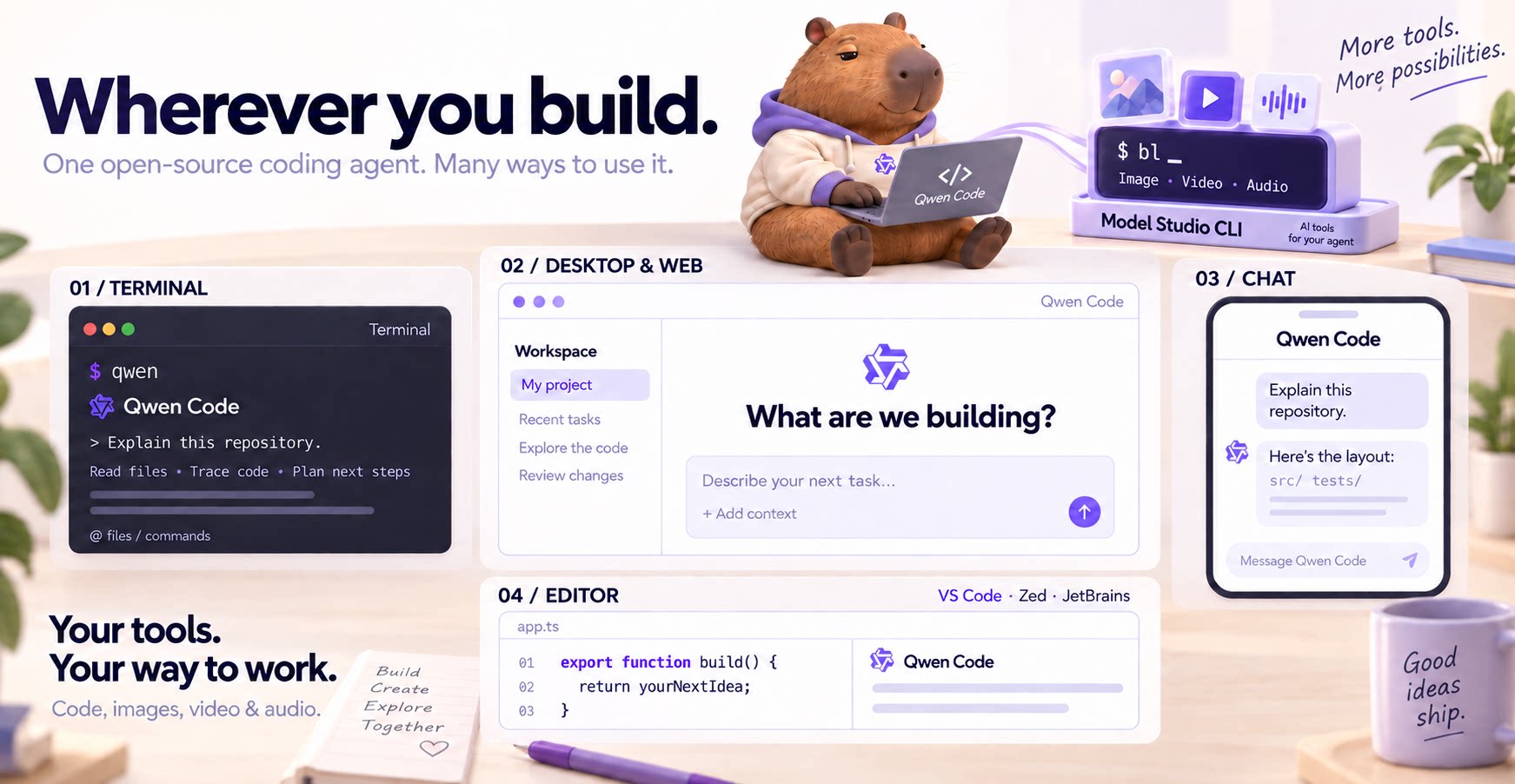
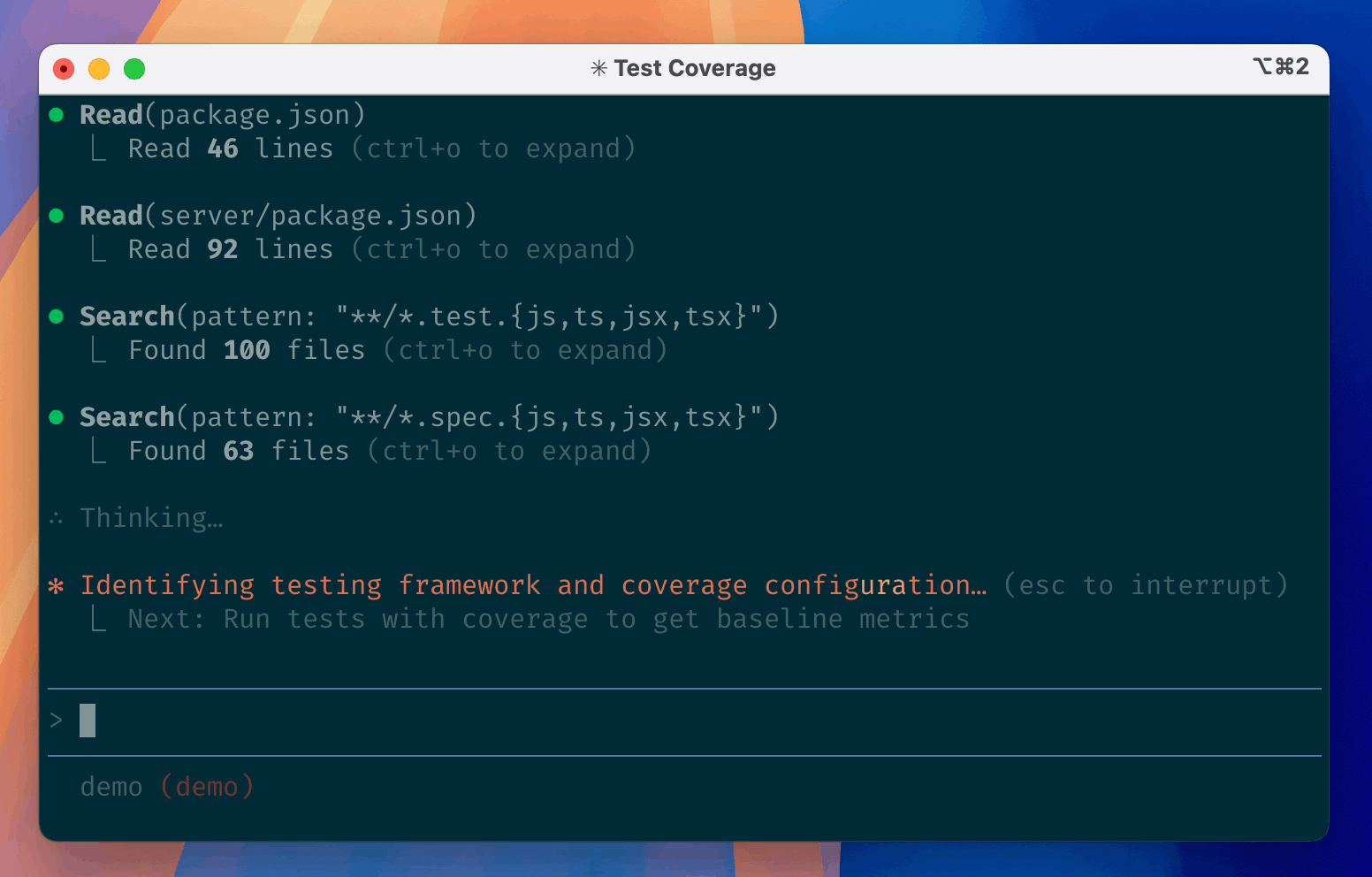
Qwen Code is an open-source AI agent for the terminal, optimized for Qwen series models. It helps you understand large codebases, automate tedious work, and ship faster.
- Multi-protocol, flexible providers: use OpenAI / Anthropic / Gemini-compatible APIs, Alibaba Cloud Coding Plan, OpenRouter, Fireworks AI, or bring your own API key.
- Open-source, co-evolving: both the framework and the Qwen3-Coder model are open-source—and they ship and evolve together.
- Agentic workflow, feature-rich: rich built-in tools (Skills, SubAgents) for a full agentic workflow and a Claude Code-like experience.
- Terminal-first, IDE-friendly: built for developers who live in the command line, with optional integration for VS Code, Zed, and JetBrains IDEs.

Installation
Quick Install (Recommended)
Linux / macOS
bash -c "$(curl -fsSL https://qwen-code-assets.oss-cn-hangzhou.aliyuncs.com/installation/install-qwen.sh)"
Windows (Run as Administrator)
Works in both Command Prompt and PowerShell:
powershell -Command "Invoke-WebRequest 'https://qwen-code-assets.oss-cn-hangzhou.aliyuncs.com/installation/install-qwen.bat' -OutFile (Join-Path $env:TEMP 'install-qwen.bat'); & (Join-Path $env:TEMP 'install-qwen.bat')"
Note: It's recommended to restart your terminal after installation to ensure environment variables take effect.
Manual Installation
Prerequisites
Make sure you have Node.js 20 or later installed. Download it from nodejs.org.
NPM
npm install -g @qwen-code/qwen-code@latest
Homebrew (macOS, Linux)
brew install qwen-code
Quick Start
# Start Qwen Code (interactive)
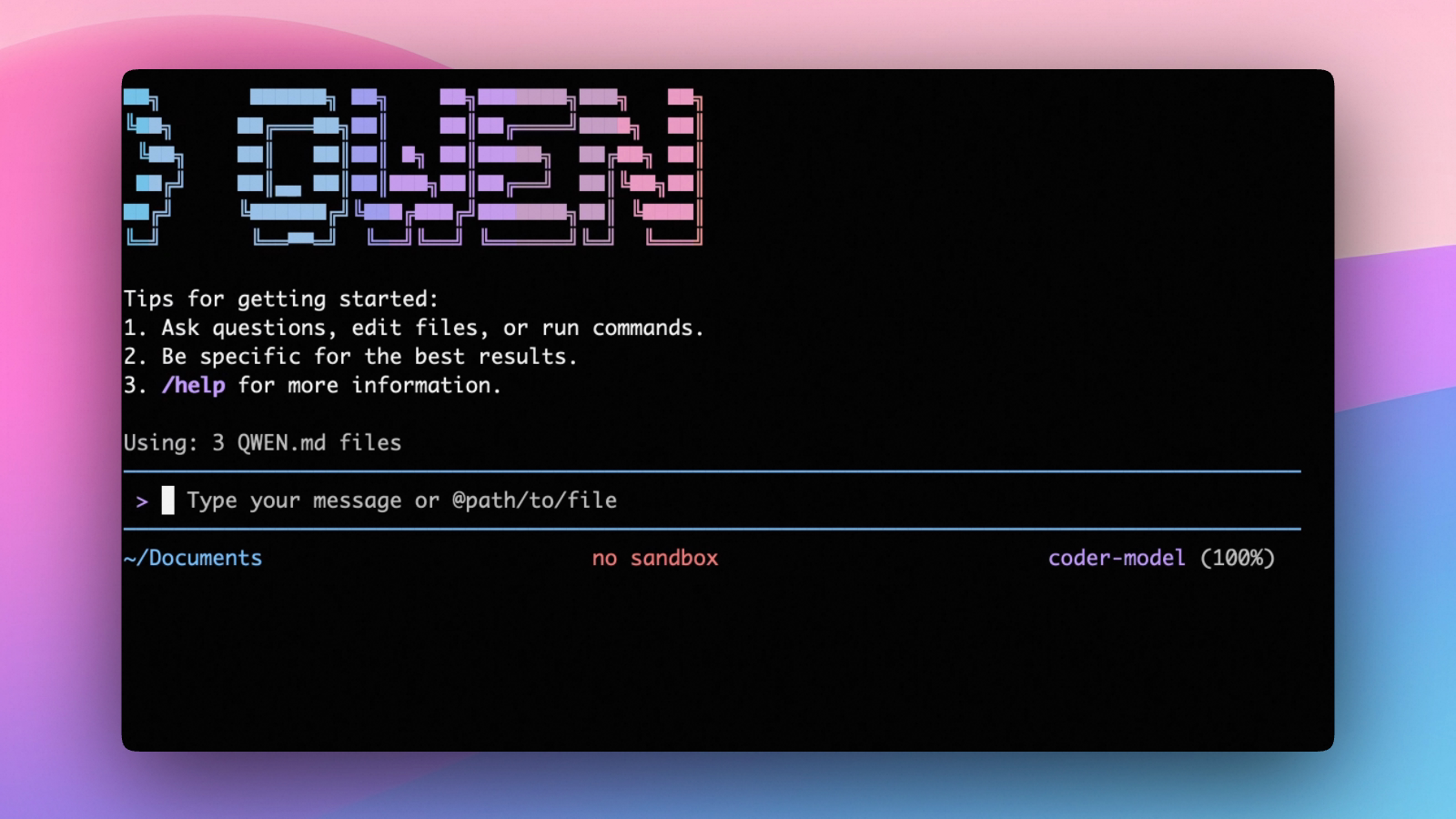
qwen
# Then, in the session:
/help
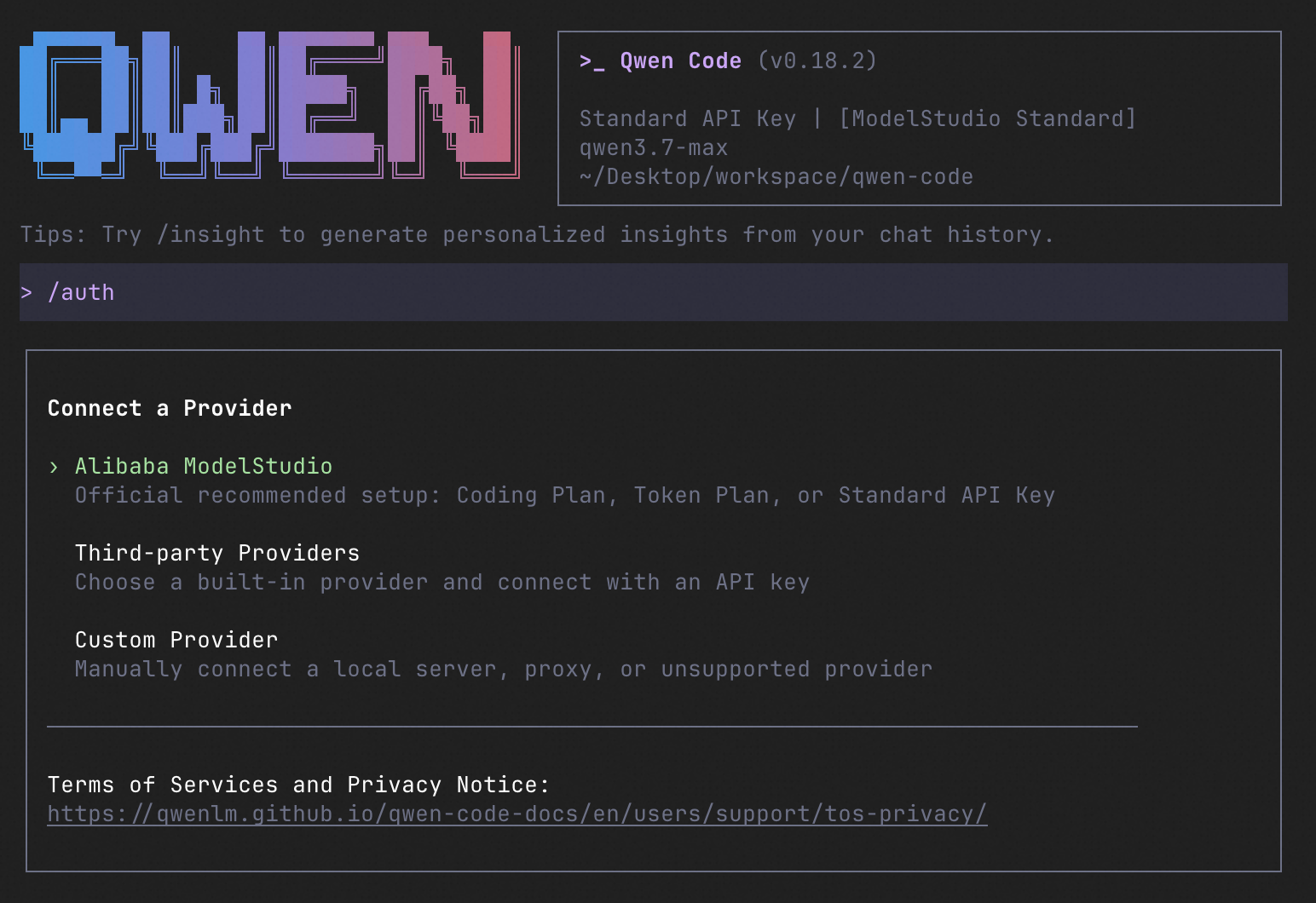
/auth
On first use, you'll be prompted to sign in. You can run /auth anytime to switch authentication methods.
Example prompts:
What does this project do?
Explain the codebase structure.
Help me refactor this function.
Generate unit tests for this module.
<details>
<summary>Click to watch a demo video</summary>
<video src="https://cloud.video.taobao.com/vod/HLfyppnCHplRV9Qhz2xSqeazHeRzYtG-EYJnHAqtzkQ.mp4" controls>
Your browser does not support the video tag.
</video>
</details>
🦞 Use Qwen Code for Coding Tasks in Claw
Copy the prompt below and paste it into your agent:
Use Qwen Code as a coding agent. First, fetch and read this skill reference:
https://raw.githubusercontent.com/QwenLM/qwen-code/refs/heads/main/.qwen/skills/qwen-code-claw/SKILL.md
Then follow the instructions inside to install, authenticate, and use Qwen Code via acpx for all coding tasks.
Authentication
Qwen Code supports the following authentication methods:
- API Key (recommended): use an API key from Alibaba Cloud Model Studio (Beijing / intl) or any supported provider (OpenAI, Anthropic, Google GenAI, and other compatible endpoints).
- Coding Plan: subscribe to the Alibaba Cloud Coding Plan (Beijing / intl) for a fixed monthly fee with higher quotas.
⚠️ Qwen OAuth was discontinued on April 15, 2026. If you were previously using Qwen OAuth, please switch to one of the methods above. Run
qwenand then/authto reconfigure.
API Key (recommended)
Use an API key to connect to Alibaba Cloud Model Studio or any supported provider. Supports multiple protocols:
- OpenAI-compatible: Alibaba Cloud ModelStudio, ModelScope, OpenAI, OpenRouter, and other OpenAI-compatible providers
- Anthropic: Claude models
- Google GenAI: Gemini models
The recommended way to configure models and providers is by editing ~/.qwen/settings.json (create it if it doesn't exist). This file lets you define all available models, API keys, and default settings in one place.
Quick Setup in 3 Steps
Step 1: Create or edit ~/.qwen/settings.json
Here is a complete example: