moderate2026
Established community presence but subsumed by ValeSimple English prose checks. Good starter tool but Vale covers its functionality via the write-good compatible style package.
5,067 stars, 191 forksOpen-source community
Lightweight naive English prose linter. Simple checks for passive voice, weasel words, clichés. Good starter tool but Vale subsumes its functionality via the write-good style package. 5,067 GitHub stars.
Where it wins
Simple, lightweight — easy to start with
5,067 GitHub stars — established presence
Checks passive voice, weasel words, clichés
Where to be skeptical
Vale subsumes its functionality via the write-good style package
No markup awareness, no CI/CD integration beyond basic usage
Naive approach — limited rule depth
Editorial verdict
Lightweight naive linter. Good starter tool, but Vale subsumes its functionality via the write-good style package. 5,067 stars. Use Vale instead for serious docs-as-code workflows.
Related
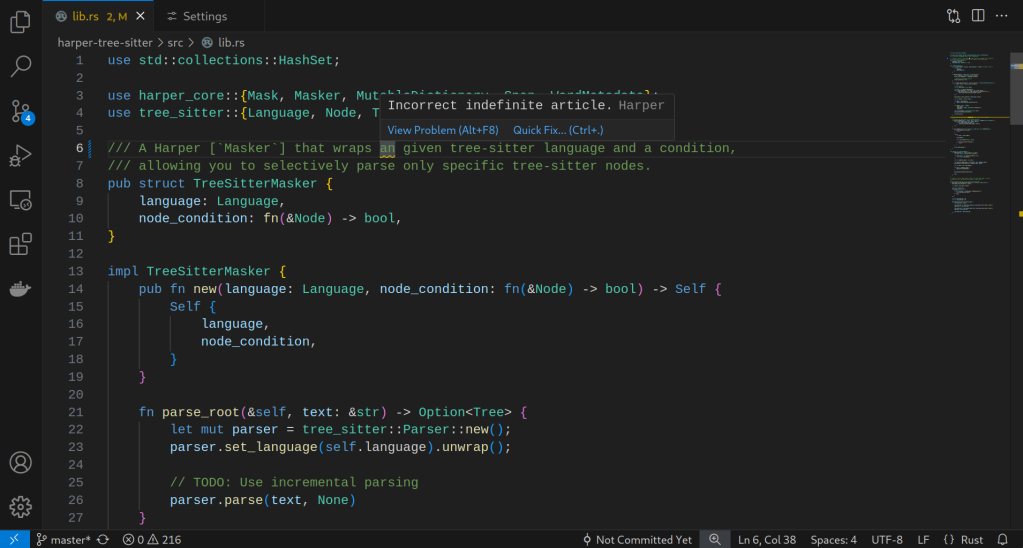
Harper
85Open-source, privacy-first grammar checker built in Rust + WebAssembly. Sub-10ms on-device processing. Browser extensions (Chrome, Firefox), editor plugins (VS Code, Neovim, Obsidian, WordPress). Backed by Automattic. Apache 2.0.
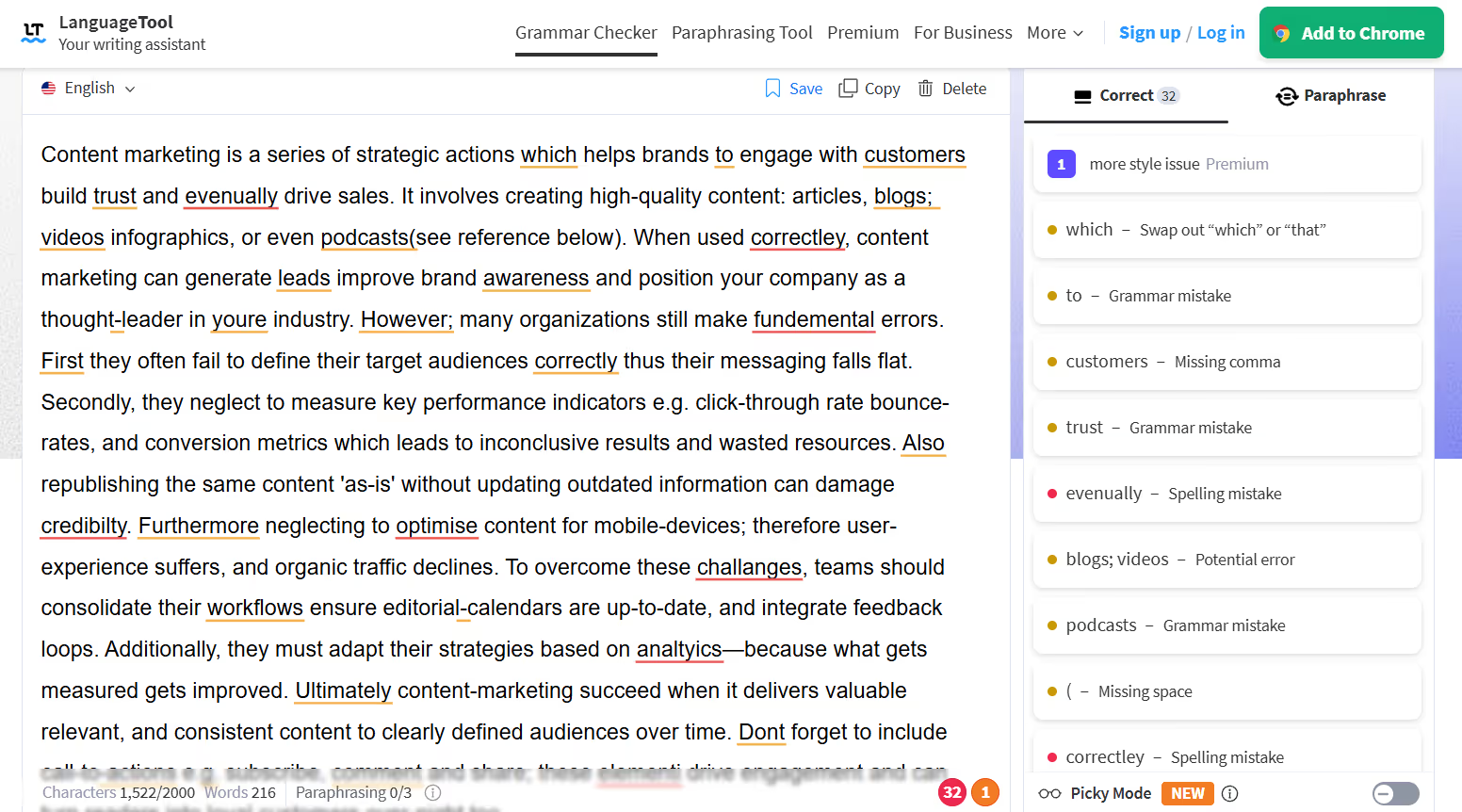
LanguageTool
84Open-source multilingual grammar and style checker supporting 30+ languages. Self-hostable, SOC 2 compliant, GDPR-friendly. Free tier + Premium from $4.99/mo. Written in Java. 14,184 GitHub stars — highest in content-writing category.
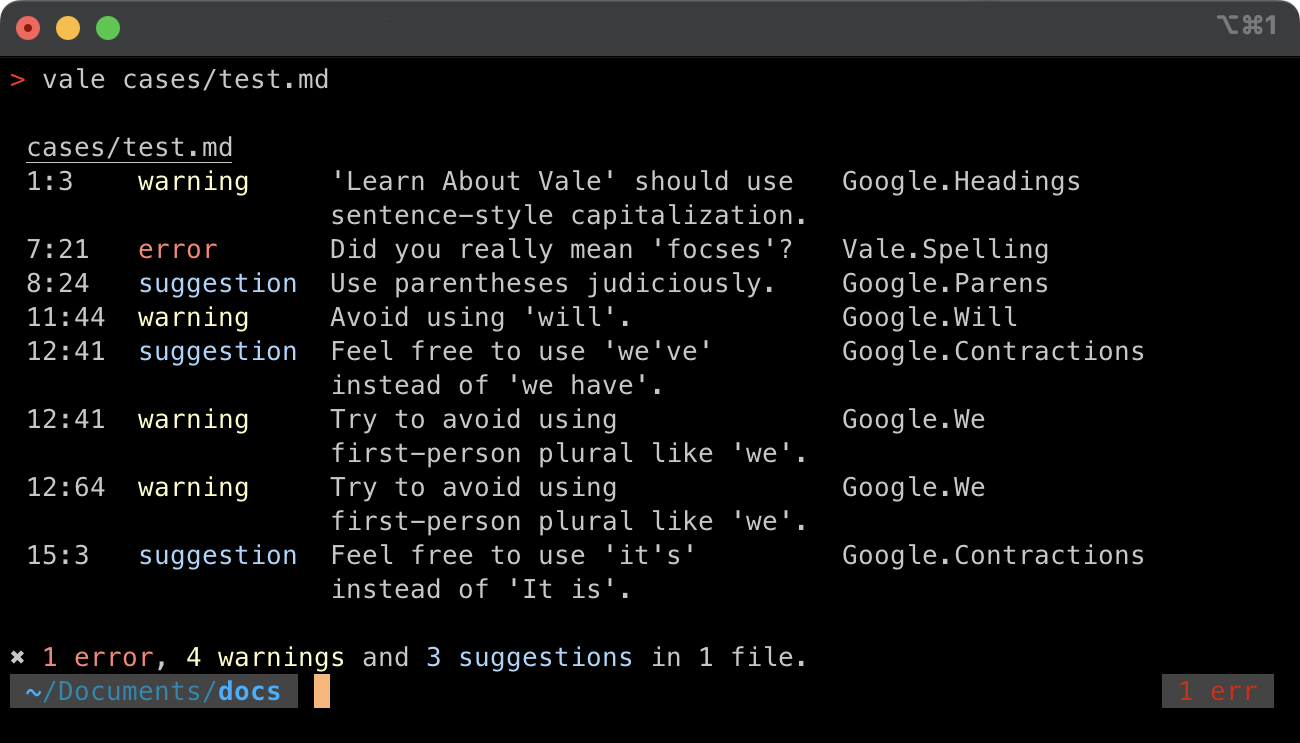
Vale
80Open-source prose linter for docs-as-code pipelines. Markup-aware (Markdown, reStructuredText, AsciiDoc, HTML), CI/CD-native, extensible style packages (Microsoft, Google, write-good). Written in Go.
proselint
72Prose linter based on advice from world-class writers and editors. 4,519 GitHub stars but 247 open issues signals maintenance debt. Vale has a proselint-compatible package.
Public evidence
Simple English prose checks. Good starter tool but Vale covers its functionality via the write-good compatible style package.
Raw GitHub source
Constrained peek so you can sanity-check the source material without leaving the site.

Naive linter for English prose for developers who can't write good and wanna learn to do other stuff good too.
npm install write-good
Important: Do not use this tool to be a jerk to other people about their writing.
writeGood is a function that takes a string and returns an array of suggestions.
var writeGood = require('write-good');

var suggestions = writeGood('So the cat was stolen.');

// suggestions:
//
// [{
//   reason: "omit 'So' from the beginning of sentences",
//   index: 0, offset: 2
// }, {
//   reason: "'was stolen' is passive voice",
//   index: 11, offset: 10
// }]
writeGood takes an optional second argument that allows you to disable certain checks.
You can disable checking for passive voice like this:
var writeGood = require('write-good');

var suggestions = writeGood('So the cat was stolen', { passive: false });
// suggestions: []
You can use the second argument's checks property to pass in custom checks instead of write-good's default linting configuration.
Like this, you can check non-English documents, for example with the linter extension for German, schreib-gut:
var schreibGut = require('schreib-gut');

writeGood('Aller Wahrscheinlichkeit nach können Entwickler nicht gut schreiben', { weasel-words: false, checks: schreibGut });

// suggestions
// [{index : 0, offset : 29, reason : '"Aller Wahrscheinlichkeit nach" is wordy or unneeded' }]
You can use the second argument's whitelist property to pass in a list of strings to whitelist from suggestions.
For example, normally only would be picked up as a bad word to use, but you might want to exempt read-only from that:
var writeGood = require('write-good');

var suggestions = writeGood('Never write read-only sentences.');
// suggestions: [{ index: 17, offset: 4, reason: '"only" can weaken meaning' }]

var filtered = writeGood('Never write read-only sentences.', { whitelist: ['read-only'] });
// filtered: []
You can use write-good as a command-line tool by installing it globally:
npm install -g write-good
If you have npm version 5.2.0 or later installed, you can use npx to run write-good without installing it:
npx write-good *.md
write-good takes a glob and prints suggestions to stdout:
$ write-good *.md

In README.md
=============
 = writeGood('So the cat was stolen.');
                         ^^^^^^^^^^
"was stolen" is passive voice on line 20 at column 40
-------------
//   suggestion: "'was stolen' is passive voice",
                   ^^^^^^^^^^
"was stolen" is passive voice on line 28 at column 19
You can run just specific checks like this:
write-good *.md --weasel --so
Or exclude checks like this:
write-good *.md --no-passive
Or include checks like this:
# E-Prime is disabled by default.
write-good *.md --yes-eprime
Note: The --yes prefix only works for E-Prime, because the other checks are included by default, anyway.
You can run just with text without supplying files:
write-good --text="It should have been defined there."
You can even supply multi-line text:
write-good --text="I can't see a problem there that's not been defined yet.
Should be defined again."
You can also pass other arguments:
write-good --text="It should have been defined there." --no-passive