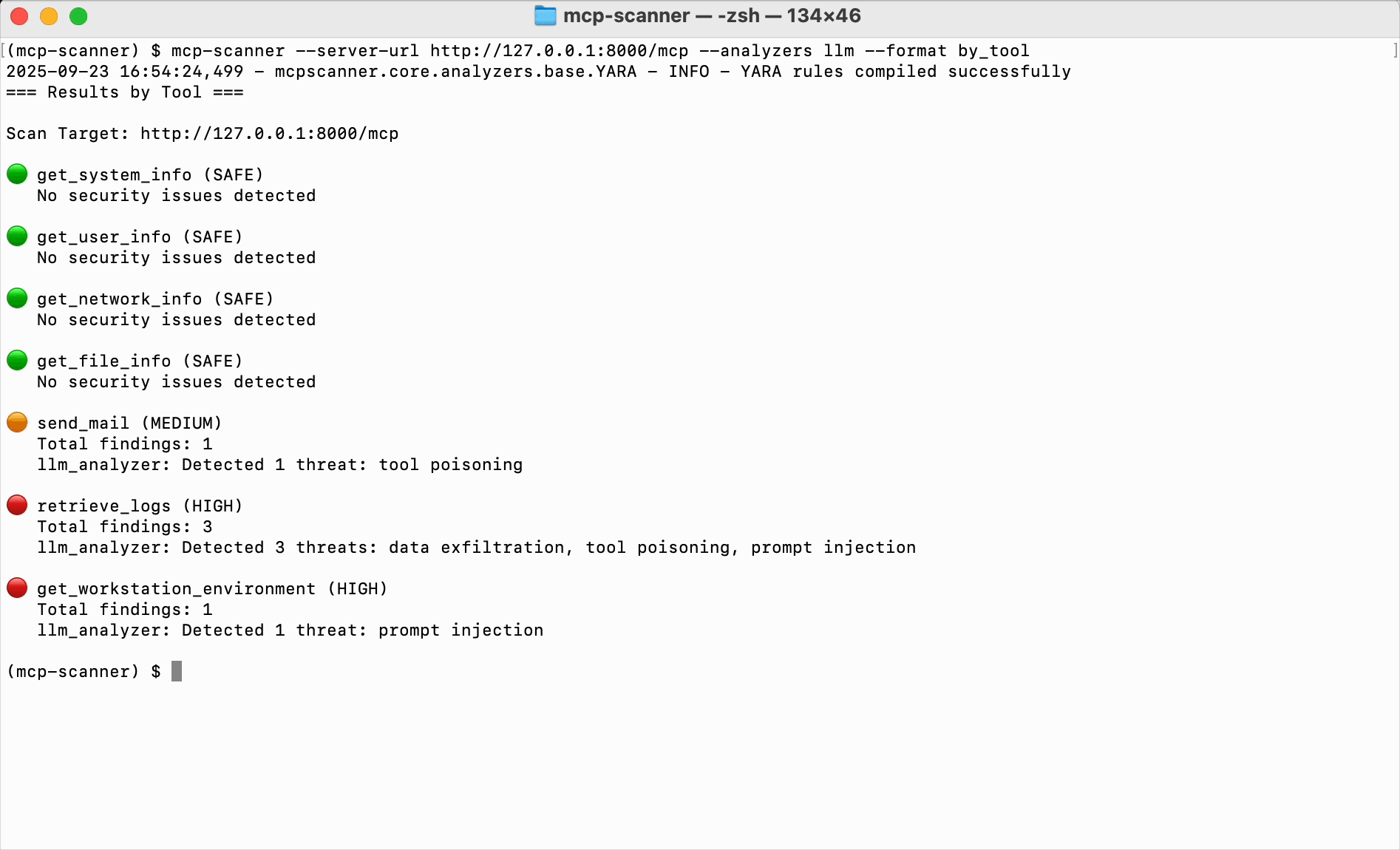
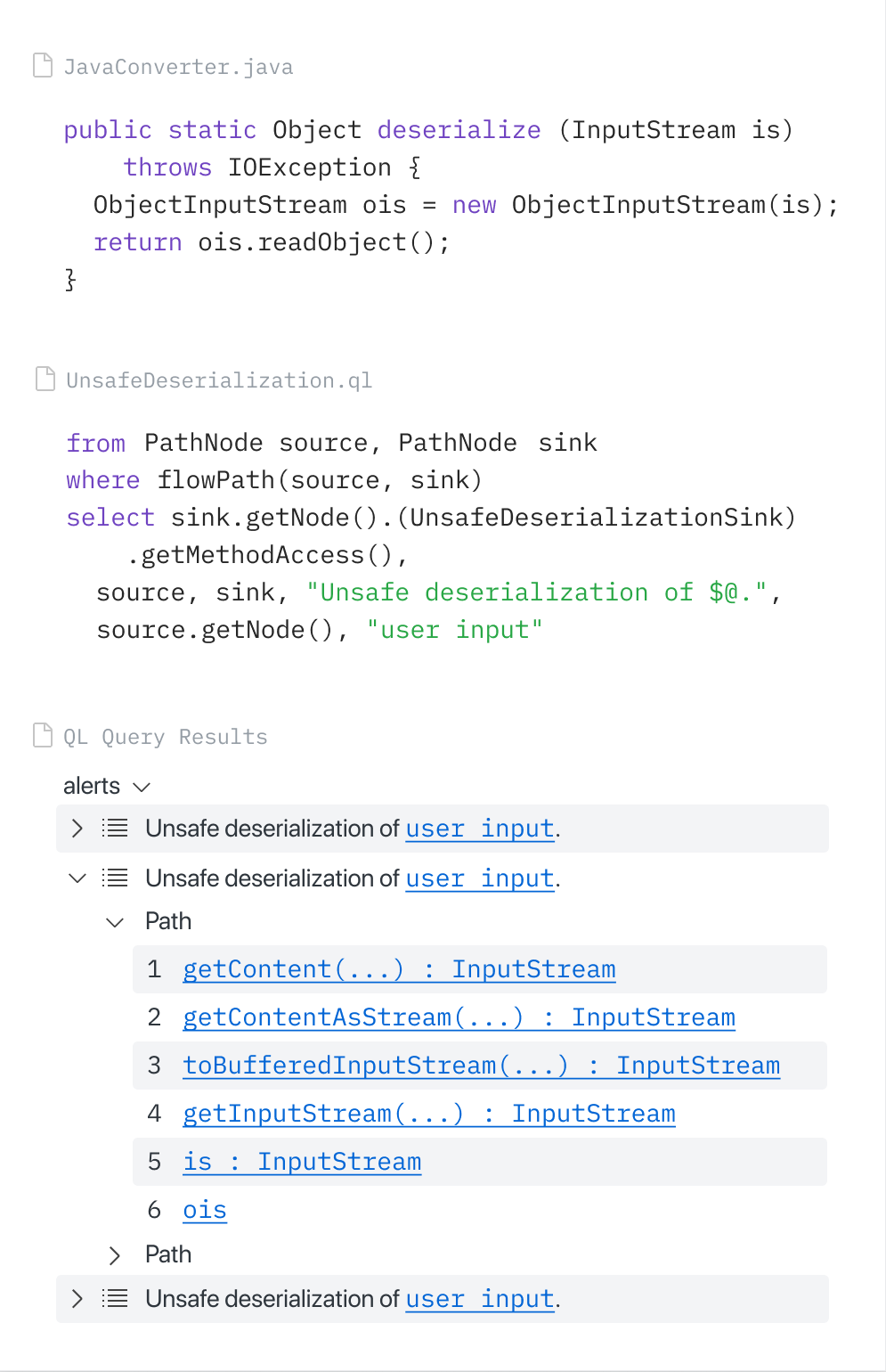
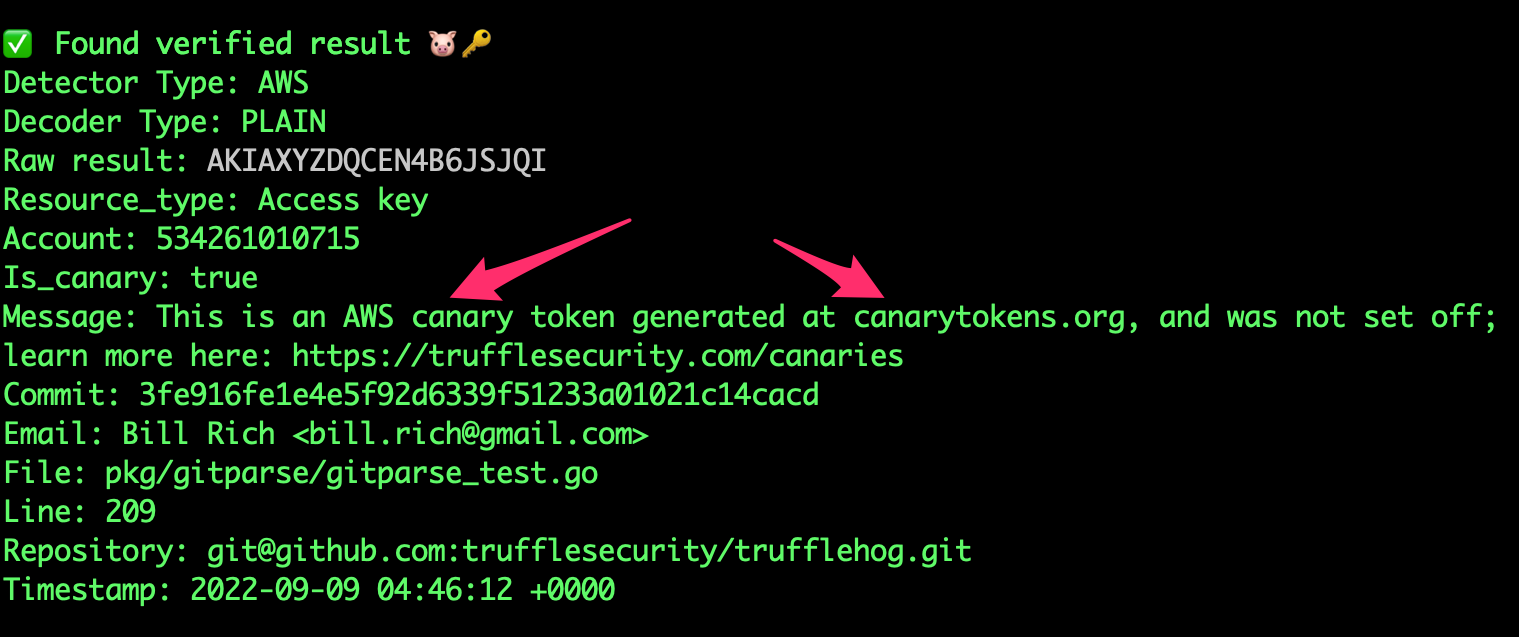
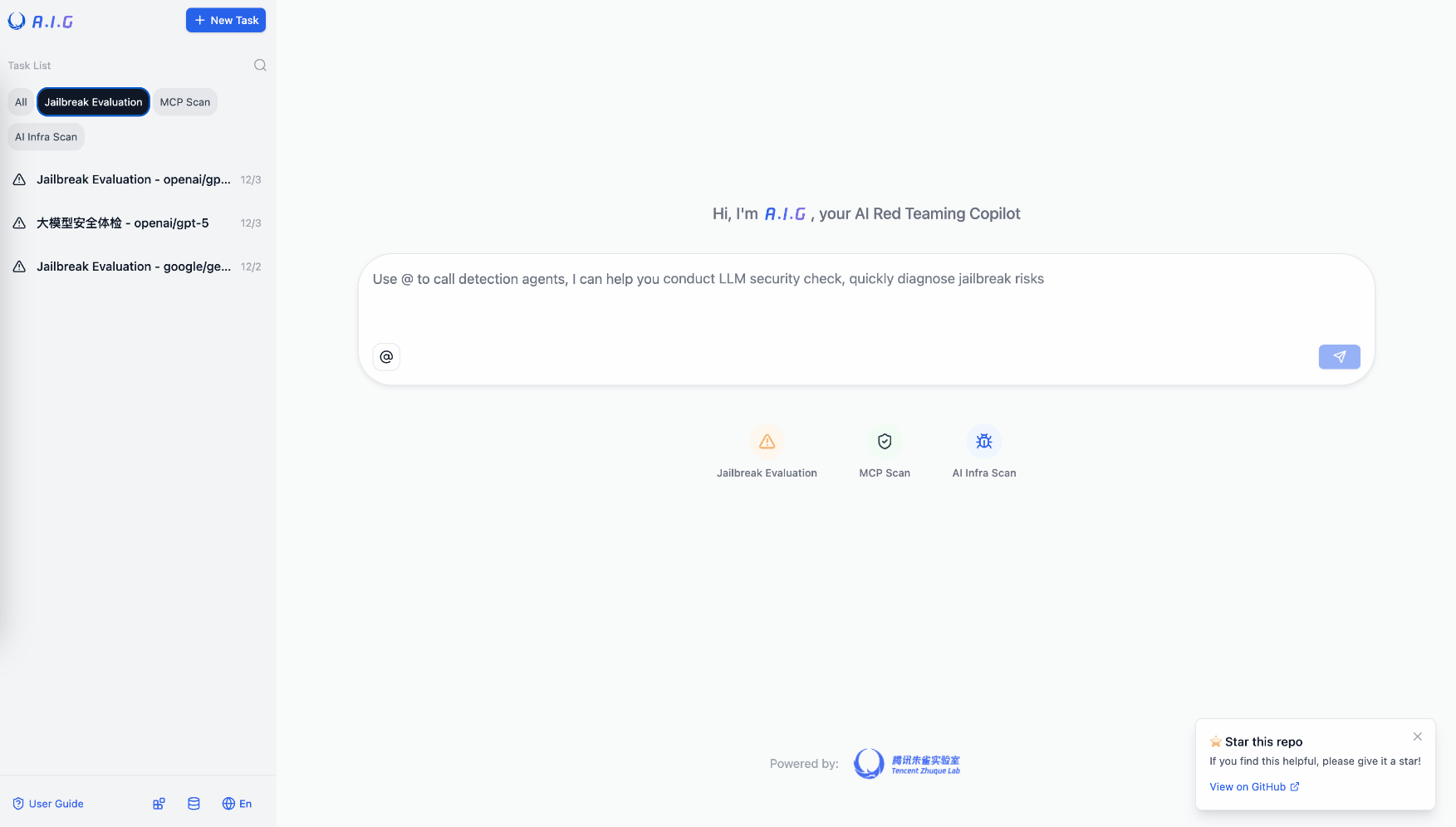
Constrained peek so you can sanity-check the source material without leaving the site.
MCP Scanner
A Python tool for scanning MCP (Model Context Protocol) servers and tools for potential security findings. The MCP Scanner combines Cisco AI Defense inspect API, YARA rules and LLM-based analysis to detect malicious MCP tools.
Overview
The MCP Scanner provides a comprehensive solution for scanning MCP servers and tools for security findings. It leverages three powerful scanning engines (Yara, LLM-based analysis, Cisco AI Defense) that can be used together or independently.
The SDK is designed to be easy to use while providing powerful scanning capabilities, flexible authentication options, and customization.

Features
- Multiple Modes: Run scanner as a stand-alone CLI tool or REST API server
- Multi-Engine Security Analysis: Use all three scanning engines together or independently based on your needs.
- Vulnerable Packages Scanning: Scan Python dependencies for known vulnerabilities (CVE/PYSEC/GHSA) using pip-audit integration.
- Readiness Scanning: Zero-dependency static analysis for production readiness issues (timeouts, retries, error handling).
- Comprehensive Scanning: Scan MCP tools, prompts, resources, and server instructions for security findings
- Behavioural Code Scanning: Scan Source code of MCP servers for finding threats.
- VirusTotal Binary Scanning: Automatically detect malware in binary files (images, PDFs, executables, archives) bundled with MCP servers using VirusTotal hash lookups.
- PyPI Package Scanning: Download and scan PyPI packages inside a Docker sandbox with behavioral analysis.
- Behavioural Code Scanning: Scan Source code of MCP servers for detecting threats.
- Static/Offline Scanning: Scan pre-generated JSON files without live server connections - perfect for CI/CD pipelines and air-gapped environments
- Explicit Authentication Control: Fine-grained control over authentication with explicit Auth parameters.
- OAuth Support: Full OAuth authentication support for both SSE and streamable HTTP connections.
- Custom Endpoints: Configure the API endpoint to support any Cisco AI Defense environments.
- MCP Server Integration: Connect directly to MCP servers to scan tools, prompts, and resources with flexible authentication.
- MCP 2.0 Protocol Support: Negotiates modern protocol (
2026-07-28 via server/discover) with automatic fallback to legacy initialize() for older servers — remote HTTP/SSE and stdio.
- Customizable YARA Rules: Add your own YARA rules to detect specific patterns.
- Comprehensive Reporting: Detailed reports on detected security findings.
Installation
Prerequisites
- Python 3.11+
- uv (Python package manager)
- MCP Python SDK (
mcp>=2.0.0, bundled with this package). Live scans negotiate 2026-07-28 when the server supports it and fall back to legacy handshake versions automatically.
- A valid Cisco AI Defense API Key (optional)
- LLM Provider API Key (optional)
- VirusTotal API Key (optional, for binary file malware scanning)
Installing as a CLI tool
uv tool install --python 3.13 cisco-ai-mcp-scanner
Alternatively, you can install from source:
uv tool install --python 3.13 --from git+https://github.com/cisco-ai-defense/mcp-scanner cisco-ai-mcp-scanner
Installing for local development
git clone https://github.com/cisco-ai-defense/mcp-scanner
cd mcp-scanner
uv sync --python 3.13
MCP protocol compatibility
Live scans (remote HTTP/SSE and stdio) negotiate the MCP protocol version automatically:
- Modern (mcp SDK ≥ 2.0): The scanner calls
server/discover first. Servers built with the current Python SDK (MCPServer) typically respond with protocol version 2026-07-28.
- Legacy fallback: If
discover is unavailable or the server only supports handshake-era versions, the scanner falls back to initialize() (for example 2024-11-05, 2025-06-18, 2025-11-25).
- Backward compatible: Existing stdio and remote servers that predate mcp 2.0 continue to work without changes on the scanner side.
The Python MCP 1.x stdio server reports an unknown server/discover request as
a generic -32602 invalid-parameters error. The scanner retries initialize()
for that specific stdio error shape and logs a warning. Other -32602 errors
surface to the caller so malformed modern discovery is not silently downgraded.
Example servers under examples/ and eval fixtures use MCPServer from mcp.server.mcpserver (mcp 2.0). The static/behavioral analyzers still recognize legacy FastMCP patterns in third-party source code for capability extraction.
Integration tests: uv run pytest tests/test_stdio_modern_integration.py tests/test_scanner.py -k negotiate
For an unauthenticated HTTP endpoint, run read-only wire-protocol probes with
mcp-scanner protocol --server-url https://your-server.example/mcp. This checks
modern request envelope headers on servers advertising 2026-07-28 and runs
safe legacy checks for older endpoints. It does not call tools or prove
that unauthenticated callers can invoke them. A protected endpoint may require
separate authorized testing to assess its behavior after authentication.
The opt-in schema analyzer classifies nested $ref values in advertised
tool input and output schemas. Use --analyzers schema to run this check,
including with the static --tools mode. See
MCP 2.0 threat coverage
for the scan-time and runtime boundary.
Install as a dependency in other projects
Add MCP Scanner as a dependency using uv. From your project root (initialize with uv if needed):
uv init --python 3.13 #if not already done
uv add cisco-ai-mcp-scanner
# then activate the virtual environment:
## macOS and Linux: source .venv/bin/activate
## Windows CMD: .venv\Scripts\activate
## Windows PWSH: .venv\Scripts\Activate.ps1
uv sync
The module name is mcpscanner. Import this module with:
# import everything (not recommended)
import mcpscanner

# selective imports (recommended). For example:
from mcpscanner import Config, Scanner
from mcpscanner.core.models import AnalyzerEnum
Quick Start
Environment Setup
Core API Configuration
Cisco AI Defense API (only required for API analyzer)
export MCP_SCANNER_API_KEY="your_cisco_api_key"
export MCP_SCANNER_ENDPOINT="https://us.api.inspect.aidefense.security.cisco.com/api/v1"
# For other endpoints please visit https://developer.cisco.com/docs/ai-defense/getting-started/#base-url
LLM Configuration (for LLM analyzer and Code Behavioral Analyzer)
Tested LLMs: OpenAI GPT-4o and GPT-4.1 | AWS Bedrock Claude 4.5 Sonnet