moderate2025-05
Show HN: Plexe — 130 points, 49 commentsGood traction for an ML tool launch. YC X25 backing.
130 pts / 49 commentsHN community
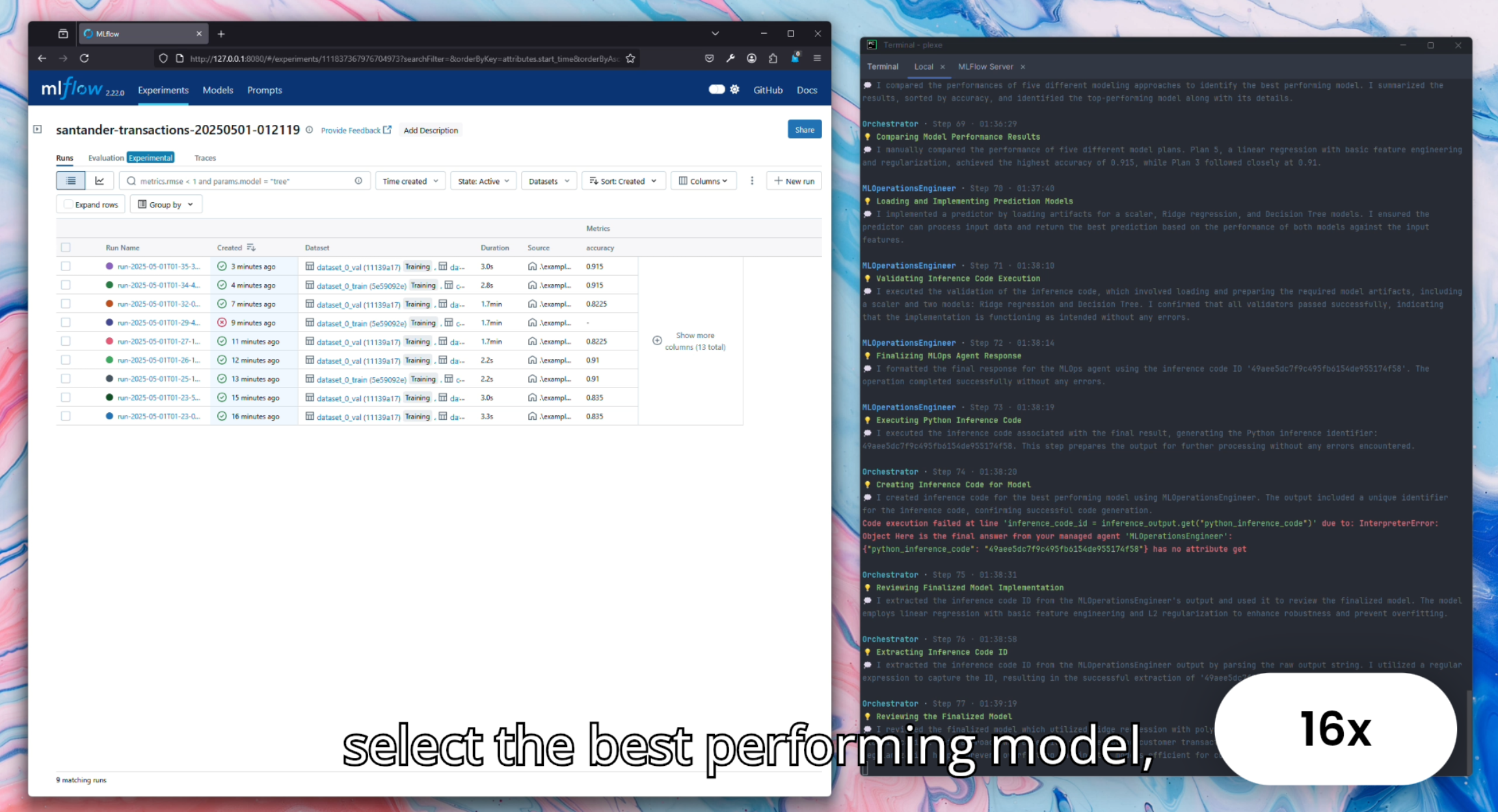
Prompt-to-ML-model tool: describe what you want to predict, get a trained model. Self-correcting team of ML engineering agents. YC X25, 2.6K stars, Apache-2.0.
Where it wins
Uniquely differentiated: natural language → trained ML model — no other tool does this
YC X25 backed with two HN stories (130 pts, 85 pts)
Self-correcting team of ML engineering agents — genuinely agentic
Open source Python library + managed cloud
Apache-2.0 license
Where to be skeptical
Very early (2.8K monthly PyPI downloads)
No independent technical reviews — all coverage is launch-related
Small contributor base (9 contributors)
Needs more real-world validation
Editorial verdict
Most promising prompt-to-ML-model tool — early but uniquely differentiated. Natural language → trained ML model. Needs more real-world validation before it can rank higher.
Source
Videos
Reviews, tutorials, and comparisons from the community.
Building an ML model with Plexe
Related
Marimo
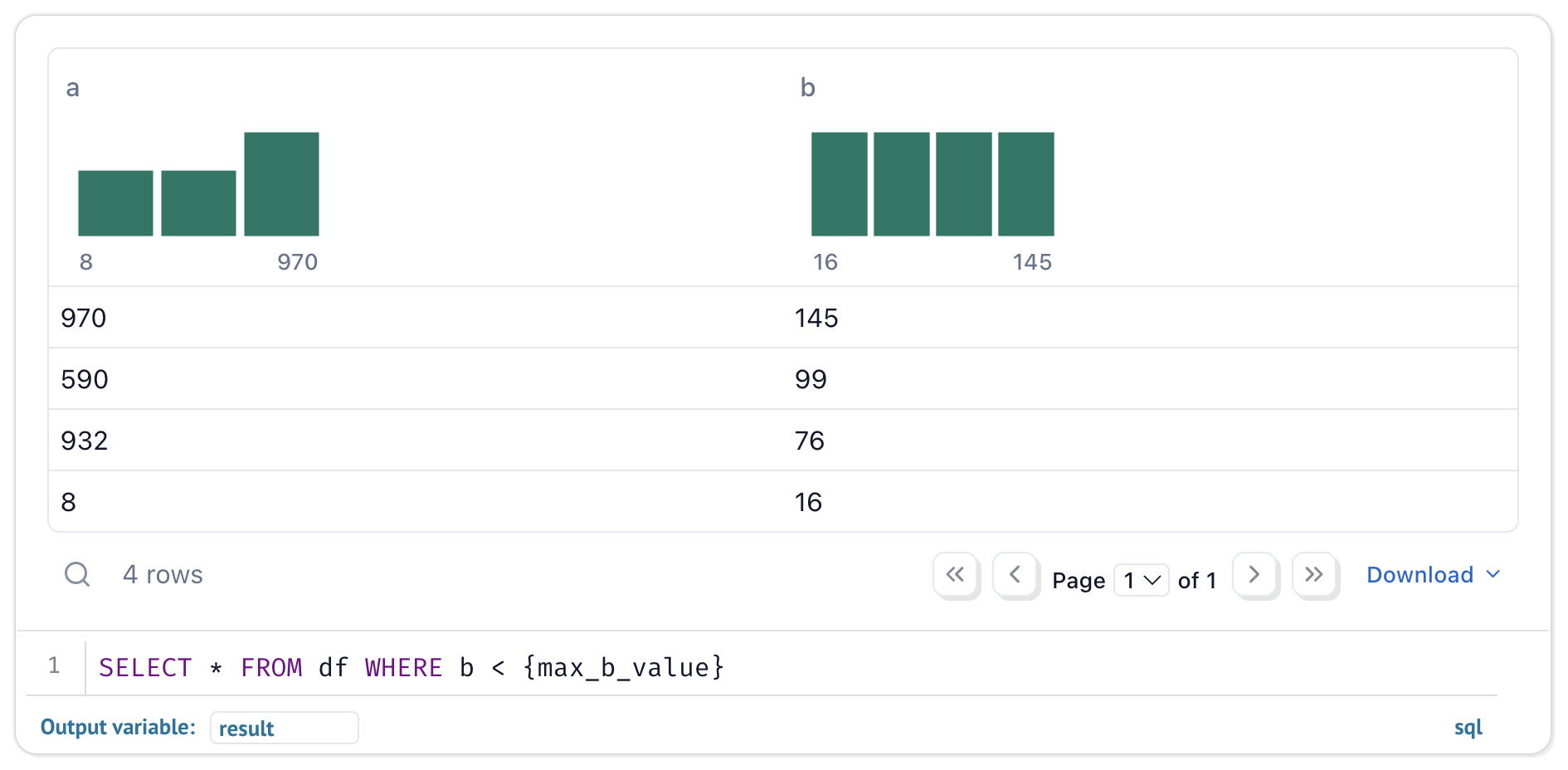
93Reactive Python notebook that replaces Jupyter. Pure .py files, reactive DAG execution, dual-mode (notebook → app). 19.8K stars, 1.9M monthly PyPI downloads, 261 contributors.
Streamlit
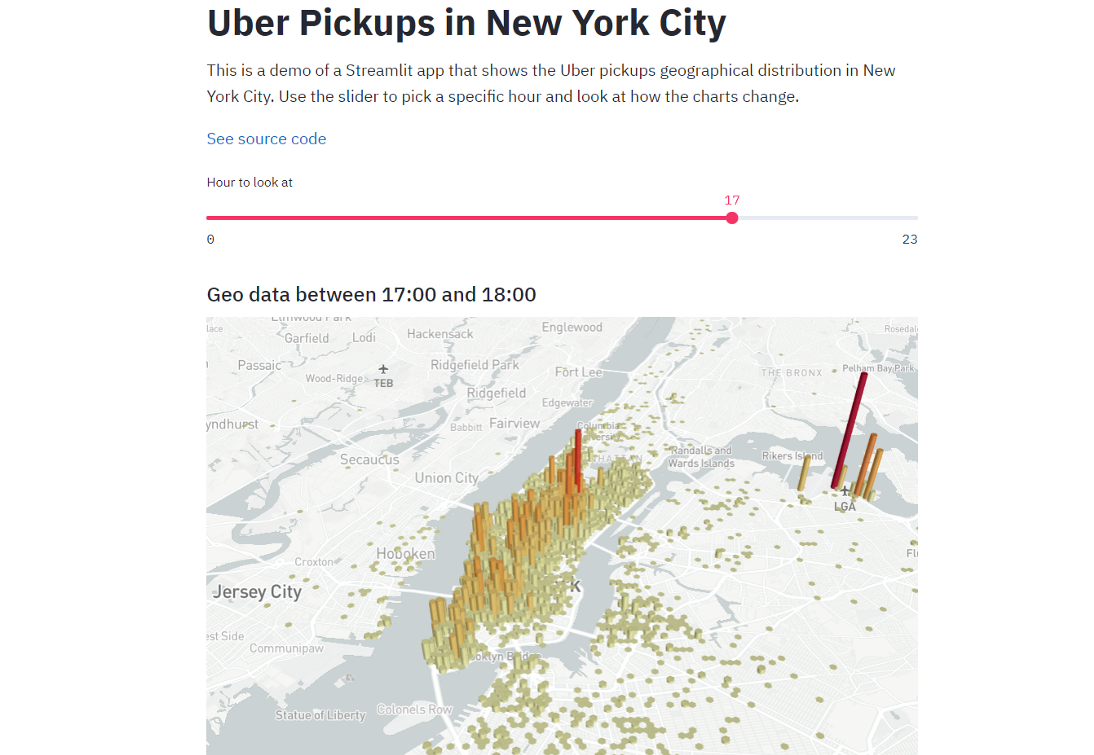
90The dominant Python data app framework. 44K stars, 31.8M monthly PyPI downloads, acquired by Snowflake for $800M. Ecosystem giant for deploying data apps — the standard answer for sharing Python analysis as a web app.
Observable Framework
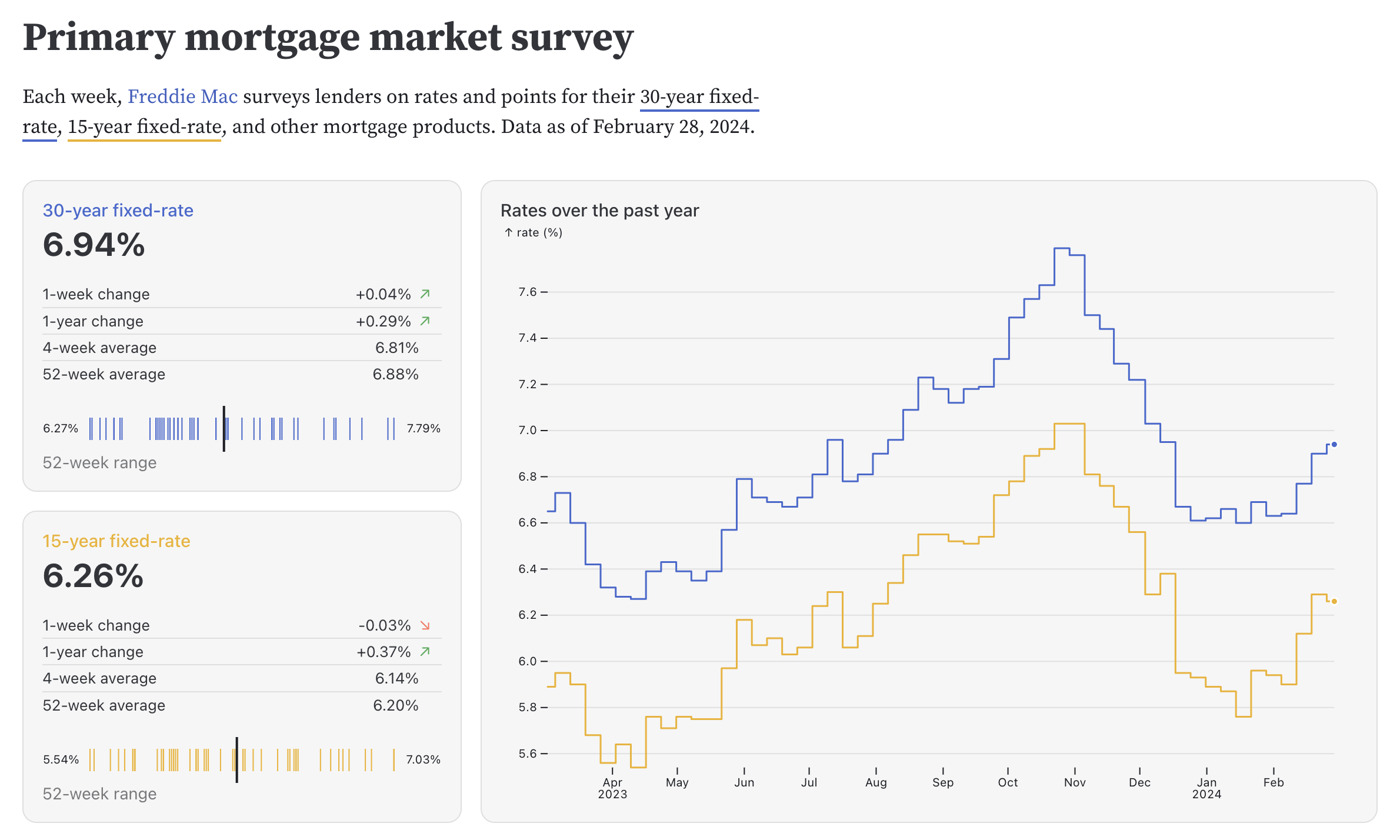
84Static site generator for data apps with D3.js lineage. Full web dev power (HTML, CSS, JS, React). 3.4K stars, 16.7K npm monthly downloads, 360 pts on HN.
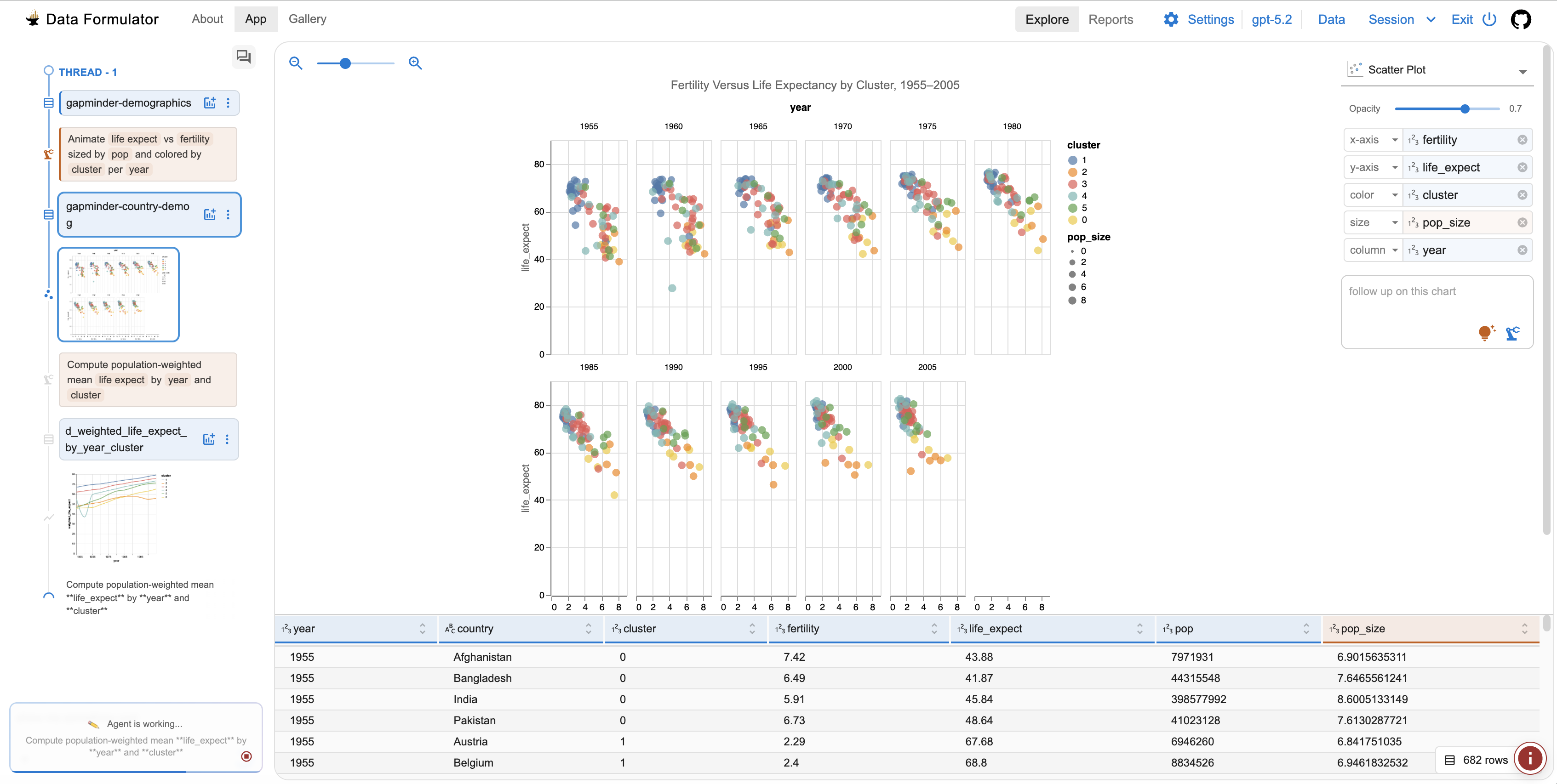
Data Formulator
82AI-powered data visualization tool from Microsoft Research. Interactive AI agents iterate on chart design from raw data. 15.1K stars, MIT license, very active development.
Public evidence
Good traction for an ML tool launch. YC X25 backing.
Raw GitHub source
Constrained peek so you can sanity-check the source material without leaving the site.
Build machine learning models using natural language.
Quickstart | Features | Installation | Documentation
<br>plexe lets you create machine learning models by describing them in plain language. Simply explain what you want, provide a dataset, and the AI-powered system builds a fully functional model through an automated agentic approach. Also available as a managed cloud service.
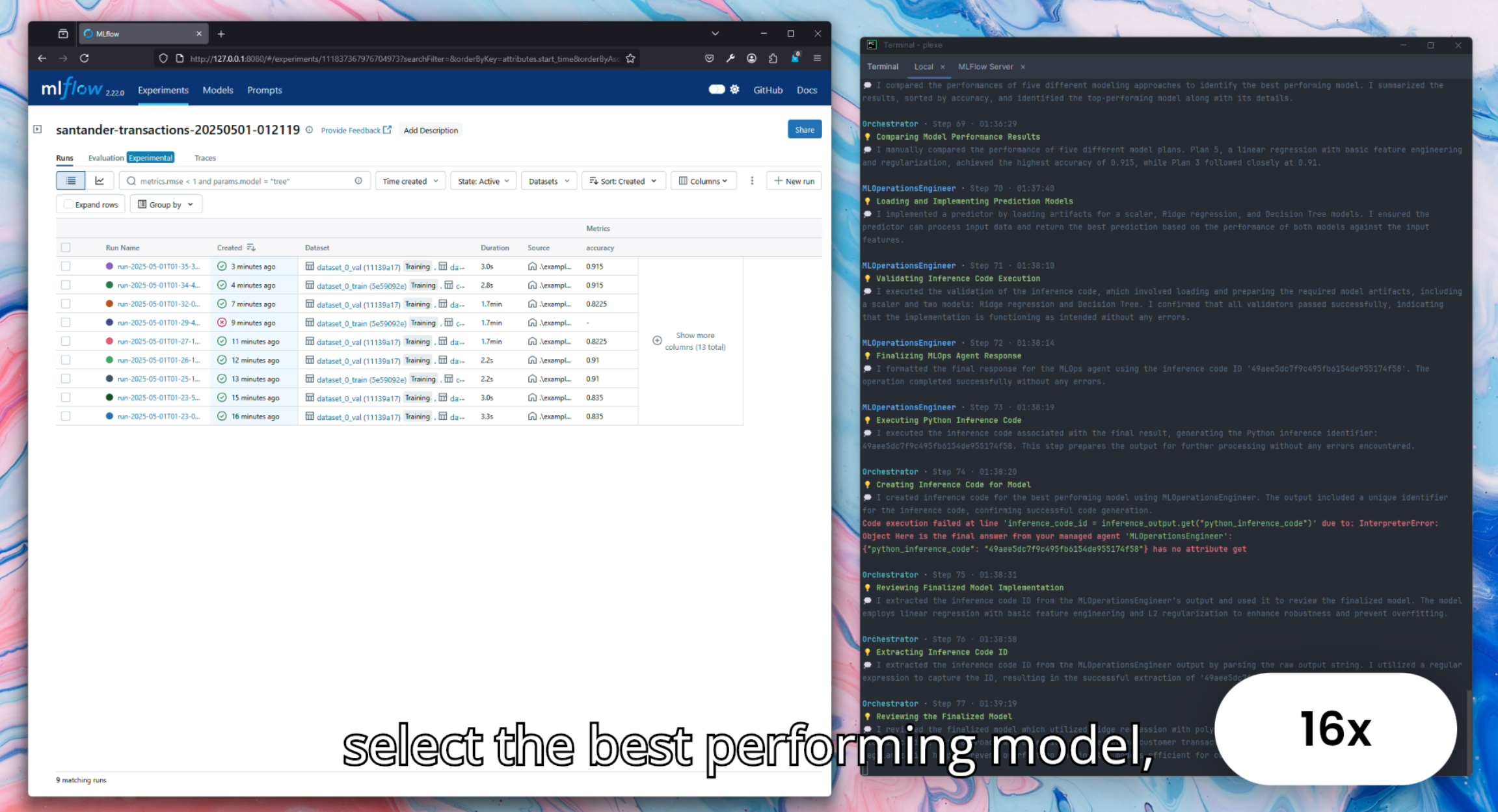
<br>Watch the demo on YouTube:
pip install plexe
export OPENAI_API_KEY=<your-key>
export ANTHROPIC_API_KEY=<your-key>
Provide a tabular dataset (Parquet, CSV, ORC, or Avro) and a natural language intent:
python -m plexe.main \
    --train-dataset-uri data.parquet \
    --intent "predict whether a passenger was transported" \
    --max-iterations 5
from plexe.main import main
from pathlib import Path

best_solution, metrics, report = main(
    intent="predict whether a passenger was transported",
    data_refs=["train.parquet"],
    max_iterations=5,
    work_dir=Path("./workdir"),
)
print(f"Performance: {best_solution.performance:.4f}")
The system uses 14 specialized AI agents across a 6-phase workflow to:
Build complete models with a single call. Plexe supports XGBoost, CatBoost, LightGBM, Keras, and PyTorch for tabular data:
best_solution, metrics, report = main(
    intent="predict house prices based on property features",
    data_refs=["housing.parquet"],
    max_iterations=10,                    # Search iterations
    allowed_model_types=["xgboost"],      # Or let plexe choose
    enable_final_evaluation=True,         # Evaluate on held-out test set
)
Run python -m plexe.main --help for all CLI options.
The output is a self-contained model package at work_dir/model/ (also archived as model.tar.gz).
The package has no dependency on plexe — build the model with plexe, deploy it anywhere:
model/
├── artifacts/          # Trained model + feature pipeline (pickle)
├── src/                # Inference predictor, pipeline code, training template
├── schemas/            # Input/output JSON schemas
├── config/             # Hyperparameters
├── evaluation/         # Metrics and detailed analysis reports
├── model.yaml          # Model metadata
└── README.md           # Usage instructions with example code
Run plexe with everything pre-configured — PySpark, Java, and all dependencies included.
A Makefile is provided for common workflows:
make build          # Build the Docker image
make test-quick     # Fast sanity check (~1 iteration)
make run-titanic    # Run on Spaceship Titanic dataset
Or run directly:
docker run --rm \
    -e OPENAI_API_KEY=$OPENAI_API_KEY \
    -e ANTHROPIC_API_KEY=$ANTHROPIC_API_KEY \
    -v $(pwd)/data:/data -v $(pwd)/workdir:/workdir \
    plexe:py3.12 python -m plexe.main \
        --train-dataset-uri /data/dataset.parquet \
        --intent "predict customer churn" \
        --work-dir /workdir \
        --spark-mode local
A config.yaml in the project root is automatically mounted. A Databricks Connect image
is also available: docker build --target databricks .
Customize LLM routing, search parameters, Spark settings, and more via a config file:
# config.yaml
max_search_iterations: 5
allowed_model_types: [xgboost, catboost]
spark_driver_memory: "4g"
hypothesiser_llm: "openai/gpt-5-mini"
feature_processor_llm: "anthropic/claude-sonnet-4-5-20250929"
CONFIG_FILE=config.yaml python -m plexe.main ...